
Takashi Shaders
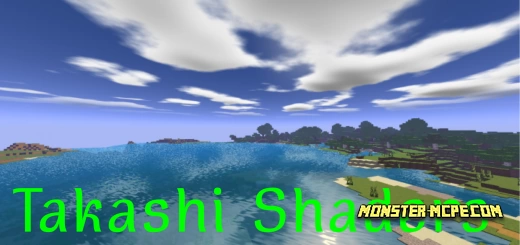
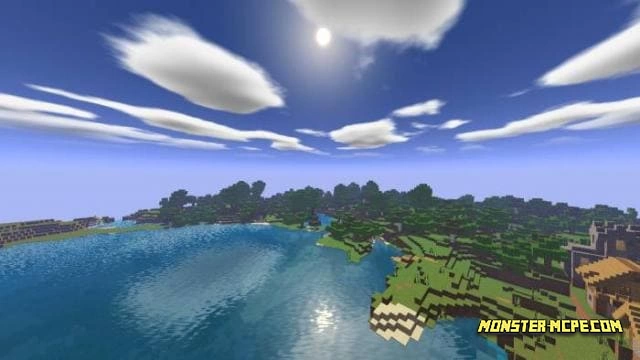
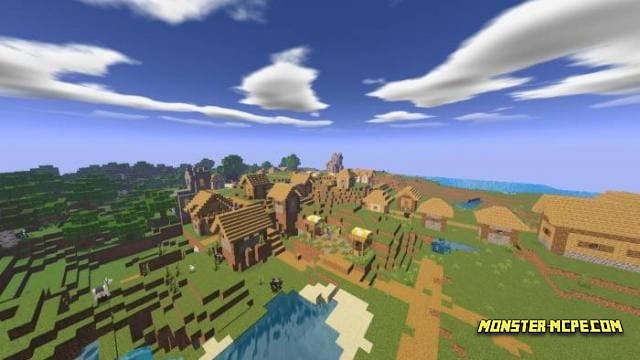
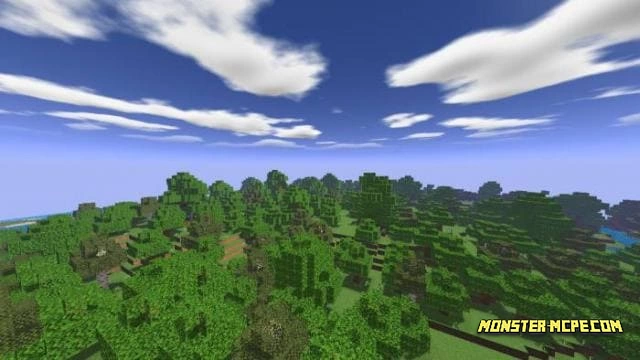
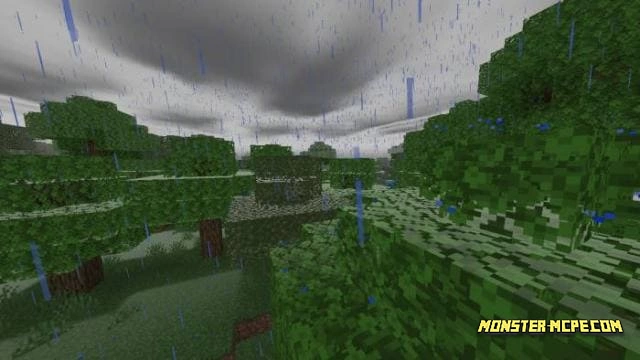
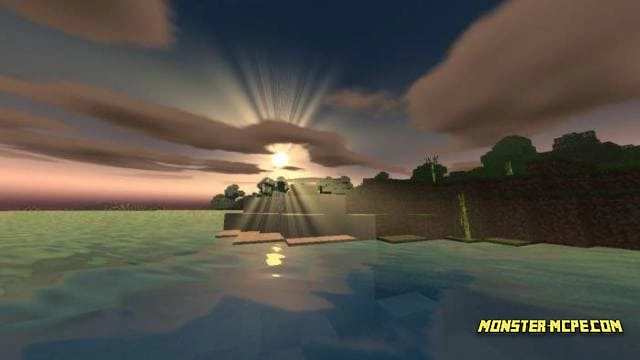
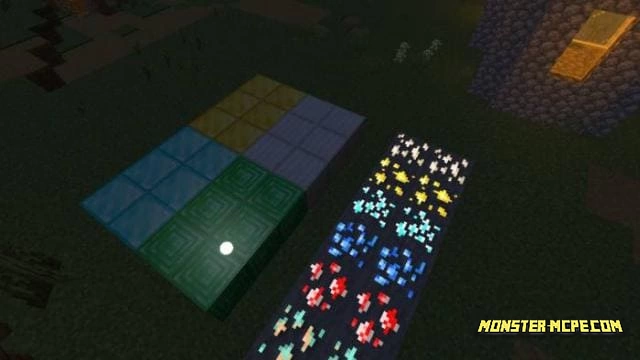
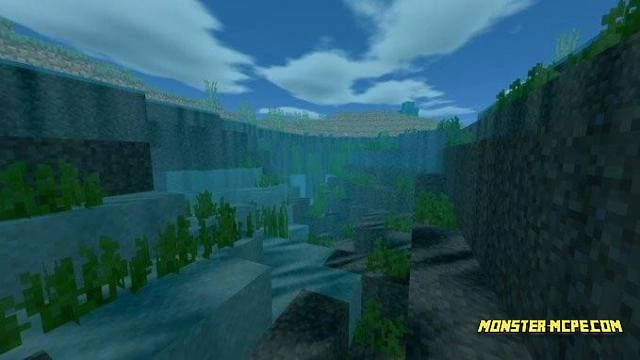
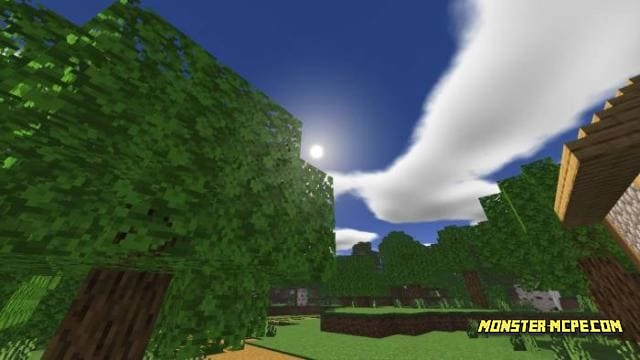
Improved color palette, realistic sky and water - this is just a small part of what will appear in Minecraft Pocket Edition when you install Takashi shaders. In addition, the sun and moon will be updated, ore will get a glow, and the weather will become even more lively. Now the whole world will be much better, and nature will play with new colors.
Features
Available in three views: low, medium and high
Realistic water, shadows and sky
True-to-life natural colors
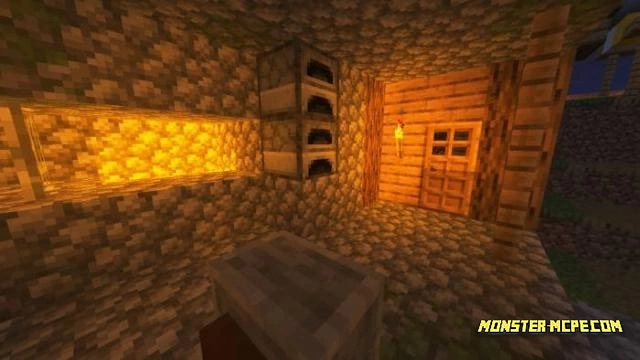
Warm glow from torches
Sunlight
Glowing ore, reflection from metal blocks and water
Improved fog and rain
How to install Takashi Shaders
- Download the file below.
- Open it - Minecraft imports the pack by itself.
- Activate the pack in the world you want to play in.
Download Takashi Shaders
Related News:
 Better Fog and Water Colors Texture Pack
 Voxel Shaders
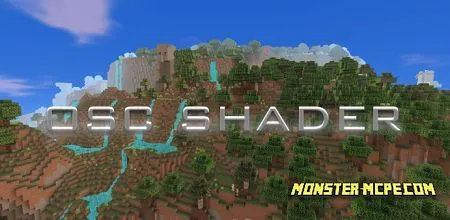 Osc Shaders v1.4
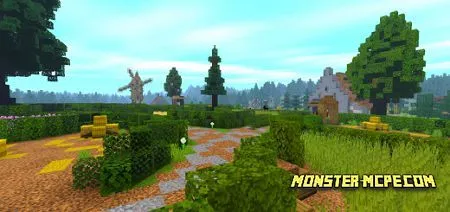 Pisces PE Shaders
 Rupse Shaders
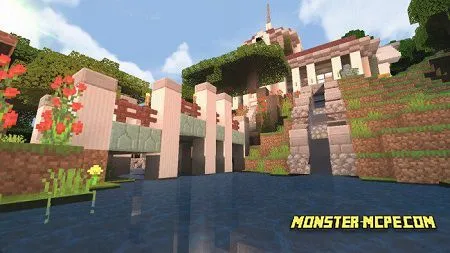 Scorpio PE Shaders
Comments (0)