
Smart Villager Add-on 26.30+

Mod Smart Villager gives Villagers their own routines and useful skills. Some will tend the crops, others will fish, breed sheep, cook meat, or repair buildings in Minecraft.
Defense is handled by Archers, Weapon Smiths, and Armorers, while Priests heal the injured and help deal with threats. Mobs will learn to pick up dropped items, store them in Chests, and even create extra storage spaces. For the system to work properly, leave clear paths to the work blocks and provide the NPCs with Beds.
Professions
Farmer - harvests crops, replants them, uses Bone Meal, grows Trees, feeds animals, and shares food. Places Hay near fields
Fisherman - looks for open water, catches Fish with a Fishing Rod, feeds stray Cats, and cooks the catch on a Campfire
Butcher - cooks Meat in a Smoker and hunts adult Cows and Pigs. Works in pens without letting animals escape. Does not attack named animals
Shepherd - shears Sheep, dyes Wool, feeds them, and protects them from predators
Archer - defends the village with Bows and Crossbows, trains on Targets
Weapon Smith - sharpens weapons, fights with Swords and Axes, and also sounds the Horn, gathering villagers for defense
Armorer - repairs Iron Golems and helps protect nearby villagers
Priest - heals wounded allies, uses combat potions, and cures Zombie Villagers with Weakness and a Golden Apple
Librarian - reads books at the Lectern and manages the village library
Mason - inspects village buildings and repairs damaged walls
Cartographer - explores the surroundings during the day, then returns to create Maps
Village Defense
Ring the Bell to warn the villagers of danger
Peaceful villagers hide in shelters
Weapon Smiths, Archers, and Butchers engage the attackers in battle
Priests wake up when threats appear nearby

How to install Smart Villager Add-on 26.30+
- Download the file below.
- Open it - Minecraft imports the pack by itself.
- Activate the pack in the world you want to play in.
 Otherworldly Add-on 26.30+
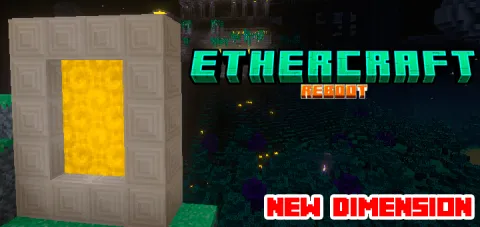 Ethercraft: Dream dimension Add-on 26.0+
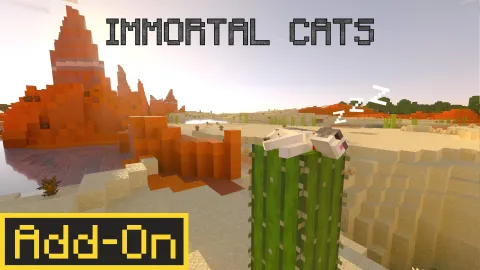 Immortal Cats Add-on 26.30+/26.11+/26.10+
 Jerry's Colonies Add-on 26.30+/26.11+/26.10+/26.0+/1.21+
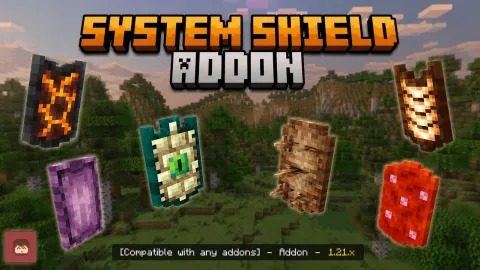 System Shields Add-on 26.30+/26.10+/26.0+/1.21+
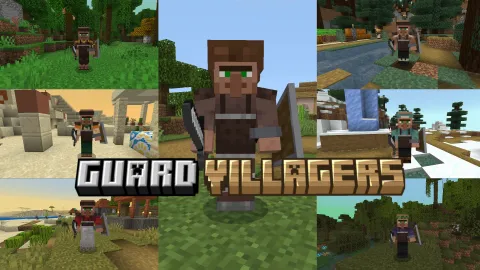 Dan's Guard Villagers Add-on 26.30+/26.11+/26.10+/26.0+