
Jerry's Colonies Add-on 26.30+/26.11+/26.10+/26.0+/1.21+
The development of villages in Minecraft will now depend on player actions, accumulated experience, and proper resource management. The mod Jerry's Colonies turns any territory into a full-fledged colony that can be managed through special tools. This add-on includes NPC villagers, players with different permissions, professions, workbenches, taxes, trading, diplomacy, and wars. The colony earns experience for various actions and gradually unlocks new structures, features, and residents.
Flags and colony management
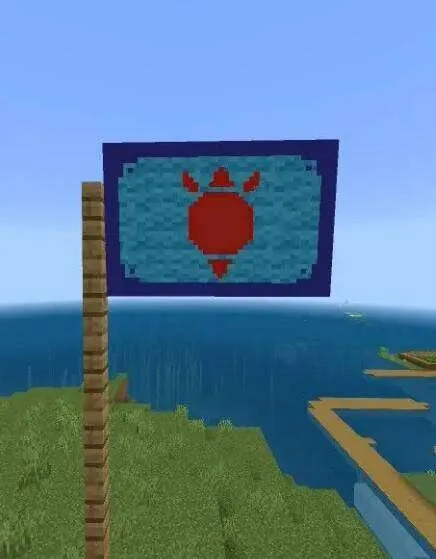
Create a Flag from 6 Wool blocks and a Stick, place it on a fence, and customize the coat of arms, background, and frame. After that, you can place the Mayor's Table, which opens the main colony management functions:
• View residents' mood, level, and current stage
• Set the flag and city name
• Assign the capital and teleport between flags
• Invite players, buy residents, and set ranks
• Diplomacy, alliances, and wars
• Transfer colony ownership
• Organize banquets to improve mood
• Delete the colony
The Tax Table allows you to regularly collect taxes from players and residents, generating income for colony development, resident purchases, and blueprints
Colony development
The colony goes through three stages:
• Colony - levels 1-10, basic buildings and features
• City - levels 11-20, market, and territory expansion with flags
• Kingdom - levels 21-30, wars and additional features
Experience can be earned by feeding residents, placing Flags, recruiting Knights, trading, building, winning wars, and arena tournaments. The maximum level is 30, and experience or levels cannot be lost
Residents and workers
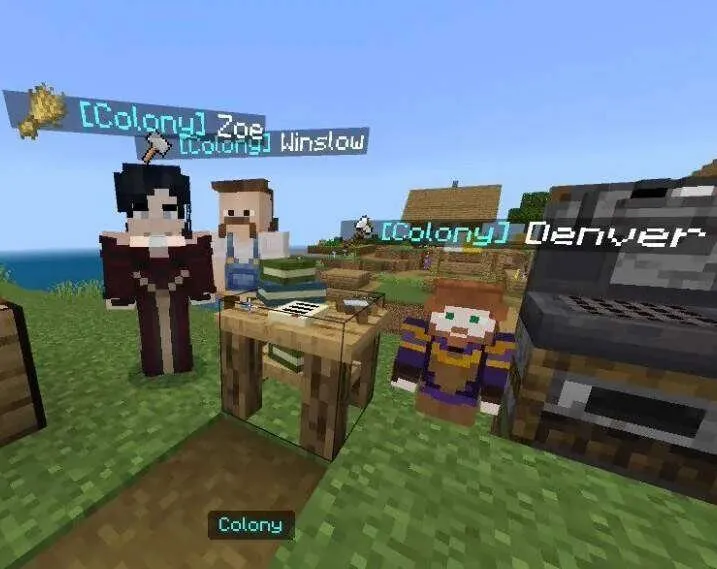
Players and NPCs can live in the colony. Players can be assigned different ranks, while NPCs are purchased for Emeralds or found in the world
Residents need food - each resident consumes one food item per day. If food runs low, mood decreases, and over time residents may die of hunger
NPCs can have children, inheriting the parents' traits and surname. Children go through four stages of growth: infant, child, teenager, and adult
Workstations
Residents can be assigned different professions. Their traits affect production speed
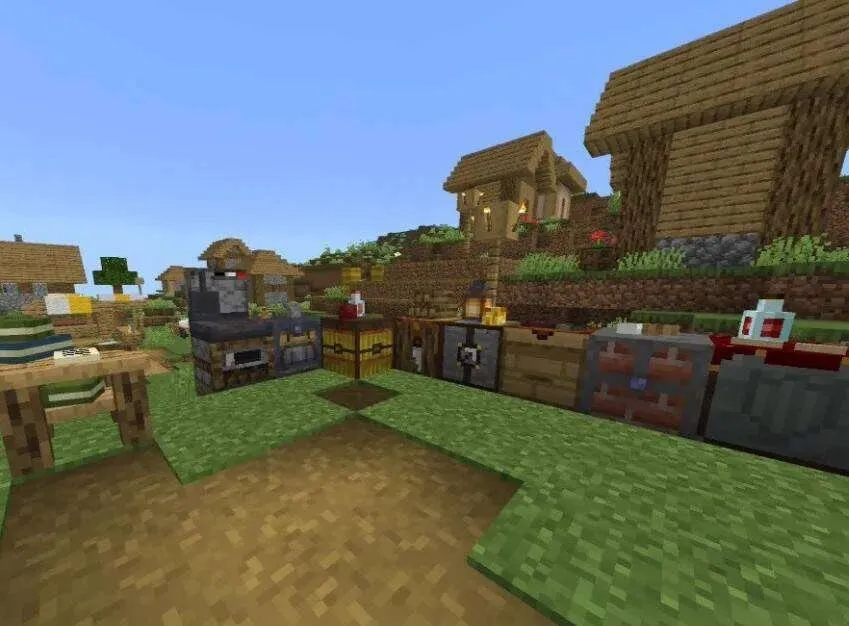
Resources can be produced by lumberjack, miner, farmer, and breeder stations. Work requires tools, assigned workers, and a suitable work area
The Storage Bundle allows you to connect Chests to workstations and automatically transfer resources. After research, automatic tool delivery and food supply also become available
Research
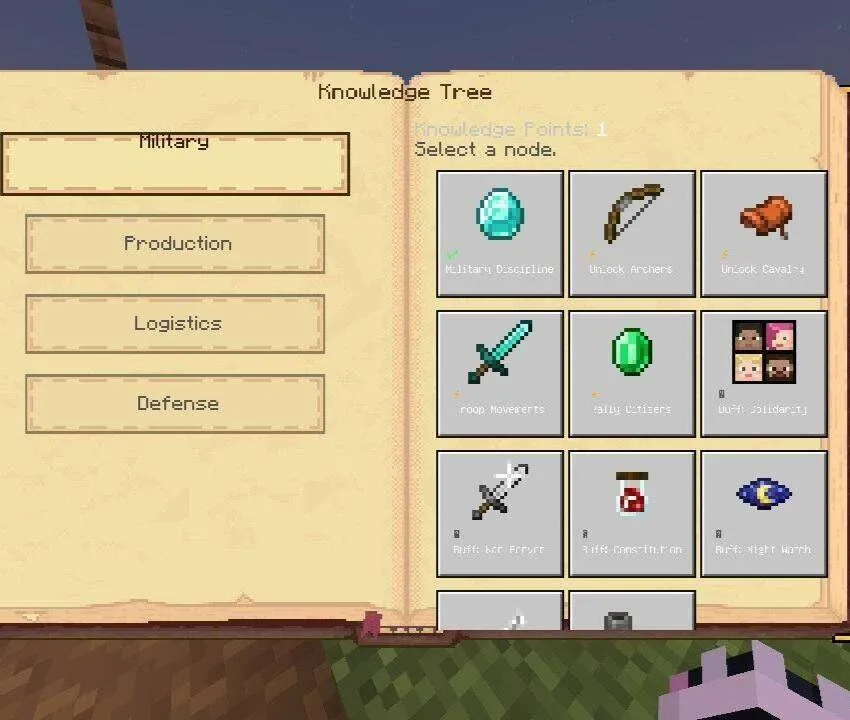
The Research Station allows you to earn knowledge points and unlock new systems, as well as upgrades for the army, production, logistics, and defense
The research tree is divided into four branches:
• Warfare
• Production
• Logistics
• Defense
Some upgrades require specific research, so development must be planned in advance
Blueprints
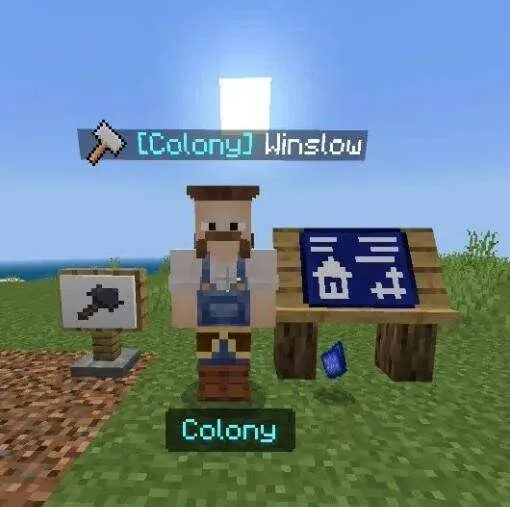
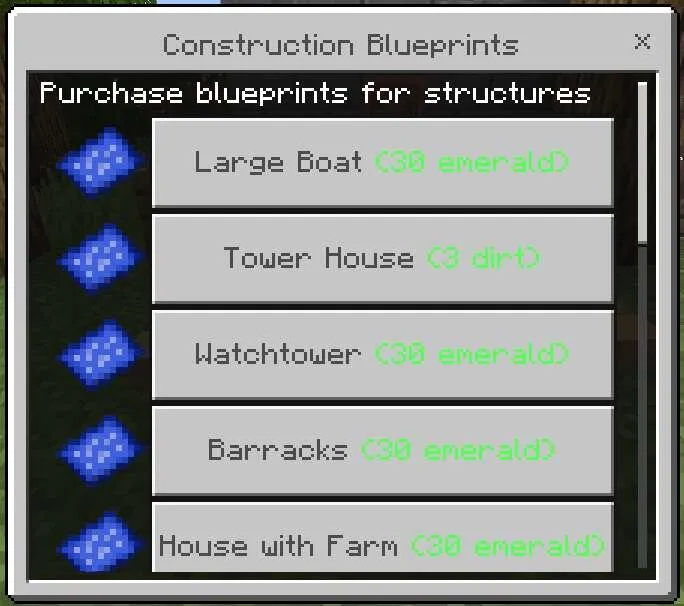
Through the Blueprint Workbench, you can buy plans for houses, towers, prisons, and other buildings
Construction requires at least two builders and the necessary materials. The higher the workers' stats, the faster construction will be completed
Mood
Residents' mood is measured on a 100-point scale and affects their work and health
• Golden Age - production speed increases by 15%
• Content - production speed increases by 5%
• Neutral - no bonuses or penalties
• Dissatisfaction - food consumption increases and Weakness I appears
• Riot - production stops and Weakness II appears
Mood is improved by victories, construction, the birth of children, good food, and banquets. It is lowered by wars, diseases, resident deaths, defeats, and food shortages
Market and mail
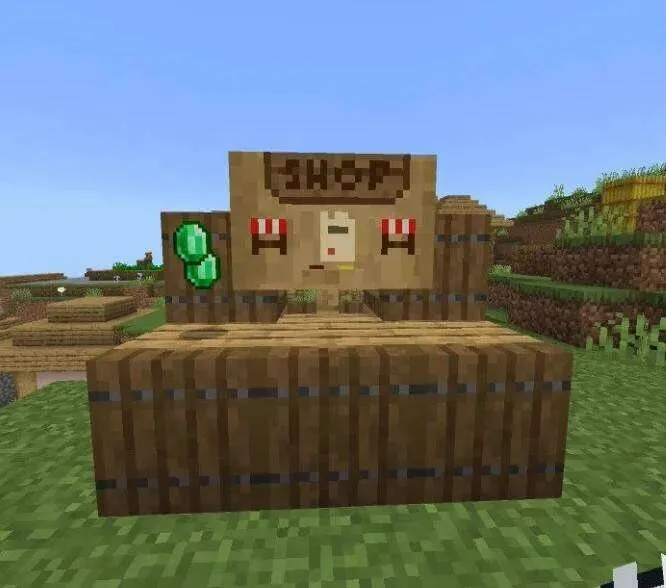
At level 11, the Market unlocks, where colonies can buy and sell items for Emeralds. You can also set taxes for other colonies
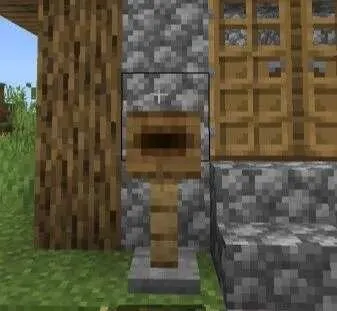
Mailboxes allow you to send messages and items to players. Delivery speed depends on the distance between mailboxes
Diplomacy and wars
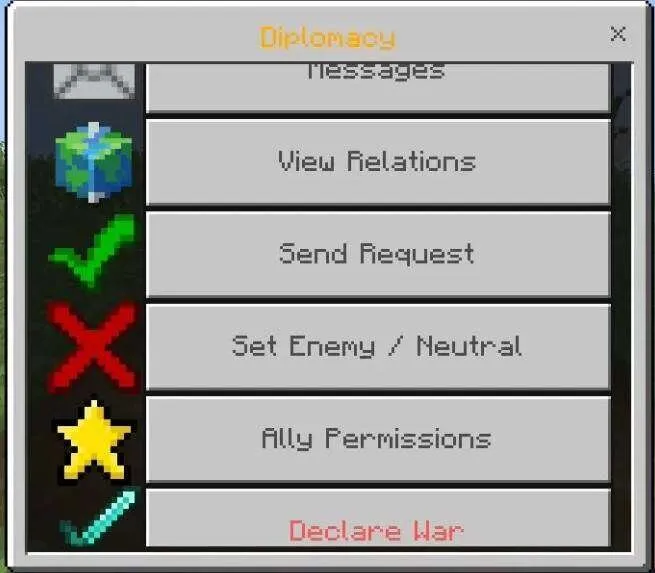
With other colonies, you can establish four types of relations:
• Alliance - joint actions and ally permission settings
• Neutrality - no special relations
• Non-aggression pact - a ban on attacking each other
• Enemy - knights will attack enemy players within the colony territory
At level 15, wars can be declared. To capture territory, you need to carry out assaults and accumulate prestige. After victory, you can destroy the enemy colony or make it your vassal
Rewards and arena
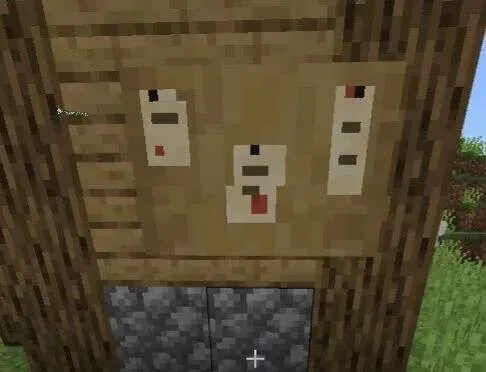
The Bounty Board allows you to place a reward for killing another player. The executor receives the reward and the target's Skull
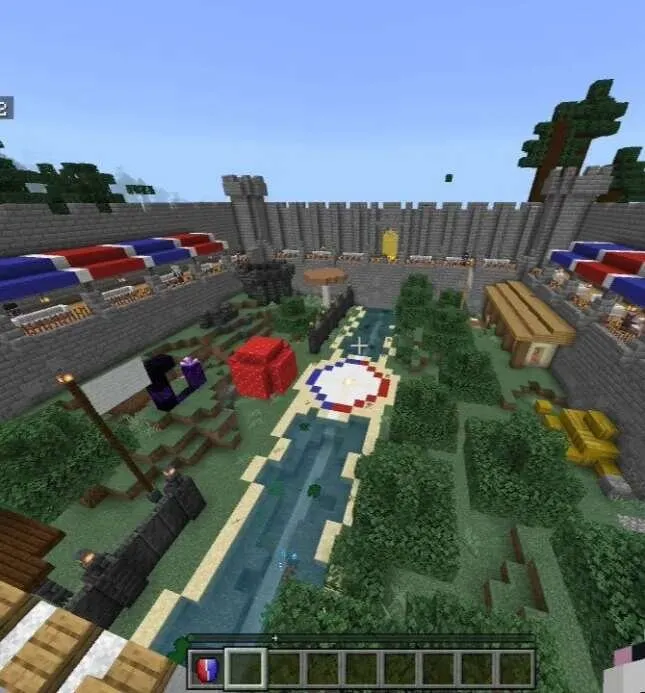
The Arena offers team battles between colonies, match viewing, and seasonal trophies. The arena teleport is used to participate, and you must arrive without equipment
Knights and marauders
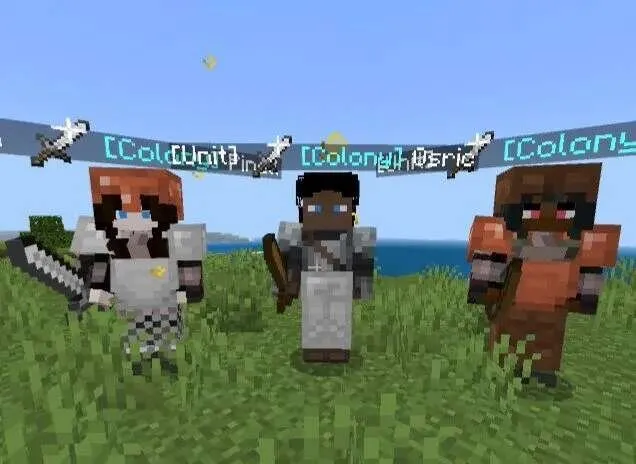
Knights protect the colony and can receive orders through the Commander Sword. Among them are Swordsmen and Archers, who are especially convenient to place on towers
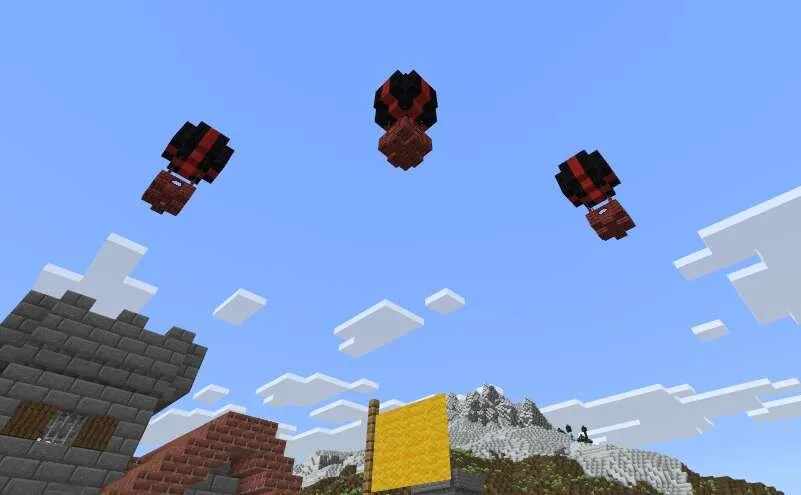
Marauders spawn in groups on balloons and raid colonies. First they drop bombs from the air, and then attack on the ground
Outposts can contain many Marauders and valuable rewards. The Totem of Peace temporarily protects the colony from raids
Marriage and democracy
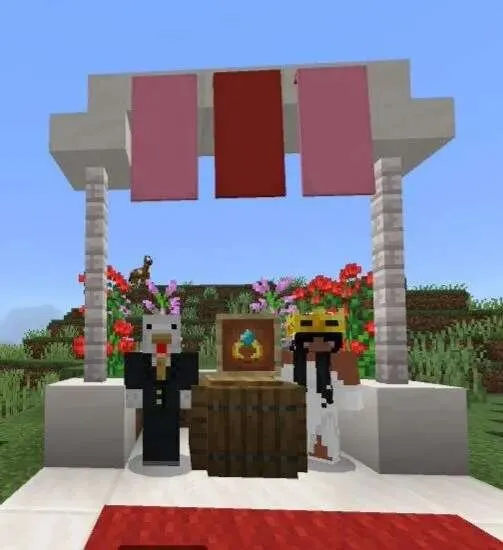
With the Wedding Ring, you can propose marriage to another player. The higher-level colony absorbs the smaller one
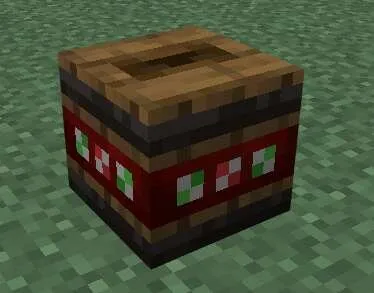
With democracy enabled, player-residents can periodically choose a new leader. Voting takes place once every 30 in-game days through the Voting Urn
Statistics and trader
The Colony Registry shows colony rankings, player information, their status, and citizenship
The Mysterious Trader offers unique items, including a Music Disc, a Horn, and a Wedding Ring
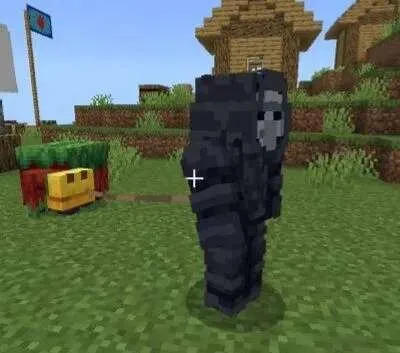
Administrator tool
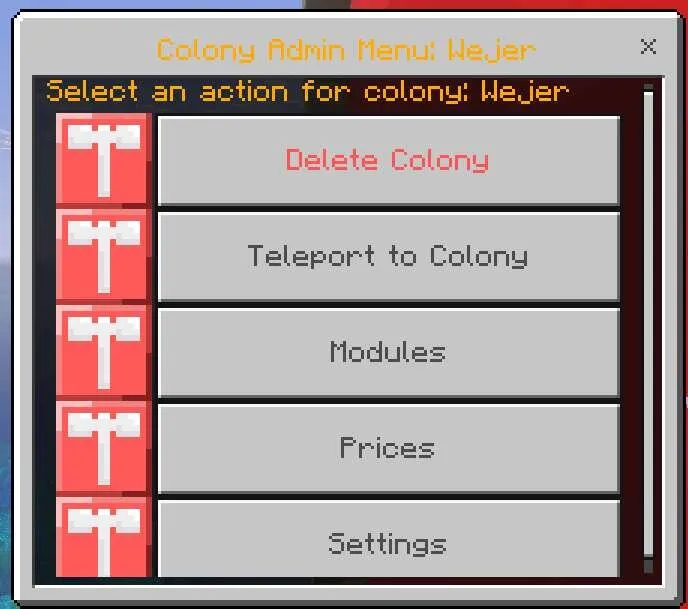
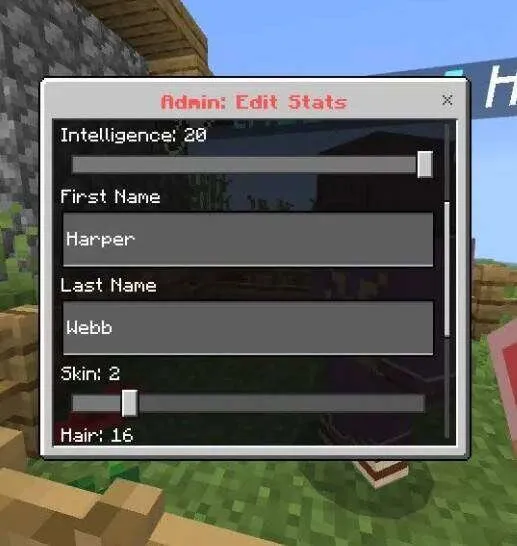
Designed for server administrators and opens the colony control panel. It can be used to change global settings, manage territory protection, raids, and prices
How to install Jerry's Colonies Add-on 26.30+/26.11+/26.10+/26.0+/1.21+
- Download the file below.
- Open it - Minecraft imports the pack by itself.
- Activate the pack in the world you want to play in.
 Villages Plus Add-on 26.30+
 Teleport anchors Add-on 26.0+
 Hardcore Cheater Add-on 26.0+
 More Vanilla Tools Complete Add-on 26.11+/26.10+/26.0+/1.21+
 Villages Plus Add-on 26.30+
 Napoleonic Bedrock Add-on 26.30+/26.11+/26.10+/26.0+