
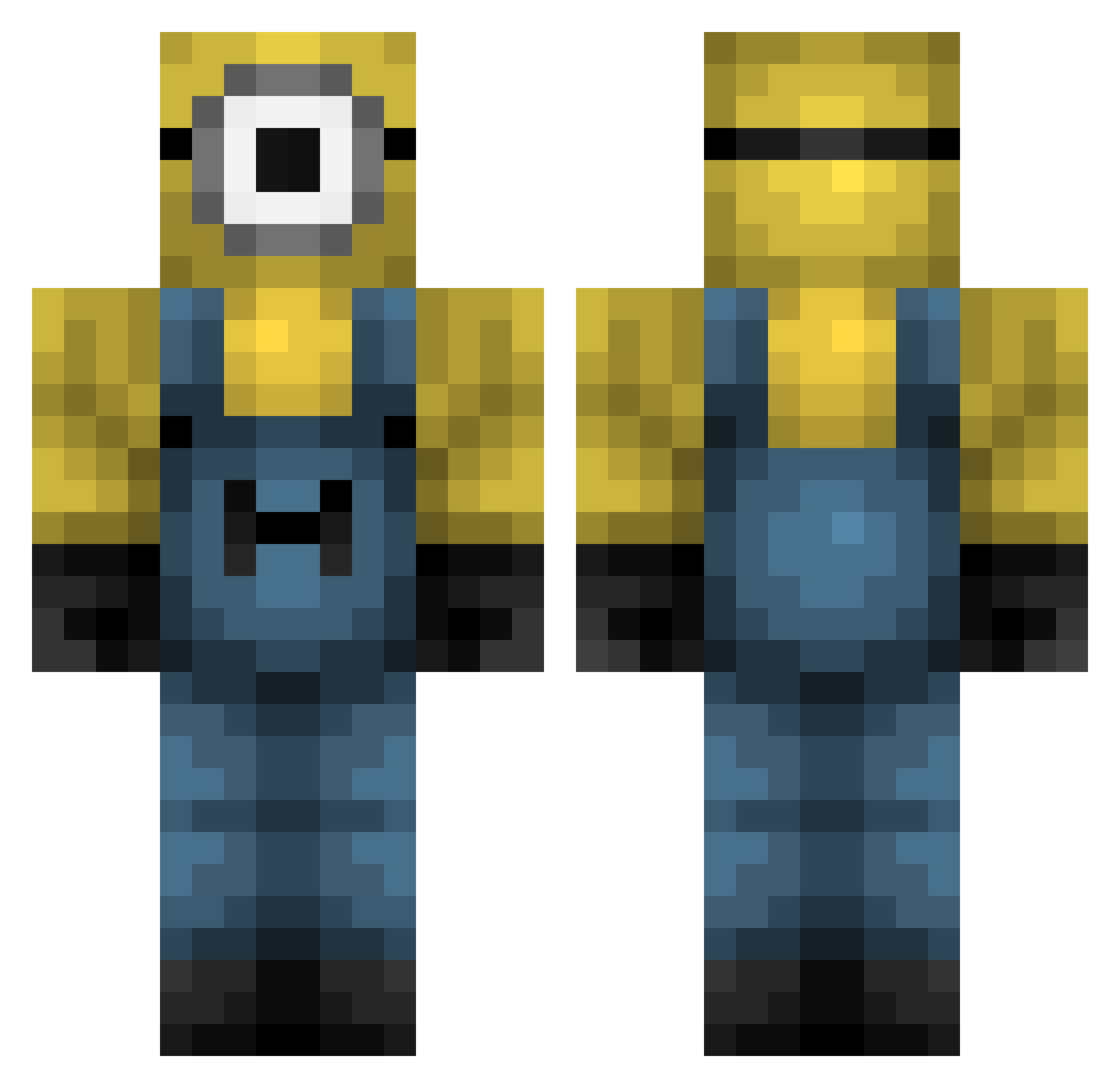
Current Minecraft skin of the player appleS2ll, loaded from the official Mojang API. Rotate the 3D model with your mouse or finger, then download the skin as a PNG file and use it in Minecraft: Bedrock Edition or Java Edition for free. When appleS2ll changes their skin, this page updates automatically and the old skin stays in the history below.
Other players with this skin (323)
appleS2ll was the 143rd player we have seen with this skin, first spotted on 02.09.2026. The same skin was seen on these players. Open a nickname to see their current skin and skin history.
 ImHupi Saerd11 Shinnyyyyy corruptedmage Sebastianht2009 massiveglizzy orange_utann TTV_Hirad69420 KACPEROS2135YT PARISTA igethoes911 TOMZ__ BestOfAzerbaijan nataly098 Kneebotia cuzamen Elijahl106 Wei486 Mr_Milk_Man_2 manusanto therealbbisachod idopro99 SaltyCheese117 Roynaldo Dub2207 WiseDrCaptain Dunkpipi KaedeNyaa kikissagaz Elf1212 GuilleIMF ari852 denisbabagril Timtomhaskell12 JAYrrrrrrYZEN KonanSandunara MattiasSsj Exolidir YusufYlmaz_TR DoctorLeeech Dupst3p MustoHD Femur2 kinsheii Pantallaa 13Reisik12 JiwoongKang
 TneRealMC SEOWJ Captain_Daner TragicalMars0400 Herzog_Gisu mooyanlol Sn00gsDeN00che J3BL LtGlock ghettoboyzpunk Arrasador7 Mineperial blvcktom27
More Minion Minecraft skins
How to install the appleS2ll skin
- Press the Download button above to save the skin as a PNG file.
- Minecraft: Bedrock Edition (PE): open the Dressing Room from the main menu (or tap your character → Edit Character), go to Classic Skins → Owned, press the + (new skin) button, choose the downloaded PNG and pick the Classic (Steve) model. Works on PC and mobile; consoles cannot import custom skins.
- Minecraft: Java Edition: open the Minecraft Launcher, go to the Skins tab, click New Skin, load the PNG, pick the Classic (Steve) model and press Save & Use. You can also upload it at minecraft.net → Profile → Change Skin.
The skin does not show up after import - what should I do?
Restart Minecraft and open the Dressing Room again - imported skins sometimes appear only after a restart. Also make sure you selected the imported skin and picked the Classic (Steve) model.
Which model should I choose, Classic or Slim?
This skin is designed for the Classic (Steve) model. If you pick the wrong model, the arms of the skin will look stretched or squeezed.
Is the skin of appleS2ll free to download?
Yes. Press Download, save the PNG file and use it in Minecraft: Bedrock Edition or Java Edition - no payment or registration needed. The skin also works on multiplayer servers and Realms.
More skins
Looking for more? Go back to all Minecraft skins and check the top skins of the week, month and all time, or find any player's skin by nickname.