
 Kyiryui JuliaLas SnowHammer9114 PumpkinEgg41724 Ehmogen Emoki_SBH cheson Pedrocamacho yanaSan13 Arvidkauko ogibijik Salty_White_Guy lukedson Jovic023 MaiCong_chenjian mezi_221 Mej0 el31416loto swagbag4000 Spidree Mehmetozz BinChicken1212 JESTEM_FAJNY22 lightbutton6188 husbondo21 Gh__0st lafferz fracasada roth4n Nanommmmm Tooorry IvanSZL Lynneos LaserGaby7 Ruibicx NexMort Vader3242 DerLiebeJjunge LeviJanson Piter_024 Sasha124 Ravenicey nightrider0535 feetsniffer8008 camiuwu777 Haayd3nn MJNANI guigs5 TheCoolGuy92 ilya20020 Leomcts OneRandomDude kurczak__ CONNOR6002 CigliPuff Takkar__ SpadeV sexworkers Rasse__ guyl007
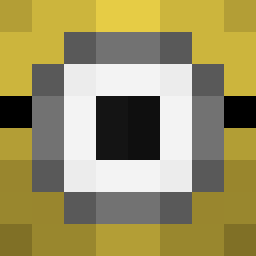
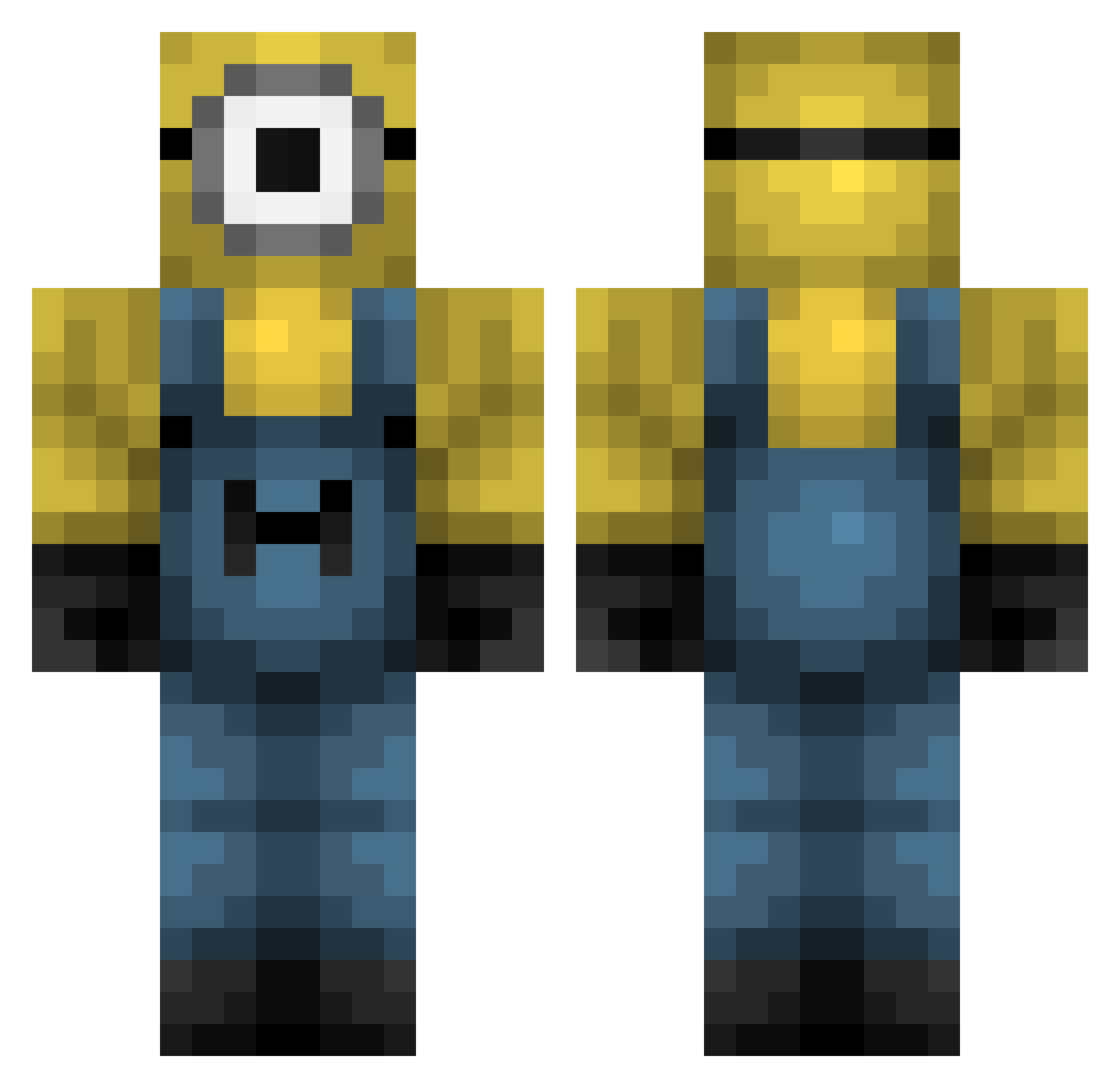
Minecraft skin of jaydeninasock. Rotate the 3D model with your mouse or finger to view the skin from every angle, then download it as a PNG file and use it in Minecraft: Bedrock Edition or Java Edition for free. Rate the skin with stars to help other players find the best skins in our collection.
How to install the jaydeninasock skin
- Press the Download button above to save the skin as a PNG file.
- Minecraft: Bedrock Edition (PE): open the Dressing Room from the main menu (or tap your character → Edit Character), go to Classic Skins → Owned, press the + (new skin) button, choose the downloaded PNG and pick the Classic (Steve) model. Works on PC and mobile; consoles cannot import custom skins.
- Minecraft: Java Edition: open the Minecraft Launcher, go to the Skins tab, click New Skin, load the PNG, pick the Classic (Steve) model and press Save & Use. You can also upload it at minecraft.net → Profile → Change Skin.
The skin does not show up after import - what should I do?
Restart Minecraft and open the Dressing Room again - imported skins sometimes appear only after a restart. Also make sure you selected the imported skin and picked the Classic (Steve) model.
Which model should I choose, Classic or Slim?
This skin is designed for the Classic (Steve) model. If you pick the wrong model, the arms of the skin will look stretched or squeezed.
Is this skin free to use?
Yes. Press Download, save the PNG file and use it in Minecraft: Bedrock Edition or Java Edition - no payment or registration needed. The skin also works on multiplayer servers and Realms.
More Minion Minecraft skins
More skins
Looking for more? Go back to all Minecraft skins and check the top skins of the week, month and all time, or find any player's skin by nickname.