
 P4tqq4 Pocskeszoru Zachyman17 Georgiques Droppv Mememan3455 luv2min3 SparkOnMC BiFrostSofa havwon Lucas971127 Kid_L Siggiboom Ressurxctions Dadisyours rshows10 BANANA_2281488 sleepyzeke s4oofy _Doliprane_ Larryturrd elenhay Flakyyyyy raynair11 jomcore _Minion_2 yang121307 bonzus jup1tr kaylaa12 milindawawita chlogotnofriends telli_96 Jacupezez Barry_Mckokiner8 SIESTAXXX Piz2kas flowering_beans SquirtVonnegut Sklifosovskiy Zuflak Icaruscho Nistali jackmehof33 Yevgeny32 anhyobin08 Pump_Revenge _felipagwyn0 NaVsyakiySluchay Nataliax55 peachzzs Hairys MinionCristo ChickenNugget816 xdlx AidenMain x8zm Nucleo12 NicoleA53 R3illy0
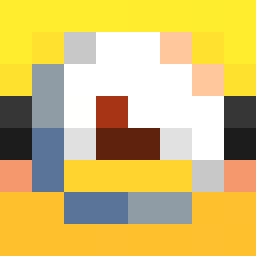
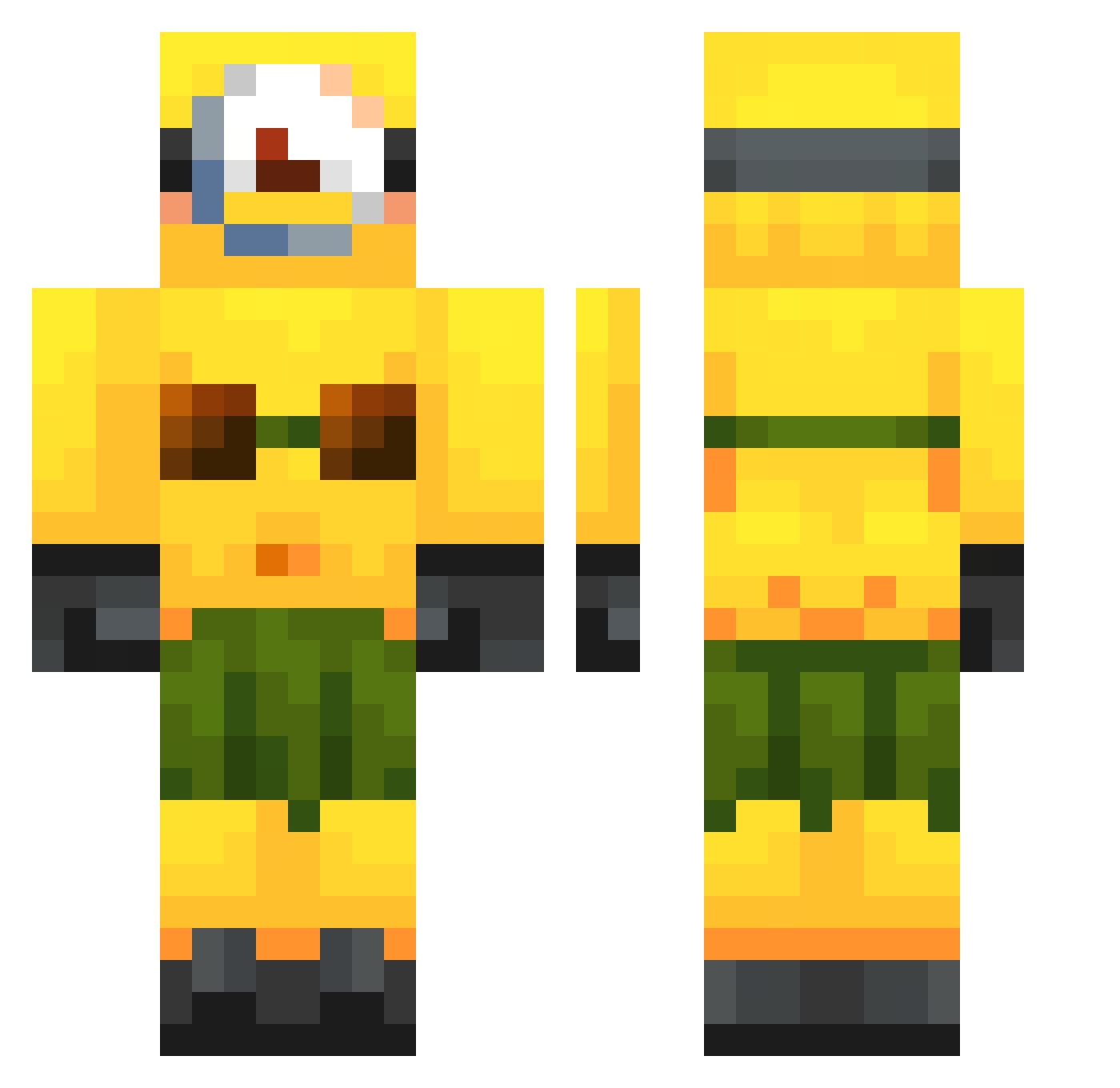
Minecraft skin of B3N1AG4. Rotate the 3D model with your mouse or finger to view the skin from every angle, then download it as a PNG file and use it in Minecraft: Bedrock Edition or Java Edition for free. Rate the skin with stars to help other players find the best skins in our collection.
How to install the B3N1AG4 skin
- Press the Download button above to save the skin as a PNG file.
- Minecraft: Bedrock Edition (PE): open the Dressing Room from the main menu (or tap your character → Edit Character), go to Classic Skins → Owned, press the + (new skin) button, choose the downloaded PNG and pick the Classic (Steve) model. Works on PC and mobile; consoles cannot import custom skins.
- Minecraft: Java Edition: open the Minecraft Launcher, go to the Skins tab, click New Skin, load the PNG, pick the Classic (Steve) model and press Save & Use. You can also upload it at minecraft.net → Profile → Change Skin.
The skin does not show up after import - what should I do?
Restart Minecraft and open the Dressing Room again - imported skins sometimes appear only after a restart. Also make sure you selected the imported skin and picked the Classic (Steve) model.
Which model should I choose, Classic or Slim?
This skin is designed for the Classic (Steve) model. If you pick the wrong model, the arms of the skin will look stretched or squeezed.
Is this skin free to use?
Yes. Press Download, save the PNG file and use it in Minecraft: Bedrock Edition or Java Edition - no payment or registration needed. The skin also works on multiplayer servers and Realms.
More Minion Minecraft skins
More skins
Looking for more? Go back to all Minecraft skins and check the top skins of the week, month and all time, or find any player's skin by nickname.