
 jasminninette Boketto0926 reflexsu Kokomotinho mimiu1234 Girassou Stagnaro2 LifeLikeADog Bugitos Maximus201111 Jamusdied HARDworkeer koimya dzaminyes_lega Metsi1 _DeadHost_ KuppiiGG Deyirn Cloroxy Harleymax4 monkyagondli DethDKN eduard2004 Ghost85_ Gilded_Golden Seppvodasog Viaclov Guinho_20114 EsePaquito ruwsian dinkleboi DrMandingo0 enchanted_elixir ProudestGambler lgn1 RougeMyst07 Yapology Khaowser Jahbruh5 HerraGulrot Creddig Jacob_2226 SpoofOTP sheldonbazinga69 timmyeatsbricks RyanzinZX Gibabyte Germanfriz shyguy_2 PinguGameren izyb DaLLama7777 Exen___ Dozzap JeremyBond P_Maldonado NOVA5233 Oilers4Cup Achilleas137 Labotsirc
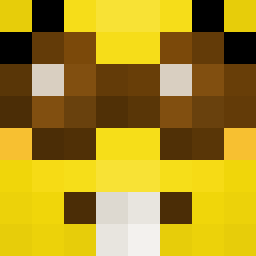
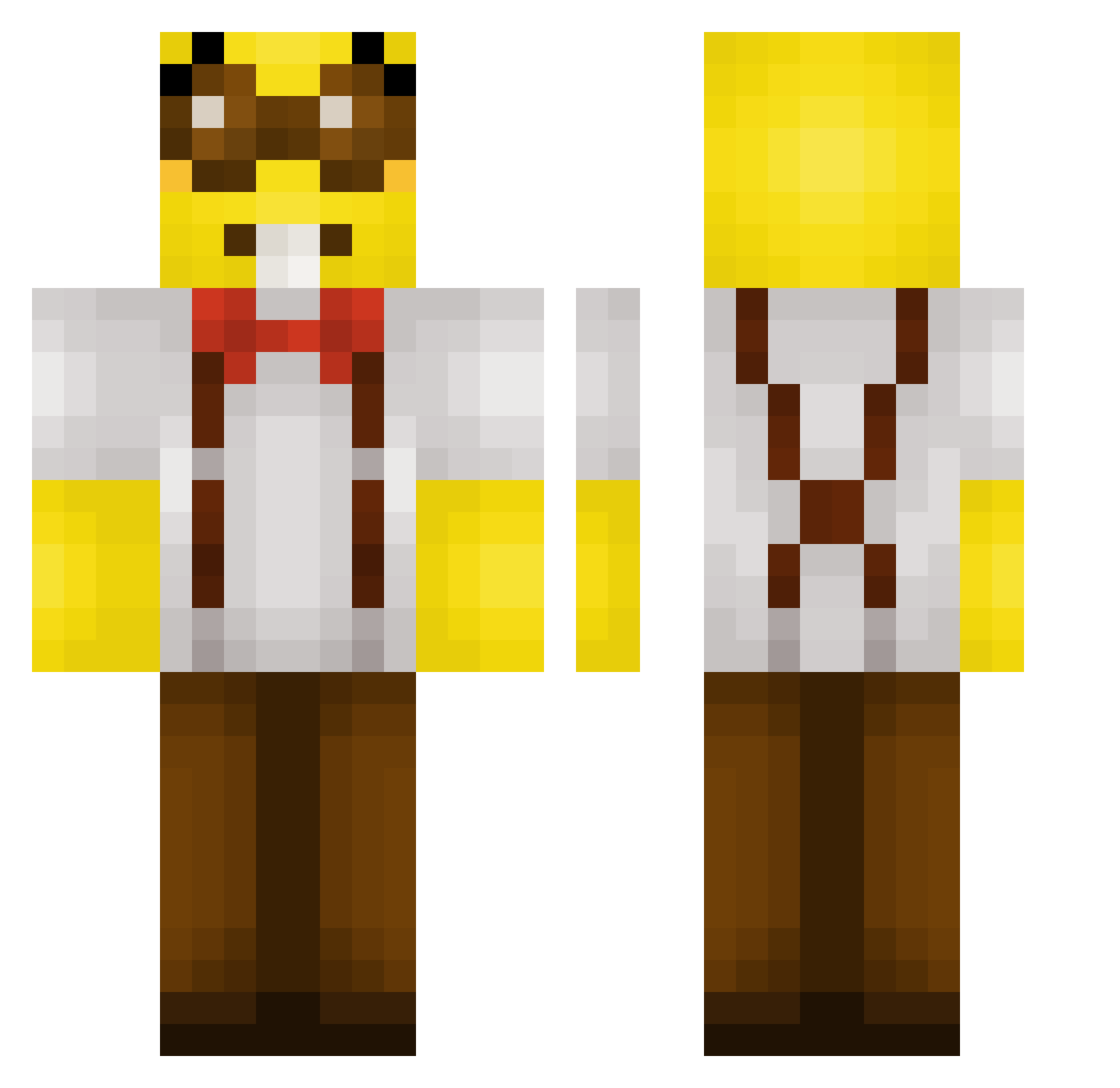
Minecraft skin of Hugohas. Rotate the 3D model with your mouse or finger to view the skin from every angle, then download it as a PNG file and use it in Minecraft: Bedrock Edition or Java Edition for free. Rate the skin with stars to help other players find the best skins in our collection.
How to install the Hugohas skin
- Press the Download button above to save the skin as a PNG file.
- Minecraft: Bedrock Edition (PE): open the Dressing Room from the main menu (or tap your character → Edit Character), go to Classic Skins → Owned, press the + (new skin) button, choose the downloaded PNG and pick the Classic (Steve) model. Works on PC and mobile; consoles cannot import custom skins.
- Minecraft: Java Edition: open the Minecraft Launcher, go to the Skins tab, click New Skin, load the PNG, pick the Classic (Steve) model and press Save & Use. You can also upload it at minecraft.net → Profile → Change Skin.
The skin does not show up after import - what should I do?
Restart Minecraft and open the Dressing Room again - imported skins sometimes appear only after a restart. Also make sure you selected the imported skin and picked the Classic (Steve) model.
Which model should I choose, Classic or Slim?
This skin is designed for the Classic (Steve) model. If you pick the wrong model, the arms of the skin will look stretched or squeezed.
Is this skin free to use?
Yes. Press Download, save the PNG file and use it in Minecraft: Bedrock Edition or Java Edition - no payment or registration needed. The skin also works on multiplayer servers and Realms.
More Minion Minecraft skins
More skins
Looking for more? Go back to all Minecraft skins and check the top skins of the week, month and all time, or find any player's skin by nickname.