
 Garstan mckrakatron AMISIA00 linnea_ P3RZ0N Gonzalexz xunsmelledshizzx fettsworld StinkyShrob PiroIiro Dani2084 ksa_azoooz elyXD zmiester69 T_R_I_P_L_E_ Zeptospeed OztheFrEak TobyDog1 genorace10 luvlevntr Pipoxed Chicoo_15 luckylouuuuu Dungdungy anbbbbbb UnitTEN Malta SentinelCore haribo1020 Instrybutor2115 meow582 hc_young Alegovi8 SJKOko SirYassine Jarvisssssssssss Ravagerkk Ace121ecA DarrenLukas Floupmeister Dvd8807 shuastin loczy_1 Toolabs FlorianSpot2018 gooddoggoboi czyslawB camiivennnnnnnnn whereiserina Nakiepoo Tachycardia169 DekuOneForAll Ashjey AliceKnows banaenaeman pouletfurtifff Peper0ni69 CMDZane Smallp76 CVNBroCVN
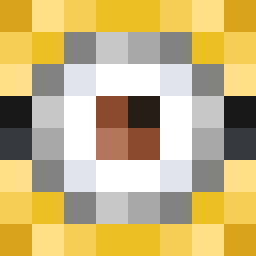
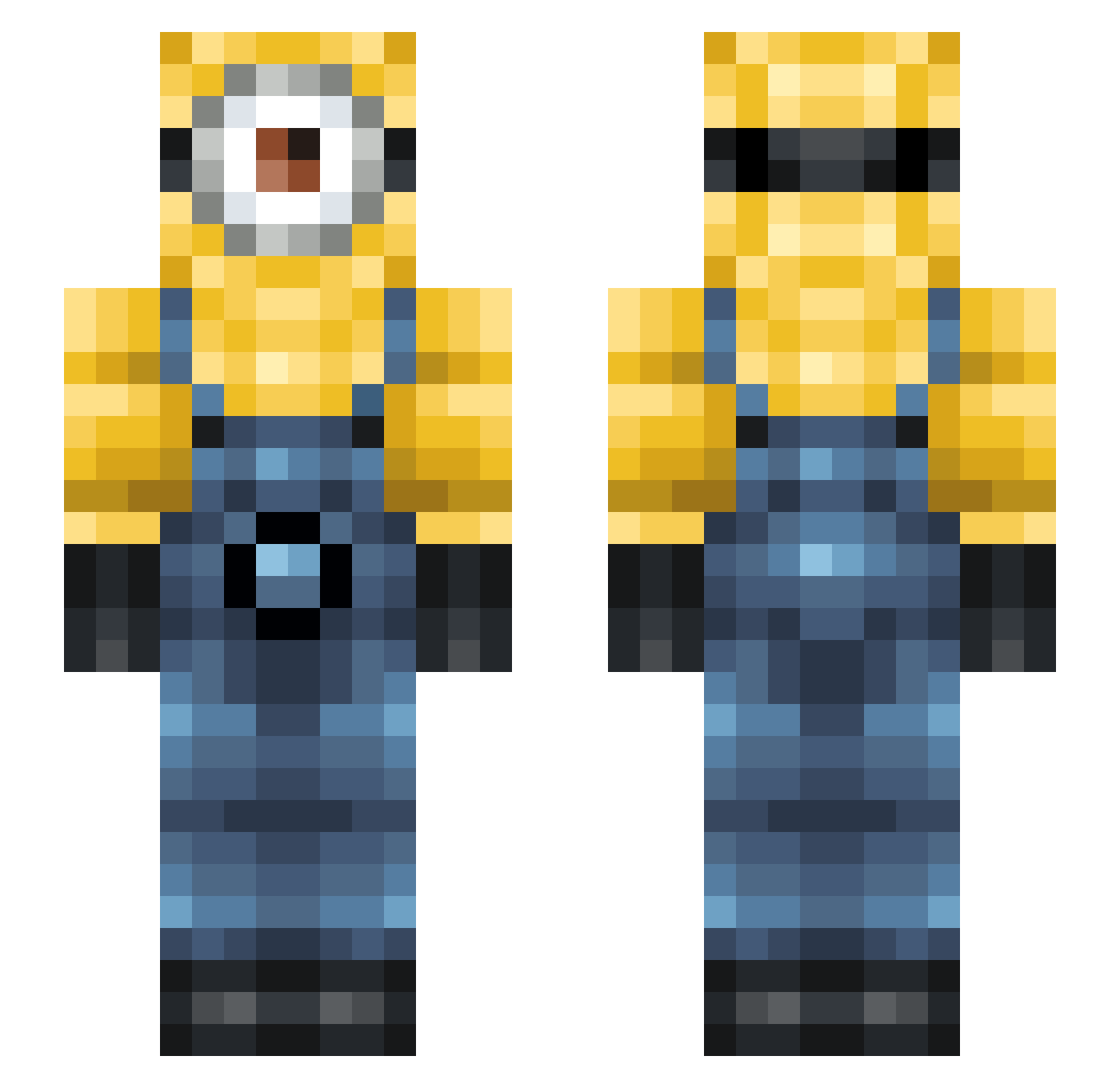
Minecraft skin of premiumbroom. Rotate the 3D model with your mouse or finger to view the skin from every angle, then download it as a PNG file and use it in Minecraft: Bedrock Edition or Java Edition for free. Rate the skin with stars to help other players find the best skins in our collection.
How to install the premiumbroom skin
- Press the Download button above to save the skin as a PNG file.
- Minecraft: Bedrock Edition (PE): open the Dressing Room from the main menu (or tap your character → Edit Character), go to Classic Skins → Owned, press the + (new skin) button, choose the downloaded PNG and pick the Slim (Alex) model. Works on PC and mobile; consoles cannot import custom skins.
- Minecraft: Java Edition: open the Minecraft Launcher, go to the Skins tab, click New Skin, load the PNG, pick the Slim (Alex) model and press Save & Use. You can also upload it at minecraft.net → Profile → Change Skin.
The skin does not show up after import - what should I do?
Restart Minecraft and open the Dressing Room again - imported skins sometimes appear only after a restart. Also make sure you selected the imported skin and picked the Slim (Alex) model.
Which model should I choose, Classic or Slim?
This skin is designed for the Slim (Alex) model. If you pick the wrong model, the arms of the skin will look stretched or squeezed.
Is this skin free to use?
Yes. Press Download, save the PNG file and use it in Minecraft: Bedrock Edition or Java Edition - no payment or registration needed. The skin also works on multiplayer servers and Realms.
More Minion Minecraft skins
More skins
Looking for more? Go back to all Minecraft skins and check the top skins of the week, month and all time, or find any player's skin by nickname.