
 Antonnox nunplegal lDracko Egemensch prosto_Bo_Sinn _HerrSalami joacorold Forlin4 wcow Peng0o TheWhite_Death Xyz_zenn MCJHOM Shed Celestia2077 PatuComZika SagreXL Szyszor2115 ArtOfExplotion PandroyAlpha mattsbtc ilyBrisen saaturne_ Schwando chettosconqueso Jesussin hxrr0r Ashiscool99 Andrephalus123 Joelsr06Junior fandanilo aallliiiiimm Evolyxx BigBlackNinja Watusy69 _bg3 sprink420 Meybeee MathiasVS08 Slim_Papi 4nnlka seong0911 gokobaba58 mateuzinho13 KaZuum07 kibaaaz bwidging ShirtlessCow XQZzzzz Sportex1970 dawwius metoto1 Kvantovi_Govnoed Doglover069 TacoRyan AzulXzz_ Elisabeth3386 Skaikk Romioo51 SolidSouza
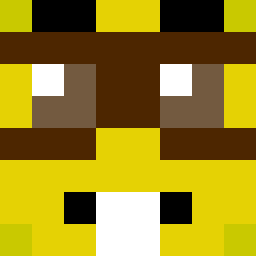
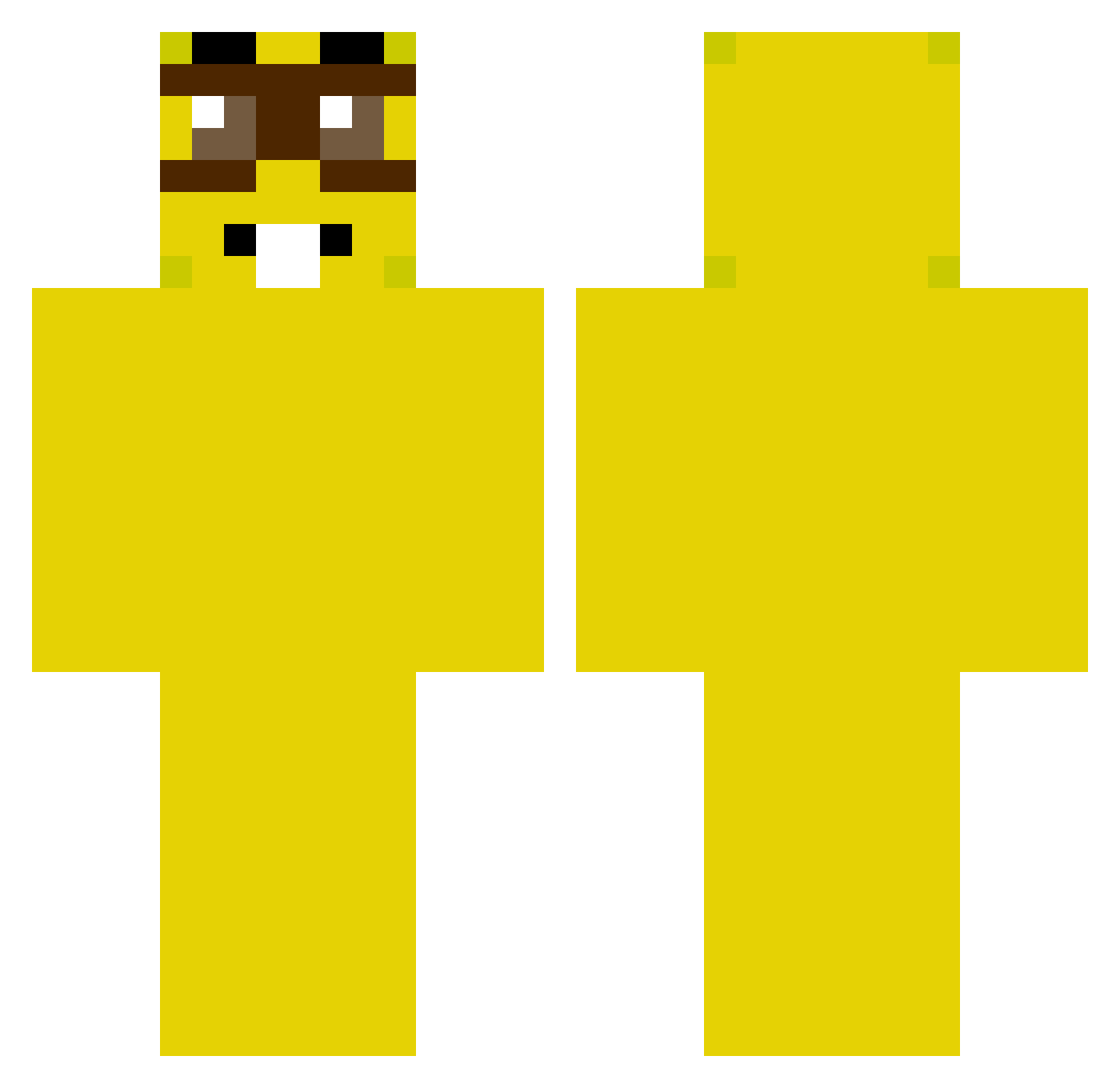
Minecraft skin of bochonokoff. Rotate the 3D model with your mouse or finger to view the skin from every angle, then download it as a PNG file and use it in Minecraft: Bedrock Edition or Java Edition for free. Rate the skin with stars to help other players find the best skins in our collection.
How to install the bochonokoff skin
- Press the Download button above to save the skin as a PNG file.
- Minecraft: Bedrock Edition (PE): open the Dressing Room from the main menu (or tap your character → Edit Character), go to Classic Skins → Owned, press the + (new skin) button, choose the downloaded PNG and pick the Classic (Steve) model. Works on PC and mobile; consoles cannot import custom skins.
- Minecraft: Java Edition: open the Minecraft Launcher, go to the Skins tab, click New Skin, load the PNG, pick the Classic (Steve) model and press Save & Use. You can also upload it at minecraft.net → Profile → Change Skin.
The skin does not show up after import - what should I do?
Restart Minecraft and open the Dressing Room again - imported skins sometimes appear only after a restart. Also make sure you selected the imported skin and picked the Classic (Steve) model.
Which model should I choose, Classic or Slim?
This skin is designed for the Classic (Steve) model. If you pick the wrong model, the arms of the skin will look stretched or squeezed.
Is this skin free to use?
Yes. Press Download, save the PNG file and use it in Minecraft: Bedrock Edition or Java Edition - no payment or registration needed. The skin also works on multiplayer servers and Realms.
More Minion Minecraft skins
More skins
Looking for more? Go back to all Minecraft skins and check the top skins of the week, month and all time, or find any player's skin by nickname.