
Actual Security Cameras Add-on 26.0+
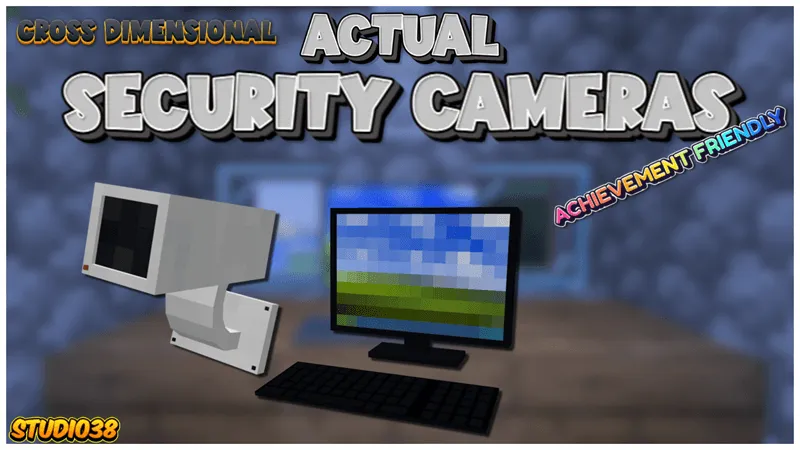
Keeping an eye on your base is easy with a full-fledged surveillance system that can be built into any structure. The mod Actual Security Cameras adds cameras in different colors and two types of monitors, with live video transmission. In Minecraft, you can freely place devices, set names and access permissions for streams, switch between cameras, and change the zoom level of the image.
Cameras
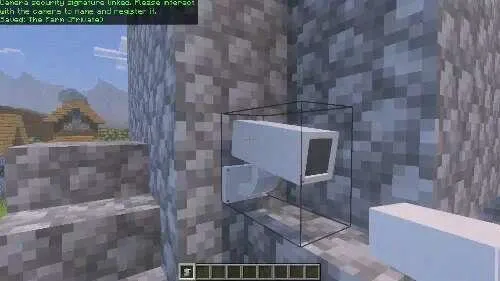
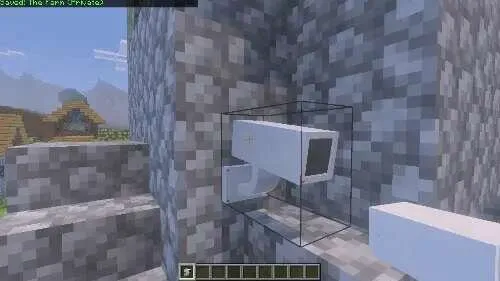
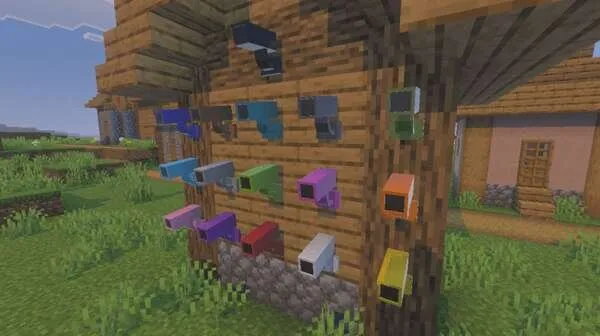
Cameras are available in different colors, which can be changed using dyes
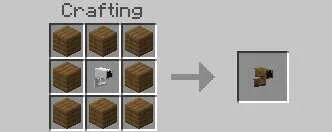
The wooden casing lets you blend the camera into the surrounding environment
The camera can be placed anywhere without restrictions
You can place cameras on walls, high above the base, or in secret rooms
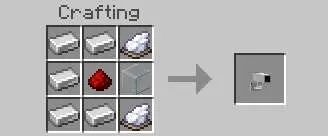
Controls
The camera lets you view an area within 45° on each side
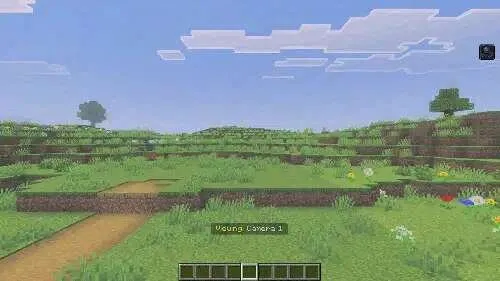
Each camera can be given its own name, for example "Main Gate" or "Storage"
Cameras can be made public or private
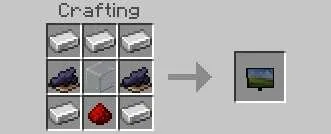
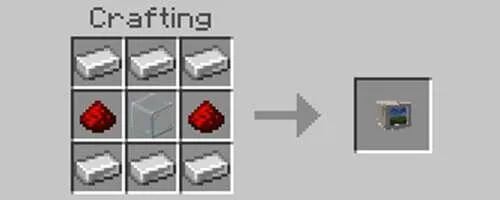
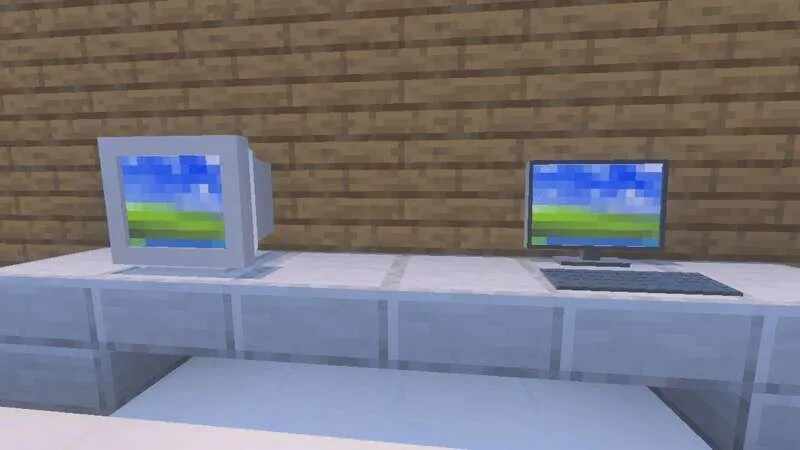
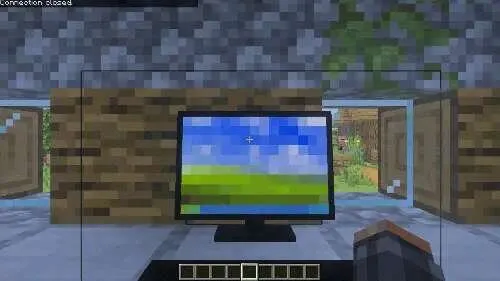
Flat and classic monitors are available
Monitoring
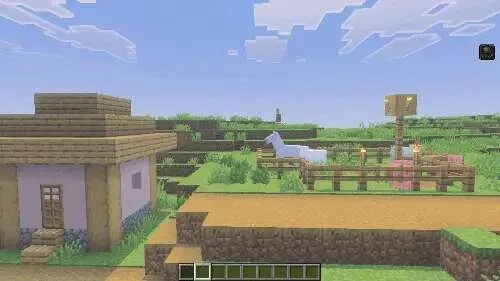
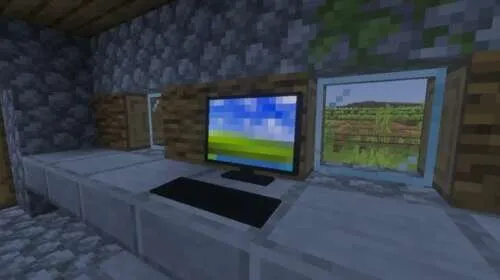
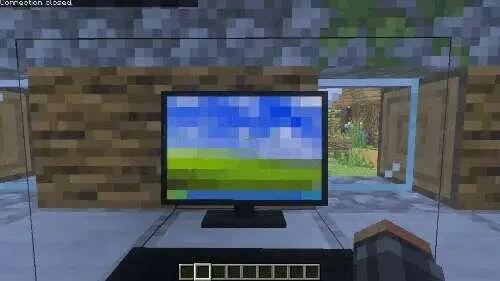
One monitor lets you view all connected cameras
You can switch between cameras and watch the feed in real time
Jump switches to the next active camera
Sneaking closes the view
Quick access inventory slots are used to zoom in and out of the image
Different dimensions
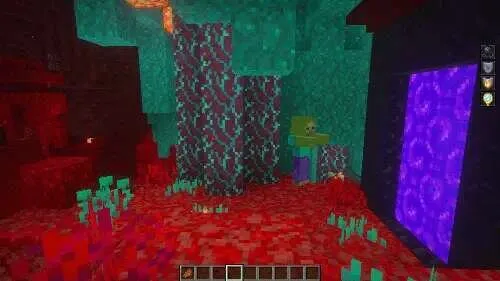
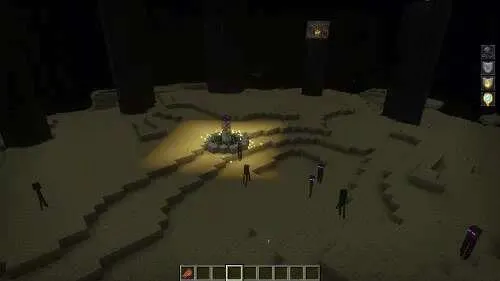
Cameras work across dimensions
You can place a camera in the Nether or the End and view it through a monitor in the Overworld
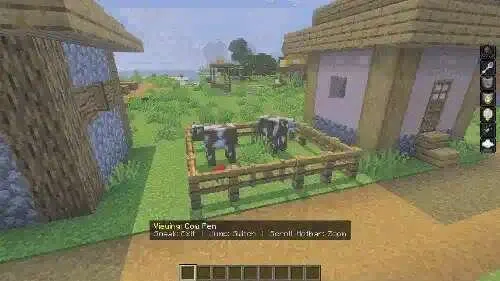
The monitor shows the dimension of each camera
This makes it possible to monitor farms, portals, and base defenses without needing to move between dimensions
How to install Actual Security Cameras Add-on 26.0+
- Download the file below.
- Open it - Minecraft imports the pack by itself.
- Activate the pack in the world you want to play in.
 SecurityCraft Add-on 26.30+/26.11+/26.10+/26.0+
 the dark infection parasite Add-on 26.30+/26.0+
 Jerry's Colonies Add-on 26.30+/26.11+/26.10+/26.0+/1.21+
 Connected Glass Achievement Friendly Add-on 26.30+
 Nuckem Vehicles Add-on 26.30+
 Truck with Functional Storage Add-on 26.30+/26.11+/26.10+/26.0+/1.21+