
Akiohh's Combat Equipment Add-on
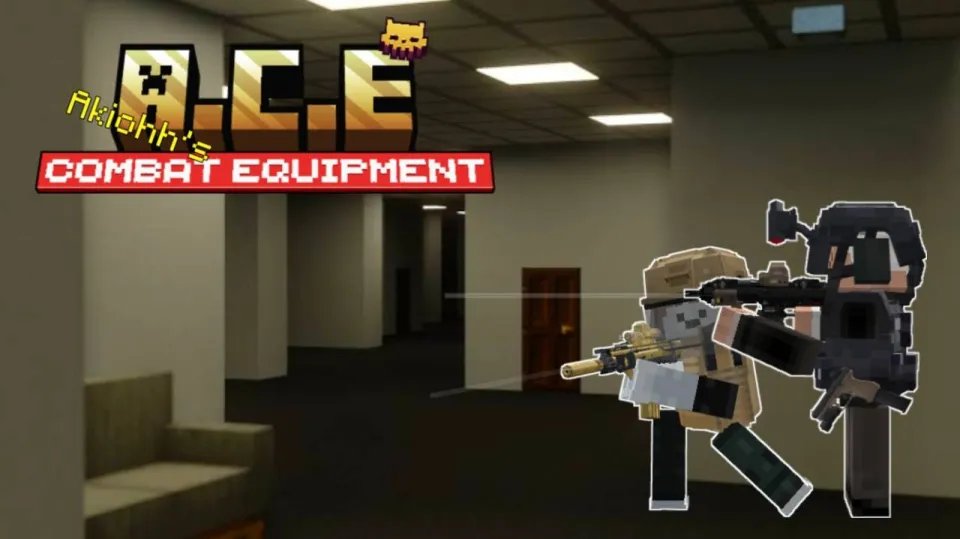
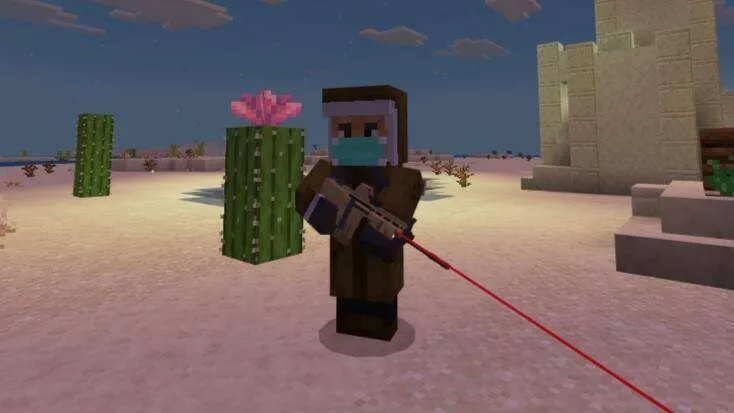
Mod Akiohh's Combat Equipment for Minecraft offers 3D firearms with equip, inspect, and magazine-changing animations, as well as combat armor.
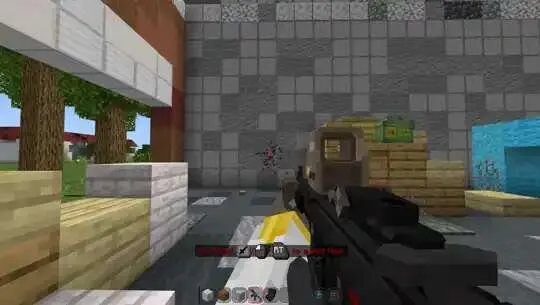
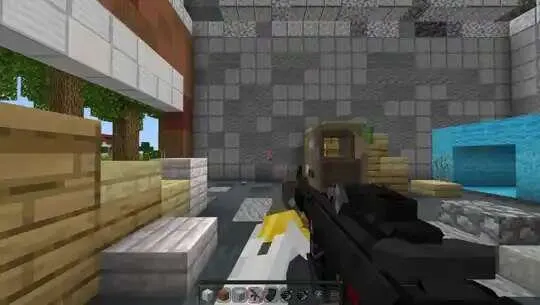
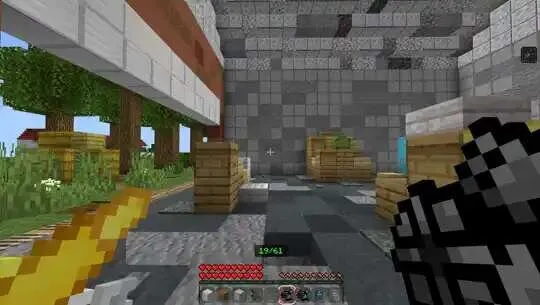
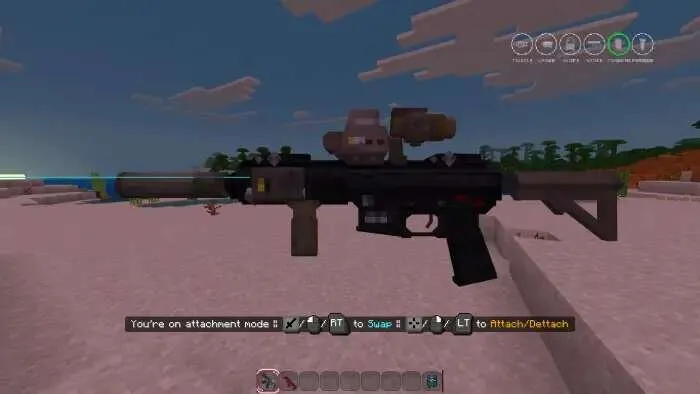
Weapons and shooting mechanics
8 weapon types
Each weapon has its own stats, magazines, and compatible attachments
Before firing, you need to insert the correct magazine
If there are several magazines in the inventory, the one with the most ammo is used first
You can check the remaining ammo, remove the magazine, and inspect the weapon
Bullet spread depends on whether a foregrip is installed
Colt M1911 - a starter weapon available for free in Survival mode
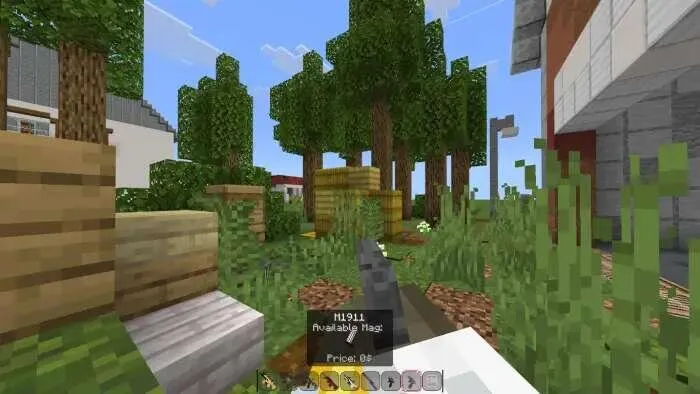
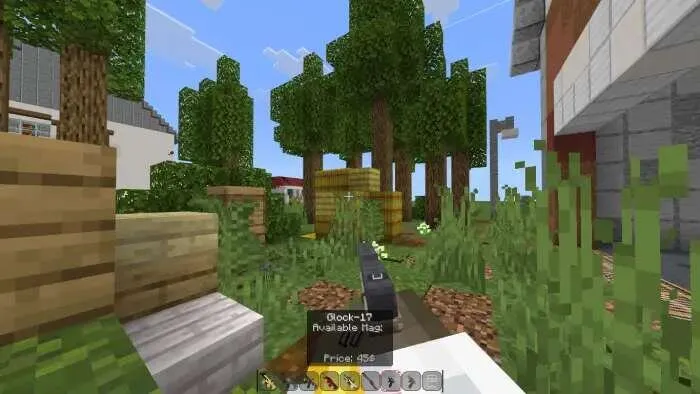
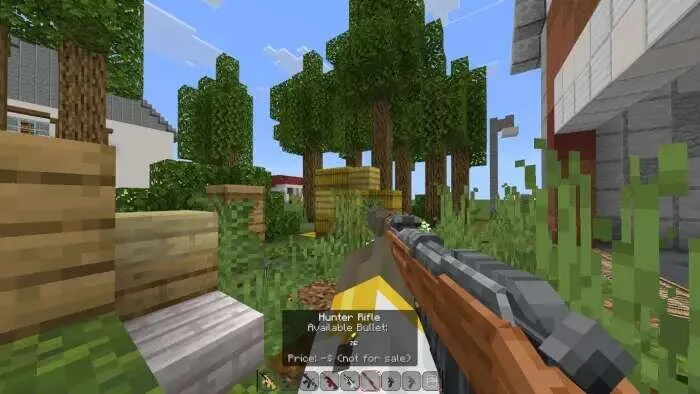
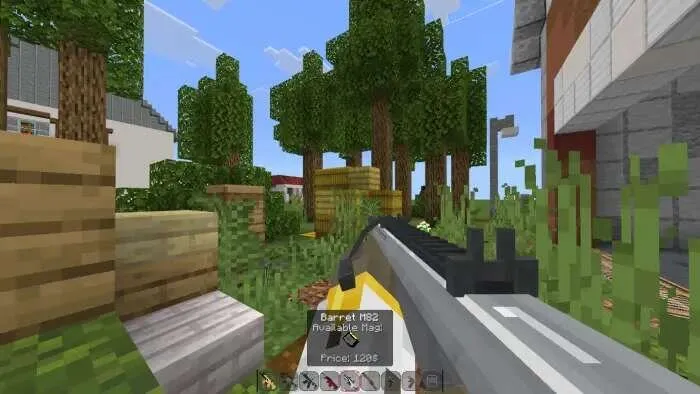
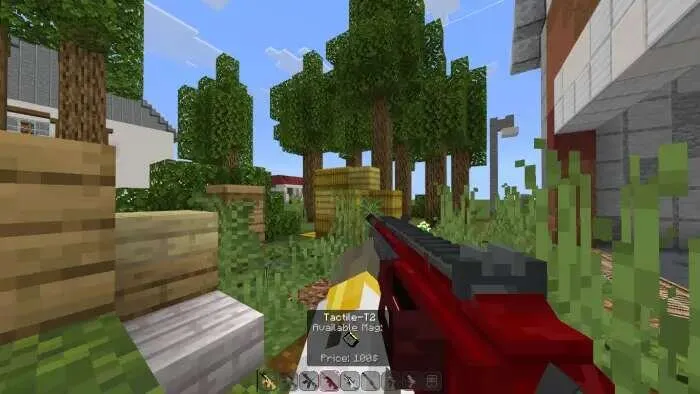
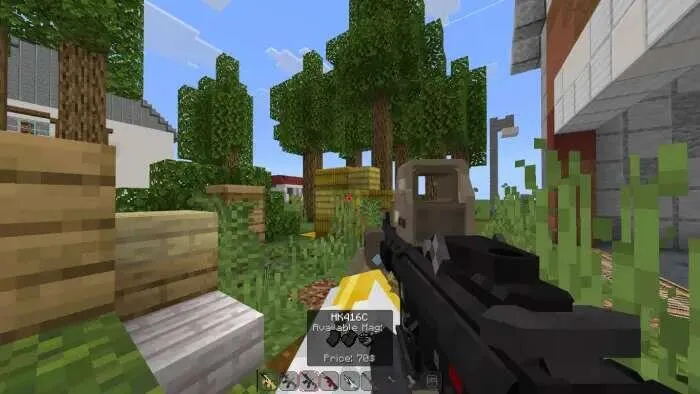
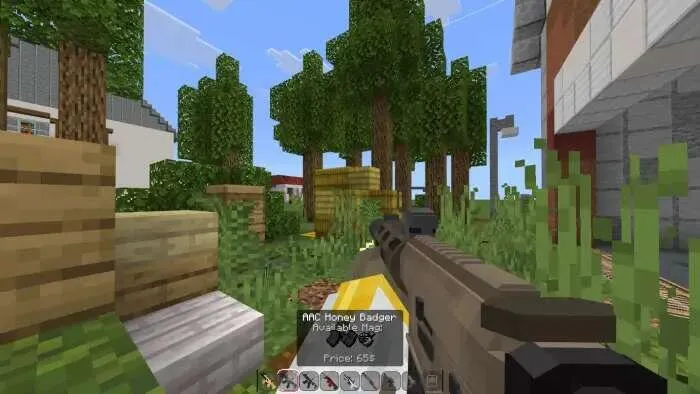
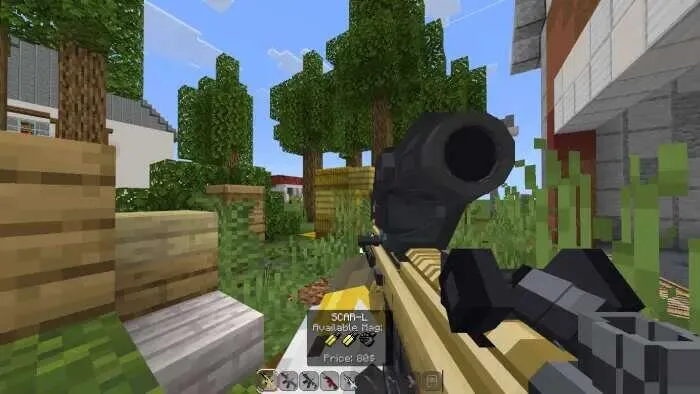
Weapon controls
Sneak - aim
Interact - fire or insert magazine
Sneak + attack - check ammo count
Attack in the air or at a block - remove magazine or inspect weapon
Attack an entity - weapon swing animation
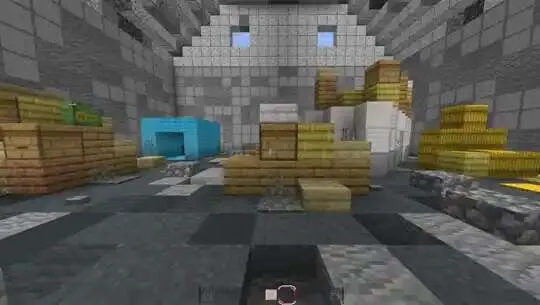
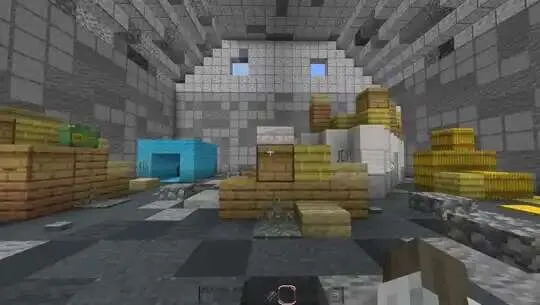
Reloading magazines
Take the magazine in your hand and place the matching ammo in the second hand
Rapidly press interact to load ammo one by one
Attachments
Installing and removing attachments is done through a special mode using the Attachment Kit (Additional Gear)
In Creative mode, you can install an unlimited number of attachments, while in Survival you need the corresponding items
Muzzle (Suppressor) - reduces the volume and audible range of the shot
Laser (Laser sight) - helps with aiming
Scope (Sight) - zooms in when aiming
Stock (Stock) - reduces weapon recoil
Magazine (Magazine) - increases capacity, but increases install and removal time
Foregrip (Front grip) - reduces bullet spread
Flashlight
Allows you to light your way while exploring the world
Equips in the second hand when holding a weapon
Not supported by all weapon types
Backpack
Allows you to expand your inventory
To open it, place the backpack in the first hotbar slot and use interact
When opened, it becomes locked and receives a unique ID to save items
After closing, the inventory returns to its original state
You cannot forcibly remove the backpack while it is in use
Loot items
3D item models with equip, unequip, and inspect animations
5 rarity categories: common, uncommon/rare, unique, expensive, and exclusive
Rare items have a higher value
Loot can be sold to traders for money to buy gear
Items can be placed as trophies
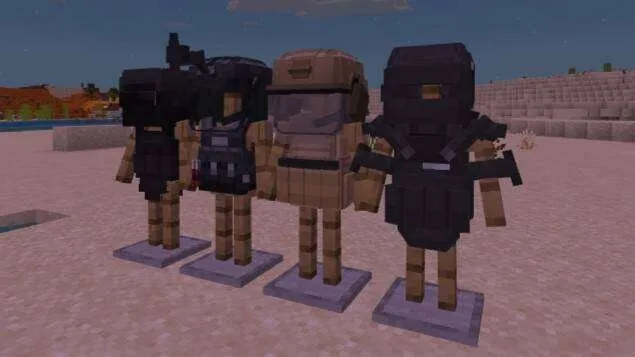
Armor and suits
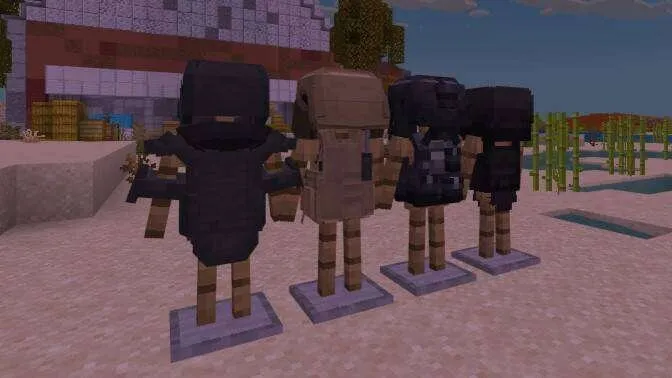
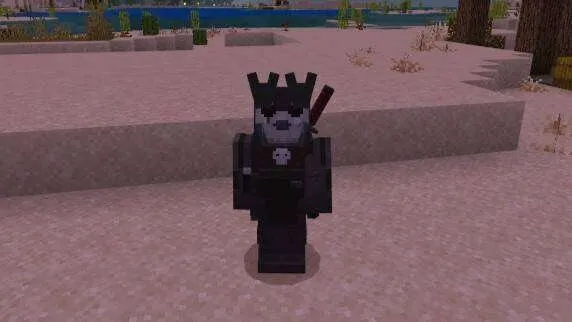
4 armor tiers with different protection and durability
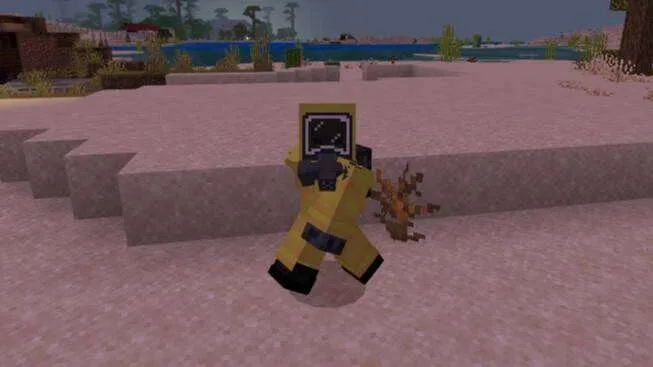
2 full suits
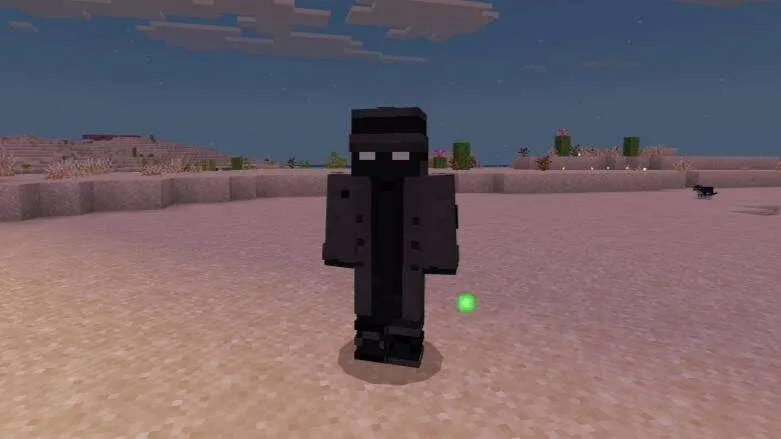
Suits include all armor pieces from boots to helmet and change the appearance of the player's hands in first person
Laptop and shop
Allows you to buy weapons, attachments, armor, ammo, and magazines
Given for free when first entering a Survival world or can be crafted later
The shop automatically refreshes every 10 minutes
Hit - rotate
Sneak + hit - put away
Sneak + interact - refresh the stock manually
NPCs
Merchant - randomly spawns in the Overworld and buys unwanted items
Secret Agent - sells secret items that will require a lot of money to buy
How to install Akiohh's Combat Equipment Add-on
- Download the file below.
- Open it - Minecraft imports the pack by itself.
- Activate the pack in the world you want to play in.
 TR’s Simple Guns Add-on 26.30+/26.11+/26.10+
 Havoc Guns Add-on 26.30+
 Havoc Guns Add-on 26.30+
 SCAPE AND RUN PARASITE: BE Add-on 26.30+/26.0+
 Ethercraft: Dream dimension Add-on 26.0+
 Absolute Guns 3 Add-on 26.30+/26.11+/26.10+/26.0+/1.21+