
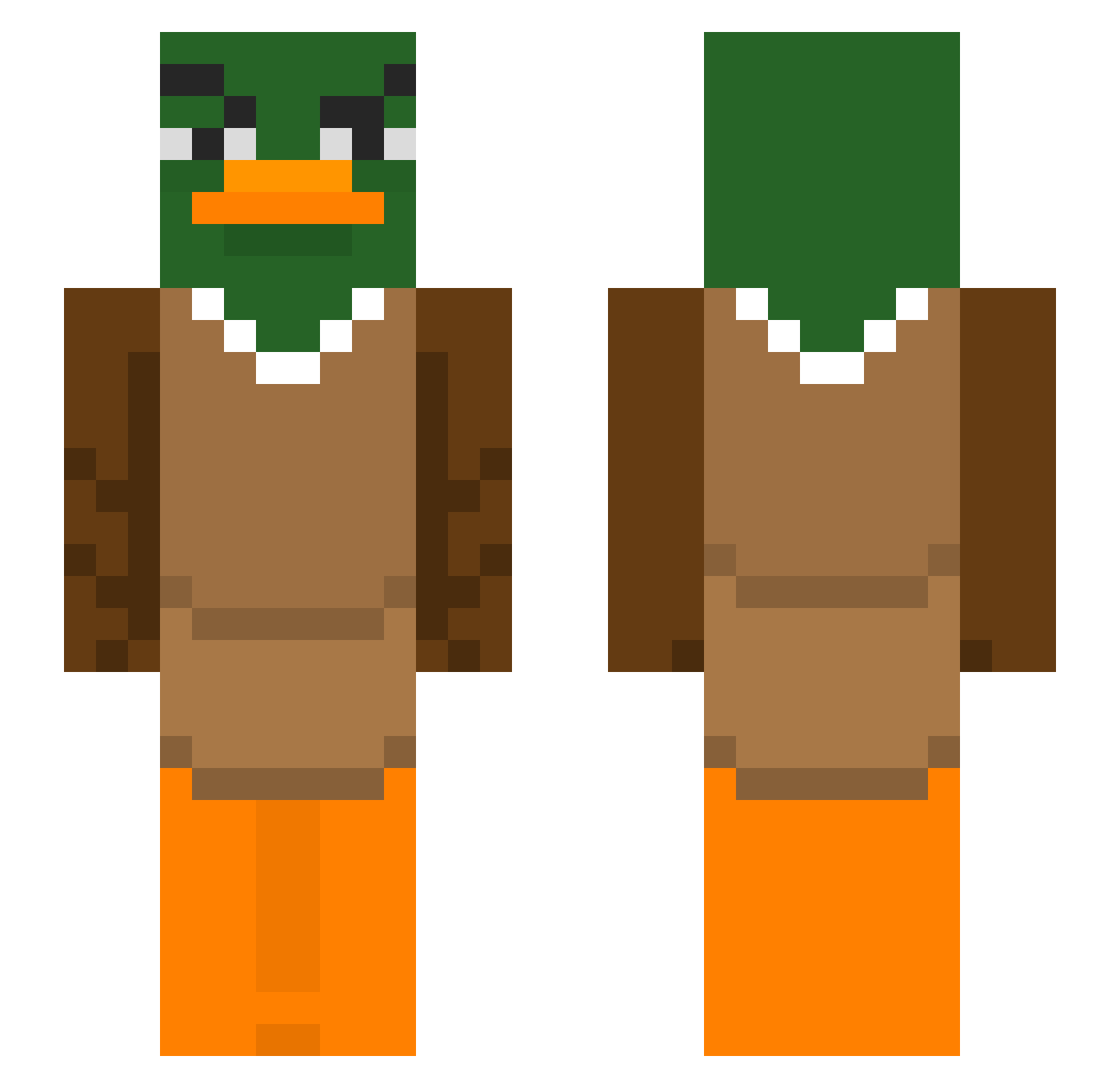
Current Minecraft skin of the player RubnoSc, loaded from the official Mojang API. Rotate the 3D model with your mouse or finger, then download the skin as a PNG file and use it in Minecraft: Bedrock Edition or Java Edition for free. When RubnoSc changes their skin, this page updates automatically and the old skin stays in the history below.
Other players with this skin (291)
RubnoSc was the 254th player we have seen with this skin, first spotted on 06.10.2026. The same skin was seen on these players. Open a nickname to see their current skin and skin history.
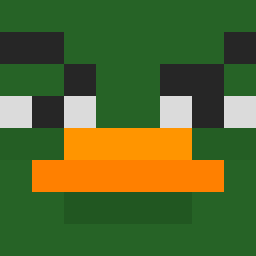 baberlamalice christian_tmax Cigies Flezyy fuzzydingo3821 Kecmu sususupernova1 YouthfulMelon GhillieDuck Sebax716 Wacky1 tiko2802 yaard__ Maksmus124 Fart6900 SolluxTheBee notatschool Itachi1350 global_p2 Ihino AlbanianSheMan AN90 Egzekucja Dalanz GreenSnake469 Aliriza2025 gy0213 Max__89 pewpewlegoat susbaken bluethunderrider DELGATES SpooderMan2cool cch_0108 viixoko zenyus misiu9 Gigs033 mrbooshot JediJuba depikemax Xarma_8L Brvxzy moshi303 hxxrtless1x shibadog1220 Spellcaster4376 KnowDeWay546 HL3k Agus1099 cio_tka XiXiXiXXX duckcpvp ofdc 4sduio cokuelo AUFNTISCH bfogs chrjstiann Jack17168
More Duck Minecraft skins
How to install the RubnoSc skin
- Press the Download button above to save the skin as a PNG file.
- Minecraft: Bedrock Edition (PE): open the Dressing Room from the main menu (or tap your character → Edit Character), go to Classic Skins → Owned, press the + (new skin) button, choose the downloaded PNG and pick the Slim (Alex) model. Works on PC and mobile; consoles cannot import custom skins.
- Minecraft: Java Edition: open the Minecraft Launcher, go to the Skins tab, click New Skin, load the PNG, pick the Slim (Alex) model and press Save & Use. You can also upload it at minecraft.net → Profile → Change Skin.
The skin does not show up after import - what should I do?
Restart Minecraft and open the Dressing Room again - imported skins sometimes appear only after a restart. Also make sure you selected the imported skin and picked the Slim (Alex) model.
Which model should I choose, Classic or Slim?
This skin is designed for the Slim (Alex) model. If you pick the wrong model, the arms of the skin will look stretched or squeezed.
Is the skin of RubnoSc free to download?
Yes. Press Download, save the PNG file and use it in Minecraft: Bedrock Edition or Java Edition - no payment or registration needed. The skin also works on multiplayer servers and Realms.
More skins
Looking for more? Go back to all Minecraft skins and check the top skins of the week, month and all time, or find any player's skin by nickname.