
 msg36 Vintxx smoldier adixio7PL IlluminN_ christopheXtero DeklynWindsor pakpak277 GMhur bogdanciocan starpetals invinciboll LuckyDuk69 JB_808 jawfdoh rlaalswl_104 gamerkaysha KingKong_808 zeeuss7 PERLMAN117 niklassonn Nineningas4 General_Andy Donut_LVR CaminouV Scafu foxx164 HunterPierro joseammaj milcia69 GOM9612 iimmunity Self_Help Aaron2096 aso9 PoopyMeeSiam wc0304 Muja12 ChurchRow jaxxson_13L ToloKolo Menna__ i0v3i9 dunderbollar KolonyaliMendil ProfiBauer2010 jeongdahyeon1 Blonga27 jopyn CytechTV GordonW1 Talynutella Kirito_XD_ kuinka DragonSlayer1120 otltohs Arthur_autismo Dayden10 seyoung2009 Pokefn
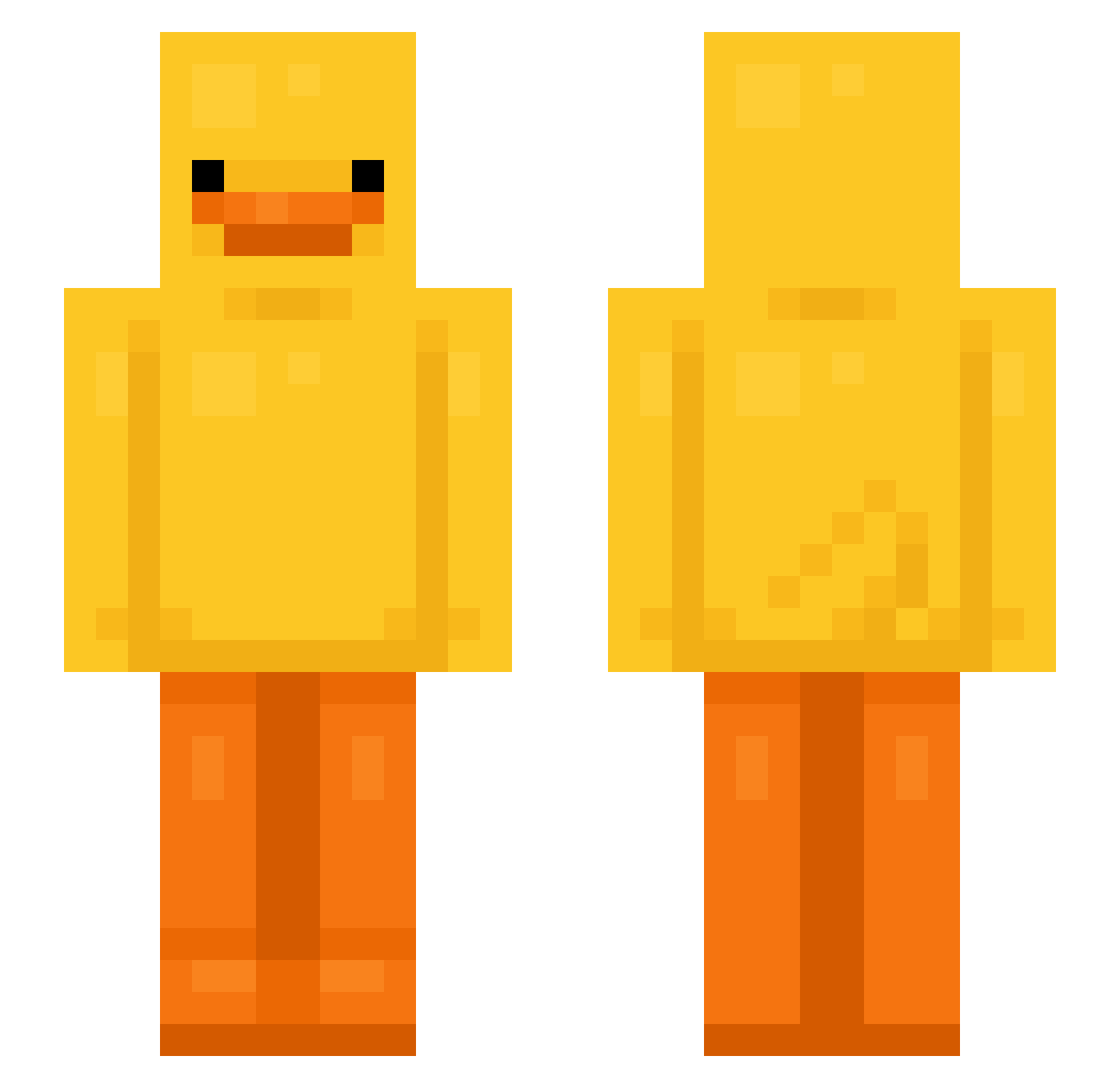
Minecraft skin of oskkey. Rotate the 3D model with your mouse or finger to view the skin from every angle, then download it as a PNG file and use it in Minecraft: Bedrock Edition or Java Edition for free. Rate the skin with stars to help other players find the best skins in our collection.
How to install the oskkey skin
- Press the Download button above to save the skin as a PNG file.
- Minecraft: Bedrock Edition (PE): open the Dressing Room from the main menu (or tap your character → Edit Character), go to Classic Skins → Owned, press the + (new skin) button, choose the downloaded PNG and pick the Slim (Alex) model. Works on PC and mobile; consoles cannot import custom skins.
- Minecraft: Java Edition: open the Minecraft Launcher, go to the Skins tab, click New Skin, load the PNG, pick the Slim (Alex) model and press Save & Use. You can also upload it at minecraft.net → Profile → Change Skin.
The skin does not show up after import - what should I do?
Restart Minecraft and open the Dressing Room again - imported skins sometimes appear only after a restart. Also make sure you selected the imported skin and picked the Slim (Alex) model.
Which model should I choose, Classic or Slim?
This skin is designed for the Slim (Alex) model. If you pick the wrong model, the arms of the skin will look stretched or squeezed.
Is this skin free to use?
Yes. Press Download, save the PNG file and use it in Minecraft: Bedrock Edition or Java Edition - no payment or registration needed. The skin also works on multiplayer servers and Realms.
More Bird Minecraft skins
More skins
Looking for more? Go back to all Minecraft skins and check the top skins of the week, month and all time, or find any player's skin by nickname.