
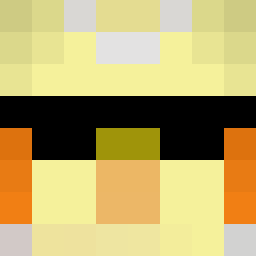
 Poteeto5784 trockzyyy thatspiderdaved wullis123 lukedp1 breeziess PabloMCPVP boiiiiiiiiii TheoBaldTheBirds panzervIIIMaus1 BIAI666 LupoLEL Benizda1_ Maxmoid Theo_Phang JuzlesXD mcsqn TheobcldTheBird SSfrostey theobaldthebirdb SHADOW4000PPMC bisayaking67 renda210new zaydii flameflages marcrisd AurabaldTheBird concave13 Senseju5 Ilovecapybara123 gheryu Let_me_solo_you suyenisawesome DiabloTheLurker ItsSteez9Fl wyzdi Stealthy_Is_Here Theobowldthebird tordis5776 Mr_laxmak MYOO_ yoyo20112 pairjuice VersusTwo BigplayzMc mabustein kkiacool LegendWolf05 dynomize WitherSkeleton3 I_Trust_me ThebaldThebird Burkans2020 Criscola_black6 tizx28 LinusN13 Risik0 RyanChan_ Frostwing3613 SeedLord
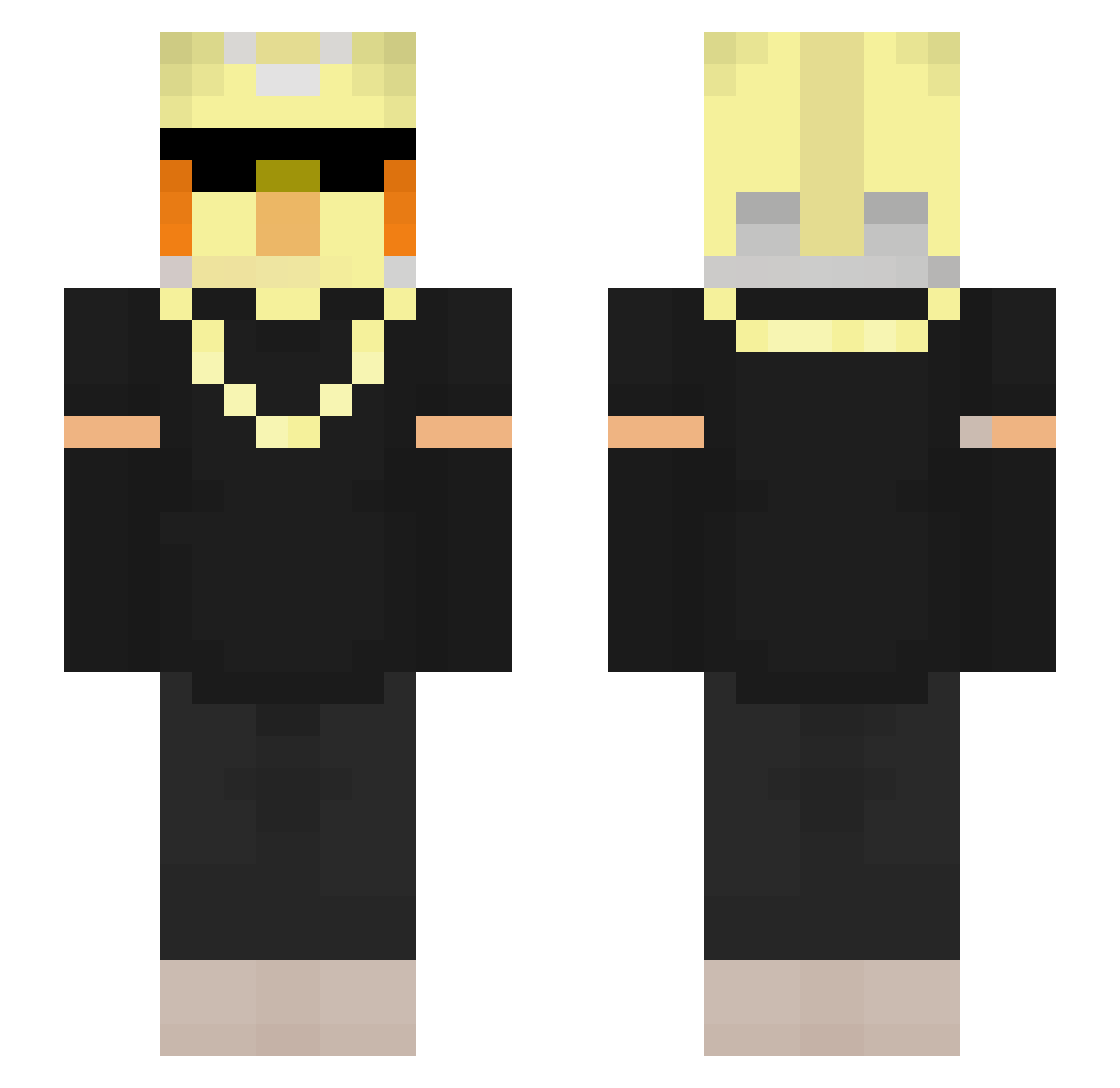
Minecraft skin of mabustein. Rotate the 3D model with your mouse or finger to view the skin from every angle, then download it as a PNG file and use it in Minecraft: Bedrock Edition or Java Edition for free. Rate the skin with stars to help other players find the best skins in our collection.
How to install the mabustein skin
- Press the Download button above to save the skin as a PNG file.
- Minecraft: Bedrock Edition (PE): open the Dressing Room from the main menu (or tap your character → Edit Character), go to Classic Skins → Owned, press the + (new skin) button, choose the downloaded PNG and pick the Slim (Alex) model. Works on PC and mobile; consoles cannot import custom skins.
- Minecraft: Java Edition: open the Minecraft Launcher, go to the Skins tab, click New Skin, load the PNG, pick the Slim (Alex) model and press Save & Use. You can also upload it at minecraft.net → Profile → Change Skin.
The skin does not show up after import - what should I do?
Restart Minecraft and open the Dressing Room again - imported skins sometimes appear only after a restart. Also make sure you selected the imported skin and picked the Slim (Alex) model.
Which model should I choose, Classic or Slim?
This skin is designed for the Slim (Alex) model. If you pick the wrong model, the arms of the skin will look stretched or squeezed.
Is this skin free to use?
Yes. Press Download, save the PNG file and use it in Minecraft: Bedrock Edition or Java Edition - no payment or registration needed. The skin also works on multiplayer servers and Realms.
More Bird Minecraft skins
More skins
Looking for more? Go back to all Minecraft skins and check the top skins of the week, month and all time, or find any player's skin by nickname.