
 ItsClair Peace4ducks adoakiraj SJB_JOKER EnviteOfficial Prici_0417 Alkioa dailydeath123 Azarath9 noogety J99S_S gengwin Simba_Lenny Reaper3141 xywwe_ Woopl Splatter75 SquirelFriend sullyMcnasty cupid321 huysuzcivciv msniking nambamster littleBrimstone greenbean028 Chemilyy Jwob eviyk Mikkelsen08 wilsonwu123 YourMOM5088 FAVK2007 Pakito_killer CONN4444 drt111 Princess_Meri woyoung2 depaaaaaaa chopap DIKIIII ironkraken97 LaGrinta93 Soccerdude1904 ArqueiroNinja lesauwu Carla_223 YoIamNathan Stinkypoopy12 KimBug02 OptiKal_PuP uuboom hubiax12 OlafurAndri66 Schokolade1311 AresowyAres is3br jeoly10 adrilapiubella RealAugie lavendaroats
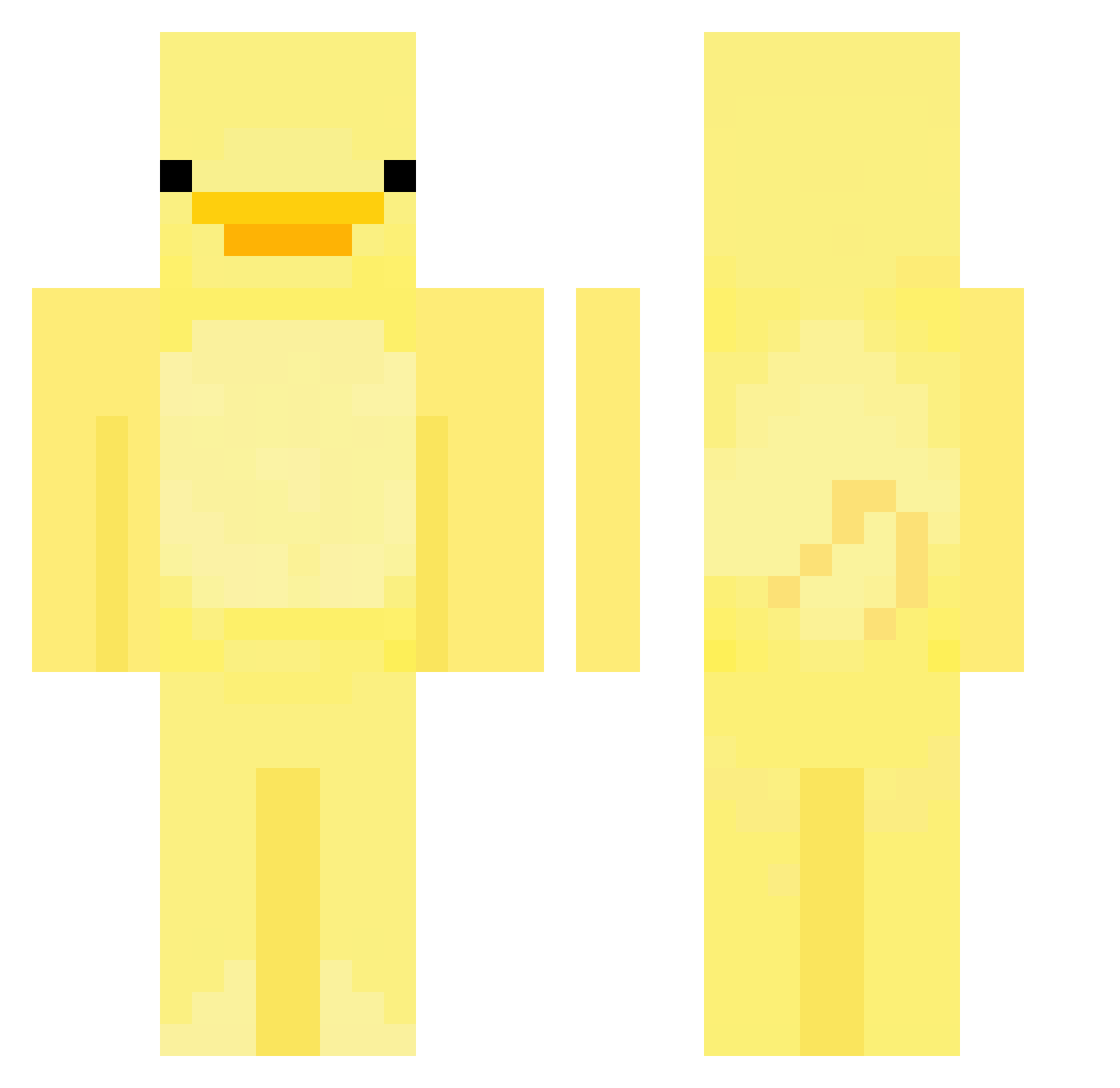
Minecraft skin of vSwiggy. Rotate the 3D model with your mouse or finger to view the skin from every angle, then download it as a PNG file and use it in Minecraft: Bedrock Edition or Java Edition for free. Rate the skin with stars to help other players find the best skins in our collection.
How to install the vSwiggy skin
- Press the Download button above to save the skin as a PNG file.
- Minecraft: Bedrock Edition (PE): open the Dressing Room from the main menu (or tap your character → Edit Character), go to Classic Skins → Owned, press the + (new skin) button, choose the downloaded PNG and pick the Classic (Steve) model. Works on PC and mobile; consoles cannot import custom skins.
- Minecraft: Java Edition: open the Minecraft Launcher, go to the Skins tab, click New Skin, load the PNG, pick the Classic (Steve) model and press Save & Use. You can also upload it at minecraft.net → Profile → Change Skin.
The skin does not show up after import - what should I do?
Restart Minecraft and open the Dressing Room again - imported skins sometimes appear only after a restart. Also make sure you selected the imported skin and picked the Classic (Steve) model.
Which model should I choose, Classic or Slim?
This skin is designed for the Classic (Steve) model. If you pick the wrong model, the arms of the skin will look stretched or squeezed.
Is this skin free to use?
Yes. Press Download, save the PNG file and use it in Minecraft: Bedrock Edition or Java Edition - no payment or registration needed. The skin also works on multiplayer servers and Realms.
More Bird Minecraft skins
More skins
Looking for more? Go back to all Minecraft skins and check the top skins of the week, month and all time, or find any player's skin by nickname.