
 francisdu30 Scooby2511 hirorororo xXmaster93 B_saku Dragonfly7780 purinn panis_ moharris123 OverlordPlatypus smithmonkey haitaka7 Kloockni StarSone MiNiBeAt5 cool1462002 Rikoooo Penguin_Liam Pickyz ETA11 Scota2142 Harlekin7 pokokp Porcu arventhegreat LarsRubbish DonaldDoc kungenlincan Topsyhund LeSwipe nenynou benybingo Funky102 DuckysOnQuack69 bilbertbaggins sandyyu NewFaction Str8_Beastin Donald11 iEmiliano_ susumeviking remytmc18 makstonoob Evaena vivvil22 maccanolsson lord_fennris Ordien trump_donald_USA ABC888 POYOKINTV itsdoss chedri03 Mr_Bearman xNinjaBreadManx Entered Maikion Aoibara Dirty_Sniper zoefzoef3
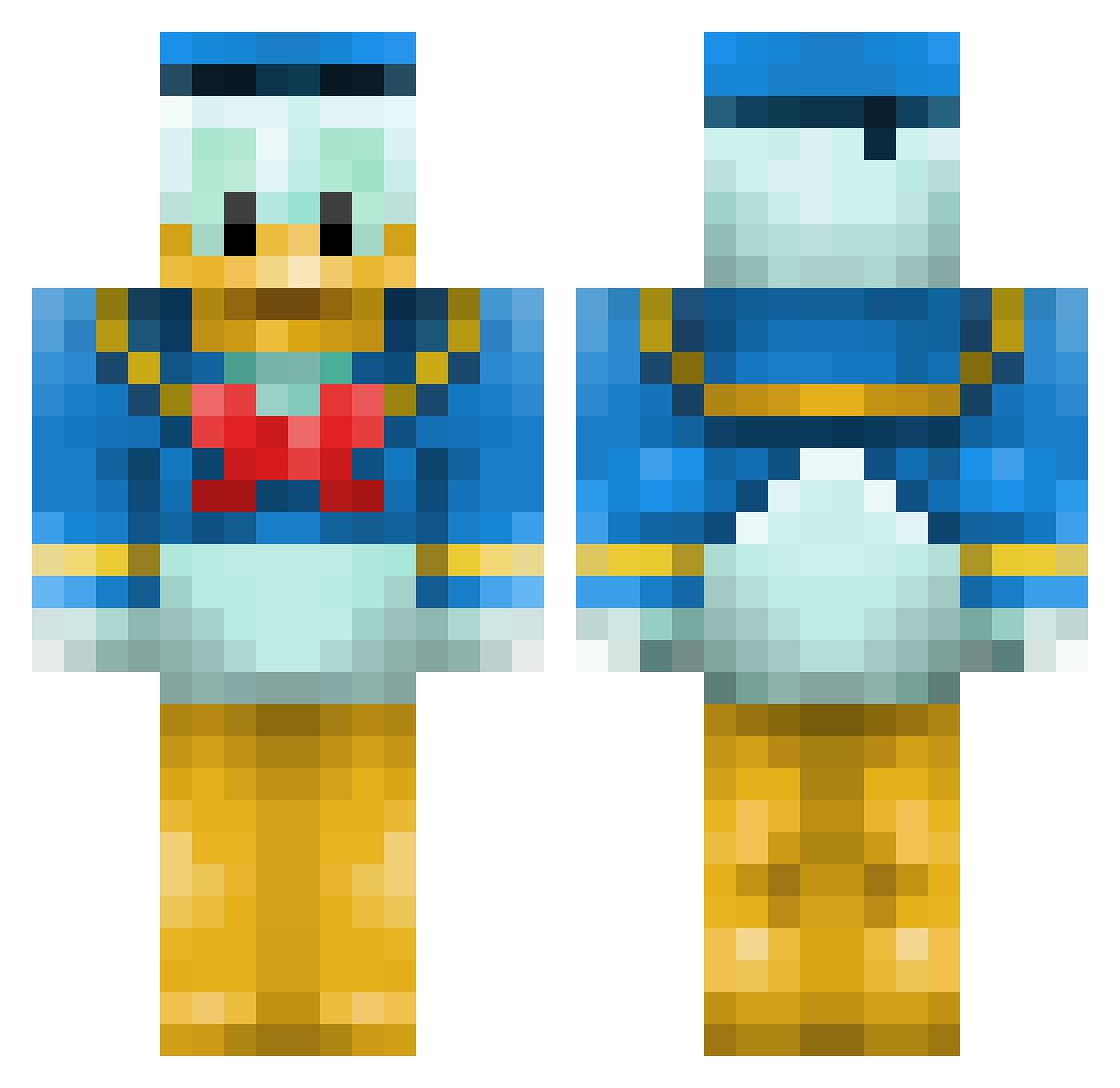
Minecraft skin of Jamesyboy12. Rotate the 3D model with your mouse or finger to view the skin from every angle, then download it as a PNG file and use it in Minecraft: Bedrock Edition or Java Edition for free. Rate the skin with stars to help other players find the best skins in our collection.
How to install the Jamesyboy12 skin
- Press the Download button above to save the skin as a PNG file.
- Minecraft: Bedrock Edition (PE): open the Dressing Room from the main menu (or tap your character → Edit Character), go to Classic Skins → Owned, press the + (new skin) button, choose the downloaded PNG and pick the Classic (Steve) model. Works on PC and mobile; consoles cannot import custom skins.
- Minecraft: Java Edition: open the Minecraft Launcher, go to the Skins tab, click New Skin, load the PNG, pick the Classic (Steve) model and press Save & Use. You can also upload it at minecraft.net → Profile → Change Skin.
The skin does not show up after import - what should I do?
Restart Minecraft and open the Dressing Room again - imported skins sometimes appear only after a restart. Also make sure you selected the imported skin and picked the Classic (Steve) model.
Which model should I choose, Classic or Slim?
This skin is designed for the Classic (Steve) model. If you pick the wrong model, the arms of the skin will look stretched or squeezed.
Is this skin free to use?
Yes. Press Download, save the PNG file and use it in Minecraft: Bedrock Edition or Java Edition - no payment or registration needed. The skin also works on multiplayer servers and Realms.
More Donald Duck Minecraft skins
More skins
Looking for more? Go back to all Minecraft skins and check the top skins of the week, month and all time, or find any player's skin by nickname.