
 lucio2323 yuna_ina sivakenn776 DanizuMC actikid xingdeng215 Sneakyman07 Zipzyz Laserman3002 x_xing123 WEBELION2010 itzcaile JuxJubix dababy92 ginger_hw crunchyfrog25 AndyPandy1212 Little_whitebear GUFIKk beanerdreams Sis2009vg ahha02 Twonky77 IQTimi PulseIllusion SarcasticGuy Ryan_Garber _Tzen_ Pupperforsupper MataPatoos Ax3well VilleHam moimoi77 DasGrueneSchaf Th0rn3r Lisahs zachrknowles yu__na__ justwin29 hao___er Yardd Marsiancho Snuubymack Bohemenian wspryry Kevcool07 Bestbamboo DuckioRub ZweiFunkel bald5381 Wudyr youngoh0 s1h5Sb servuseror BautznerSenf FakerFake SilasRosen Staralbert_06 Oldtoycar2 Kui715
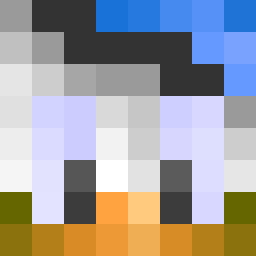
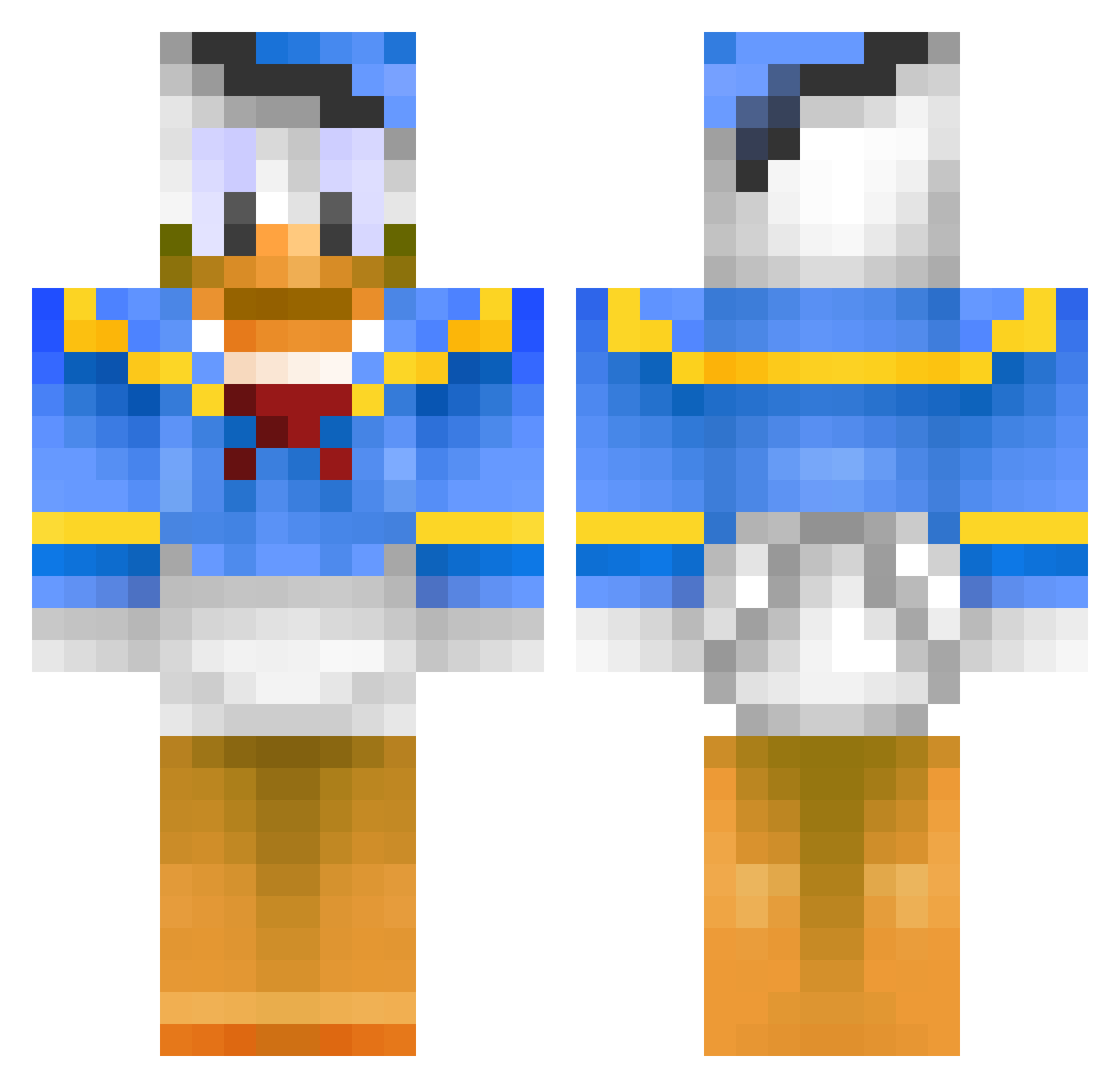
Minecraft skin of Ztratuz. Rotate the 3D model with your mouse or finger to view the skin from every angle, then download it as a PNG file and use it in Minecraft: Bedrock Edition or Java Edition for free. Rate the skin with stars to help other players find the best skins in our collection.
How to install the Ztratuz skin
- Press the Download button above to save the skin as a PNG file.
- Minecraft: Bedrock Edition (PE): open the Dressing Room from the main menu (or tap your character → Edit Character), go to Classic Skins → Owned, press the + (new skin) button, choose the downloaded PNG and pick the Classic (Steve) model. Works on PC and mobile; consoles cannot import custom skins.
- Minecraft: Java Edition: open the Minecraft Launcher, go to the Skins tab, click New Skin, load the PNG, pick the Classic (Steve) model and press Save & Use. You can also upload it at minecraft.net → Profile → Change Skin.
The skin does not show up after import - what should I do?
Restart Minecraft and open the Dressing Room again - imported skins sometimes appear only after a restart. Also make sure you selected the imported skin and picked the Classic (Steve) model.
Which model should I choose, Classic or Slim?
This skin is designed for the Classic (Steve) model. If you pick the wrong model, the arms of the skin will look stretched or squeezed.
Is this skin free to use?
Yes. Press Download, save the PNG file and use it in Minecraft: Bedrock Edition or Java Edition - no payment or registration needed. The skin also works on multiplayer servers and Realms.
More Donald Duck Minecraft skins
More skins
Looking for more? Go back to all Minecraft skins and check the top skins of the week, month and all time, or find any player's skin by nickname.