
 DisDuck05 FrickKayaks Qoo95 Nbesty Frewein luskaiko jirayasensei123 ElkYy xRobak77x vas9k ChefXixi dalian1 Haimu_OU0 Santi_82 AnZtl paspinpus chimin2 Proyex03 WMH Nomada101 carlitoes01 ScaryC0RN yodelaheehoo NoNo99 Darcy26 Giantp07 Denngirou ElPuerco23 muou11 M4A1S_696969 Finliraren Faratul NeoVergil3 Tronrex MyEggFriedRice gabe_za CallumSmyth03 Riuck234 l0otlake LoudandLittle blackjackmaster2 el_Zene DoBeesThink Man1era arda471 __DATH__ bo_m6rh TonyHawkins Davidko777 ciabatt maja2123 KodiGamer Sheyito Lsege drakaull GONZAZZZ bubbaJs Himmy2027 caleb425 TomyGame3170
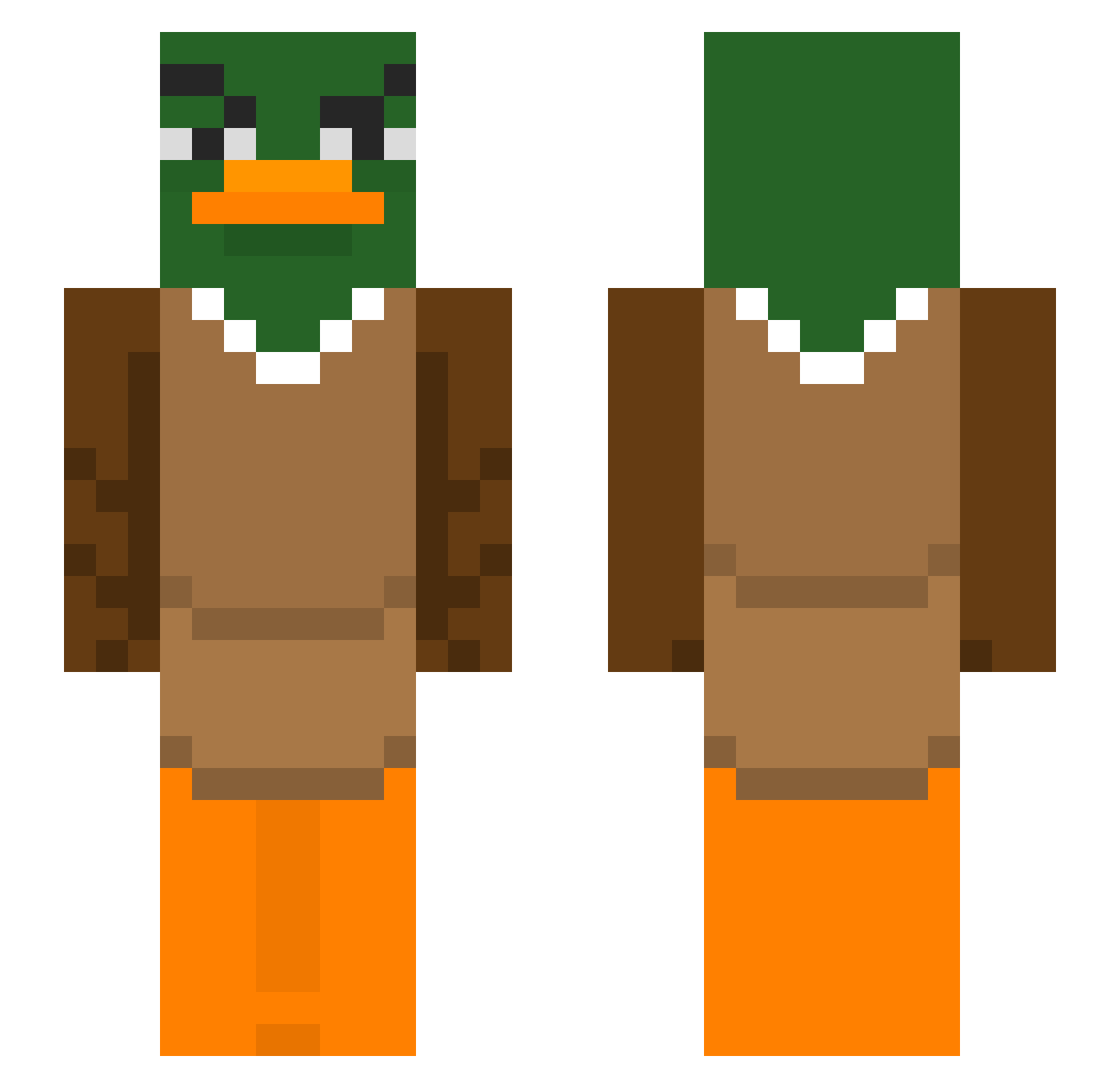
Minecraft skin of Vibananza. Rotate the 3D model with your mouse or finger to view the skin from every angle, then download it as a PNG file and use it in Minecraft: Bedrock Edition or Java Edition for free. Rate the skin with stars to help other players find the best skins in our collection.
How to install the Vibananza skin
- Press the Download button above to save the skin as a PNG file.
- Minecraft: Bedrock Edition (PE): open the Dressing Room from the main menu (or tap your character → Edit Character), go to Classic Skins → Owned, press the + (new skin) button, choose the downloaded PNG and pick the Slim (Alex) model. Works on PC and mobile; consoles cannot import custom skins.
- Minecraft: Java Edition: open the Minecraft Launcher, go to the Skins tab, click New Skin, load the PNG, pick the Slim (Alex) model and press Save & Use. You can also upload it at minecraft.net → Profile → Change Skin.
The skin does not show up after import - what should I do?
Restart Minecraft and open the Dressing Room again - imported skins sometimes appear only after a restart. Also make sure you selected the imported skin and picked the Slim (Alex) model.
Which model should I choose, Classic or Slim?
This skin is designed for the Slim (Alex) model. If you pick the wrong model, the arms of the skin will look stretched or squeezed.
Is this skin free to use?
Yes. Press Download, save the PNG file and use it in Minecraft: Bedrock Edition or Java Edition - no payment or registration needed. The skin also works on multiplayer servers and Realms.
More Duck Minecraft skins
More skins
Looking for more? Go back to all Minecraft skins and check the top skins of the week, month and all time, or find any player's skin by nickname.