
 ellboogie maypenray2 eeeeeeeeeeez Ricsi0805 caaker ChuppyChan E_Kingy PeTeR5454 DuckieGlocky Kurczakwkiblu1 Onard18 haipls Jack9811 Jesterpolar I_like_yellow Ramen360 thatguy8700 21RED21 Buckx_ Thomimou Eric51413 ddain1101 ONMIOS Carsen007 TEMPURA0625 sssonggg Wr1s1s durianfru1t not_soap_ miduduk hazza_mc451 WilbyTheGr8 2nd_YuYu Cocccaaa iLoveMyGF123432 JCAnimal cogus3007 kakaroto420 LG798 Lenaw2705 sayhai hhnybyy mts783 W1nterter De3trxyer Lowke_Jst_A_Duck Datsbatsman GKDenizB Lee_songwon Nened1 ASun99 _CYJ az_rwn Dawsyn23 TeoTee20 I_like_Chiken Fv_Sky TheWonderofWu SenhorBruno11 RawGard3ner
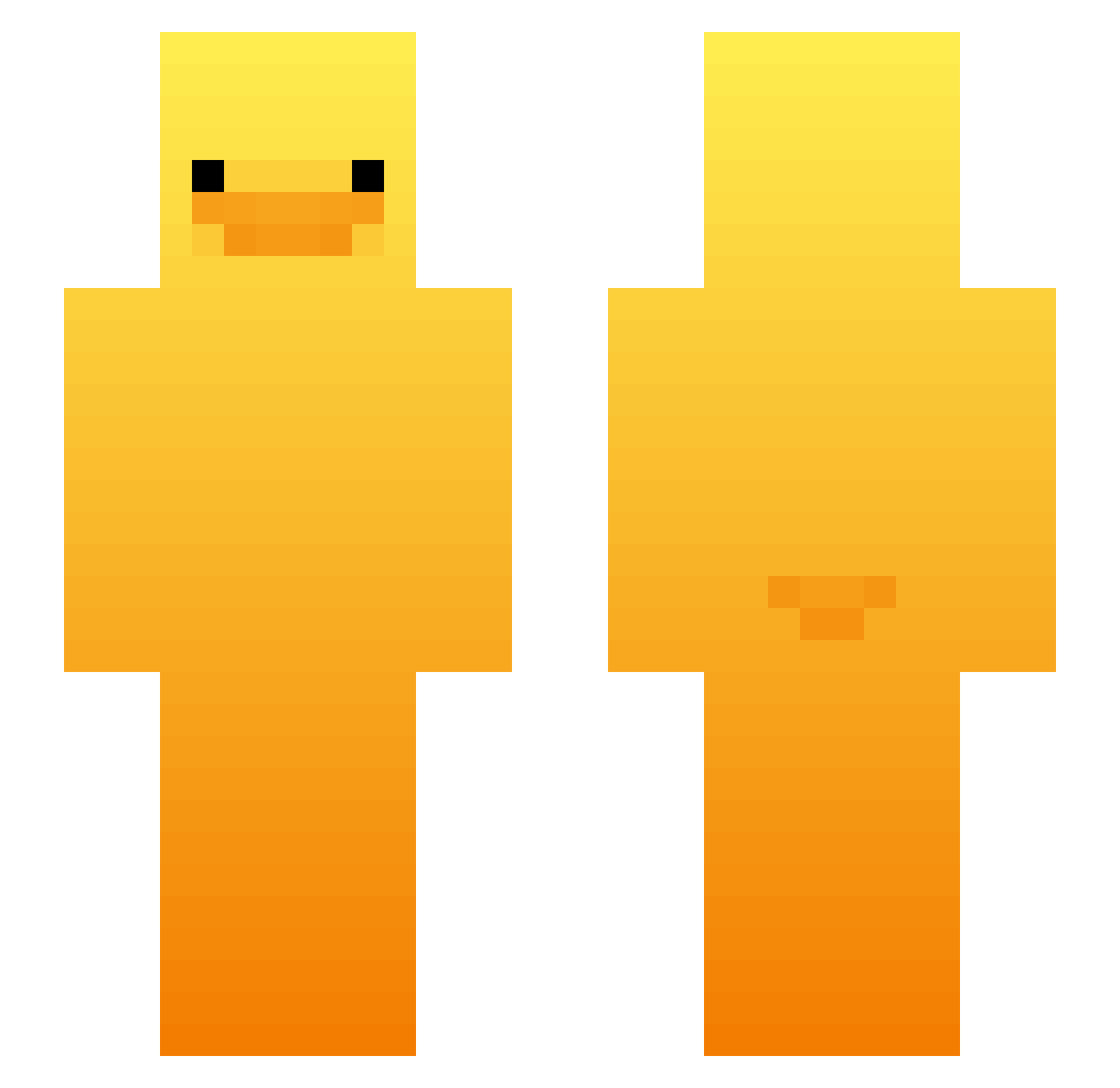
Minecraft skin of SilberLinus. Rotate the 3D model with your mouse or finger to view the skin from every angle, then download it as a PNG file and use it in Minecraft: Bedrock Edition or Java Edition for free. Rate the skin with stars to help other players find the best skins in our collection.
How to install the SilberLinus skin
- Press the Download button above to save the skin as a PNG file.
- Minecraft: Bedrock Edition (PE): open the Dressing Room from the main menu (or tap your character → Edit Character), go to Classic Skins → Owned, press the + (new skin) button, choose the downloaded PNG and pick the Slim (Alex) model. Works on PC and mobile; consoles cannot import custom skins.
- Minecraft: Java Edition: open the Minecraft Launcher, go to the Skins tab, click New Skin, load the PNG, pick the Slim (Alex) model and press Save & Use. You can also upload it at minecraft.net → Profile → Change Skin.
The skin does not show up after import - what should I do?
Restart Minecraft and open the Dressing Room again - imported skins sometimes appear only after a restart. Also make sure you selected the imported skin and picked the Slim (Alex) model.
Which model should I choose, Classic or Slim?
This skin is designed for the Slim (Alex) model. If you pick the wrong model, the arms of the skin will look stretched or squeezed.
Is this skin free to use?
Yes. Press Download, save the PNG file and use it in Minecraft: Bedrock Edition or Java Edition - no payment or registration needed. The skin also works on multiplayer servers and Realms.
More Duck Minecraft skins
More skins
Looking for more? Go back to all Minecraft skins and check the top skins of the week, month and all time, or find any player's skin by nickname.