
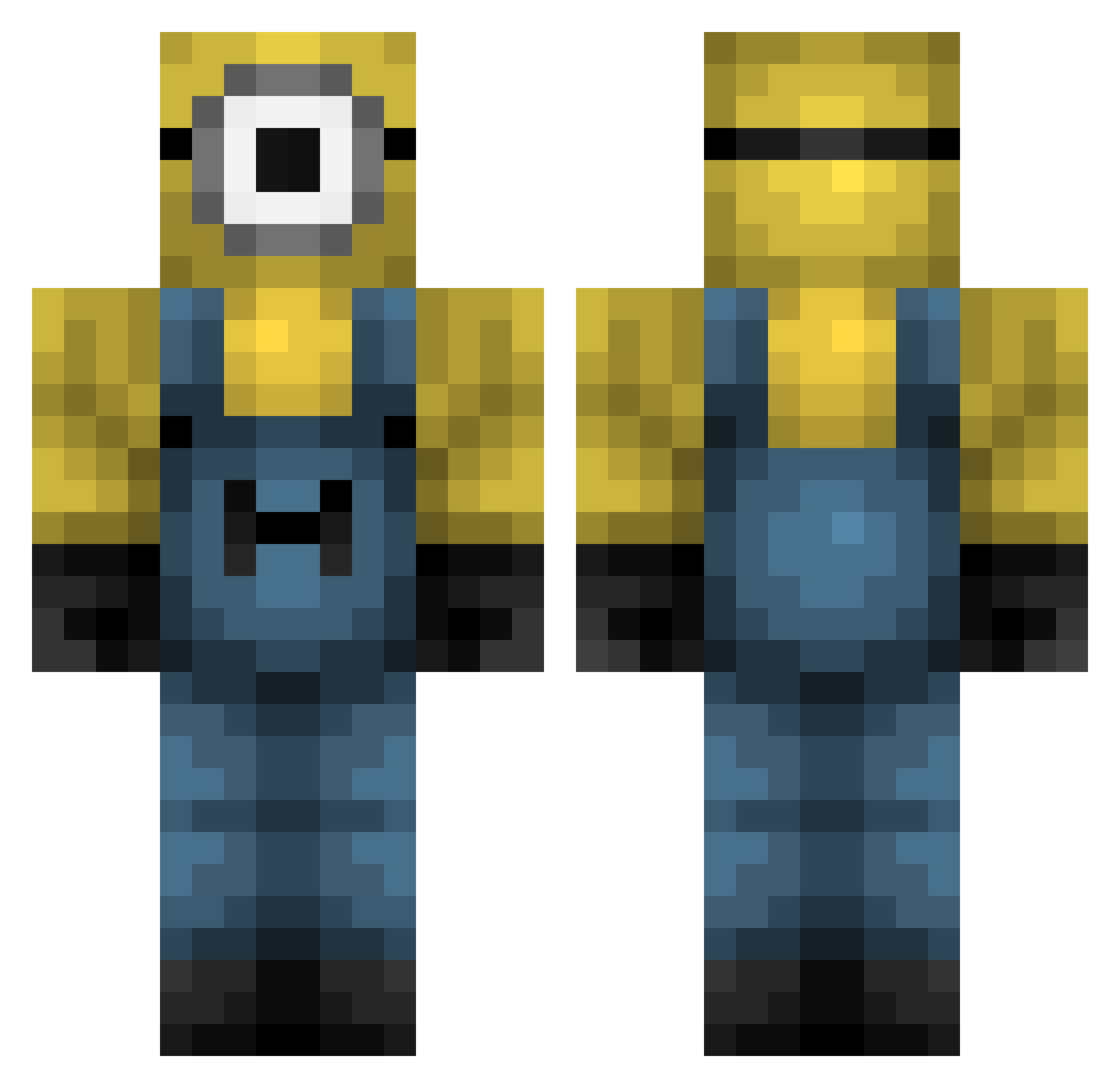
Current Minecraft skin of the player Minecraftguy187, loaded from the official Mojang API. Rotate the 3D model with your mouse or finger, then download the skin as a PNG file and use it in Minecraft: Bedrock Edition or Java Edition for free. When Minecraftguy187 changes their skin, this page updates automatically and the old skin stays in the history below.
Other players with this skin (323)
Minecraftguy187 was the 173rd player we have seen with this skin, first spotted on 14.09.2026. The same skin was seen on these players. Open a nickname to see their current skin and skin history.
 MadWolf21567 Deivid1910 JIN_08 darkenessriot iLOVE_MINIONS LtGlock LolaSaja TragicalMars0400 Droxen1 PedroHenSil06 Jurox88 Jebus23 xalanx98 FROGUIX jakubczan EsmeJacobs Pantallaa kinsheii dtb_wix LeatherHat6428 Femur2 MustoHD YunEvg toecrust Dupst3p DoctorLeeech Mamrot_ MattiasSsj Breva ItzN1c0 KonanSandunara denisbabagril ari852 morging notwintercoming AuthorityTowel kikissagaz Dunkpipi Roynaldo Thebotanson PrimalSpark11 SaltyCheese117 jay10162 TheRooski Redman184 tud1r therealbbisachod Weasley0307 wonkkerz bruhX1000000000 cuzamen L4MALICIA Anchor_00 JuanitoSantos TOMZ__ HUCON KitKat6969 AR2S Aykah09 zxycon
More Minion Minecraft skins
How to install the Minecraftguy187 skin
- Press the Download button above to save the skin as a PNG file.
- Minecraft: Bedrock Edition (PE): open the Dressing Room from the main menu (or tap your character → Edit Character), go to Classic Skins → Owned, press the + (new skin) button, choose the downloaded PNG and pick the Classic (Steve) model. Works on PC and mobile; consoles cannot import custom skins.
- Minecraft: Java Edition: open the Minecraft Launcher, go to the Skins tab, click New Skin, load the PNG, pick the Classic (Steve) model and press Save & Use. You can also upload it at minecraft.net → Profile → Change Skin.
The skin does not show up after import - what should I do?
Restart Minecraft and open the Dressing Room again - imported skins sometimes appear only after a restart. Also make sure you selected the imported skin and picked the Classic (Steve) model.
Which model should I choose, Classic or Slim?
This skin is designed for the Classic (Steve) model. If you pick the wrong model, the arms of the skin will look stretched or squeezed.
Is the skin of Minecraftguy187 free to download?
Yes. Press Download, save the PNG file and use it in Minecraft: Bedrock Edition or Java Edition - no payment or registration needed. The skin also works on multiplayer servers and Realms.
More skins
Looking for more? Go back to all Minecraft skins and check the top skins of the week, month and all time, or find any player's skin by nickname.