
GuiPLUS Texture Pack
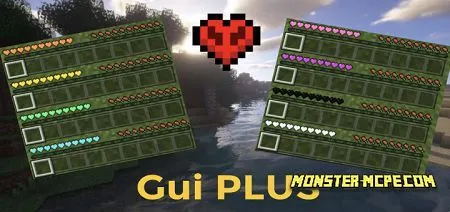
Would you like to change the textures of your GUI? If so, then the new GuiPLUS texture pack is what you need. For those who do not know, GUI or graphical user interface, this is a system of means for interacting a user with a computer, based on the presentation of all system objects and functions available to the user in the form of graphical screen components such as windows, icons, menus, buttons, lists, etc.
Please note that the new texture pack supports all available devices and platforms. The new texture pack allows players to change the color of the hearts on their panel in the game. Players can change the color of the hearts from custom to green, red, orange, blue, yellow, black, purple, white, and pink.
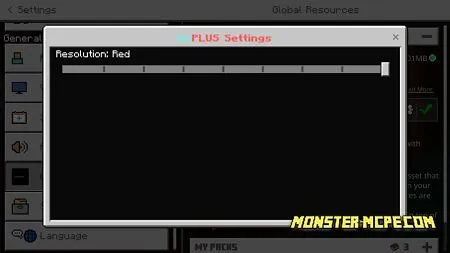
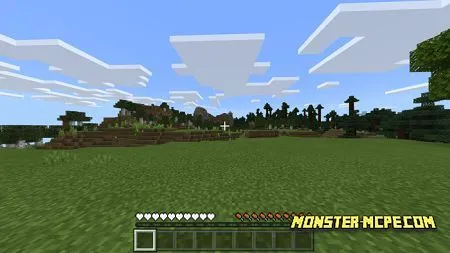
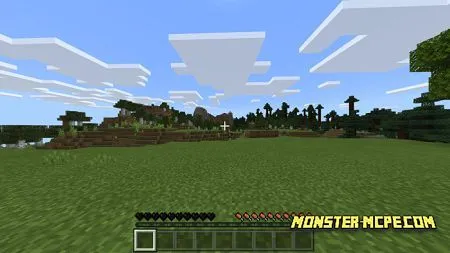
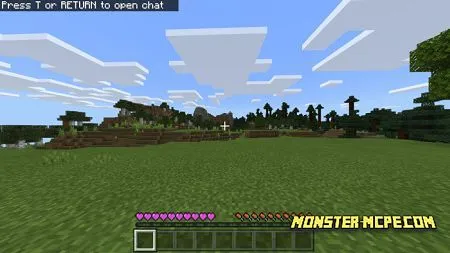
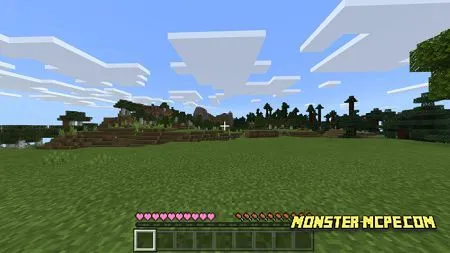
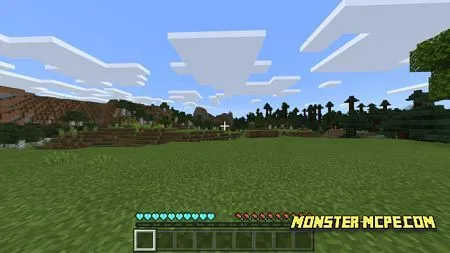
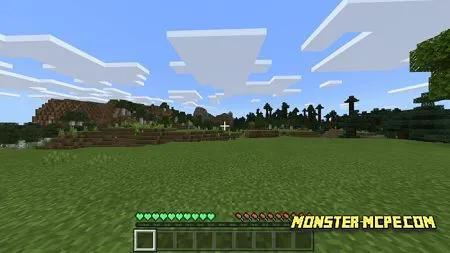
Attention: Please note that in order for the color of the hearts to change, after applying textures and changing the color, restart the game!
How to install GuiPLUS Texture Pack
- Download the file below.
- Open it - Minecraft imports the pack by itself.
- Activate the pack in the world you want to play in.
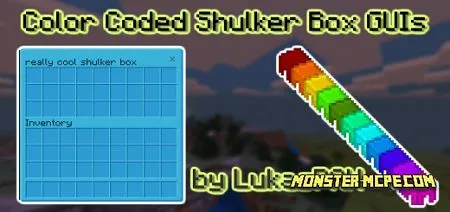 Color Coded Shulker Box GUI Resource Pack
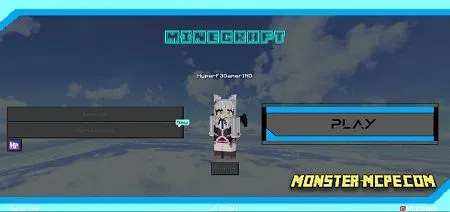 Cyberline GUI Texture Pack
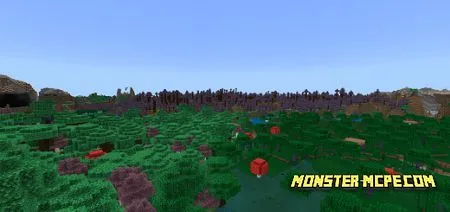 Fairly Purple Texture Pack
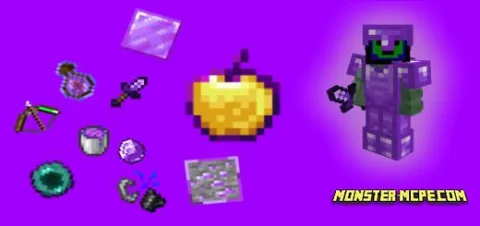 Purple Emitter Default Edit Texture Pack
 Coloured GUI Resource Pack
 PGN Pink Sheep Resource Pack