
 ma9sacelegendYT Peter_the_Pro xJuliix Youngmin0214 soviet_badger_ Bkey1297 meikph TheRenex oGodness ___Gianni___ Craftinblack12 Effi2137 Leoriona xler165 angeldemony Kipalax oNattis SB_sanye F1apyZz Slamn20 zYqxi_ SenLuisao OgBolieB OG_LoKe Chestnut_Story Shiro_Xll Peter1133 Sarah8689 RukichiX kleinebunny1 OriginalChaos3 Old_Flash shadowRun7 iHashirama tha_karm404 NO_NAMEZA555 noua19 _Twitch_Kimaram wKosdo jstar08 Glitching_IVs Waszyfo NerfMooTsEaS Once_MINA MrSouth TairaKin lIWaterIl Inuagami Emil122 TOPQW Narfik1 _Sugarek_ Komorebi1 Quasy35 Noi010 OwnedByNino xzarco DieYoungGetCake 11LQS yuno_grinberryal
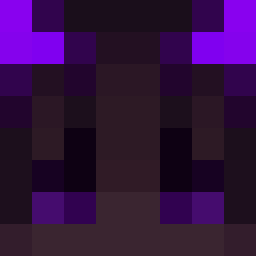
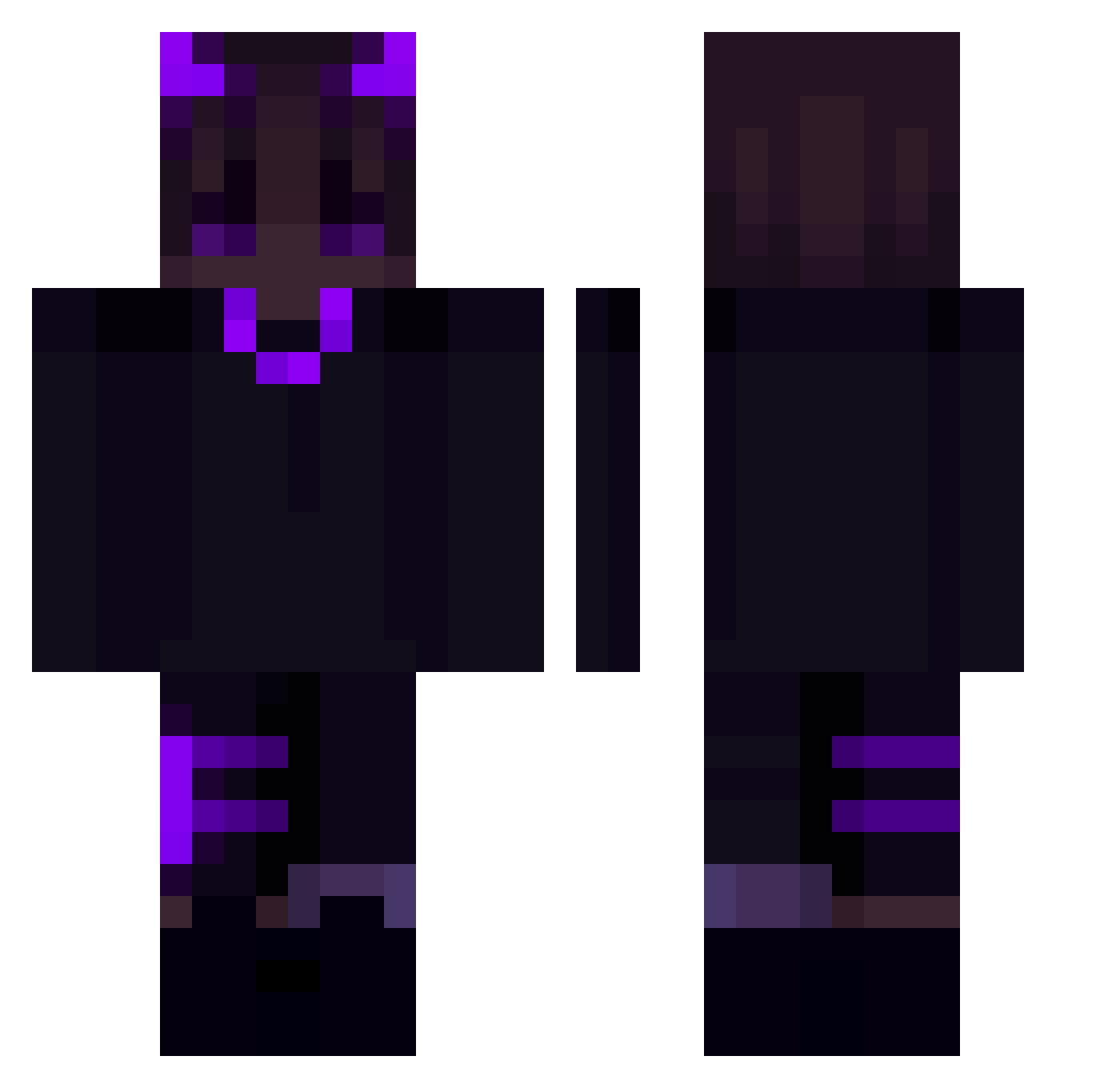
Minecraft skin of _Nissie. Rotate the 3D model with your mouse or finger to view the skin from every angle, then download it as a PNG file and use it in Minecraft: Bedrock Edition or Java Edition for free. Rate the skin with stars to help other players find the best skins in our collection.
How to install the _Nissie skin
- Press the Download button above to save the skin as a PNG file.
- Minecraft: Bedrock Edition (PE): open the Dressing Room from the main menu (or tap your character → Edit Character), go to Classic Skins → Owned, press the + (new skin) button, choose the downloaded PNG and pick the Classic (Steve) model. Works on PC and mobile; consoles cannot import custom skins.
- Minecraft: Java Edition: open the Minecraft Launcher, go to the Skins tab, click New Skin, load the PNG, pick the Classic (Steve) model and press Save & Use. You can also upload it at minecraft.net → Profile → Change Skin.
The skin does not show up after import - what should I do?
Restart Minecraft and open the Dressing Room again - imported skins sometimes appear only after a restart. Also make sure you selected the imported skin and picked the Classic (Steve) model.
Which model should I choose, Classic or Slim?
This skin is designed for the Classic (Steve) model. If you pick the wrong model, the arms of the skin will look stretched or squeezed.
Is this skin free to use?
Yes. Press Download, save the PNG file and use it in Minecraft: Bedrock Edition or Java Edition - no payment or registration needed. The skin also works on multiplayer servers and Realms.
More Demon Minecraft skins
More skins
Looking for more? Go back to all Minecraft skins and check the top skins of the week, month and all time, or find any player's skin by nickname.