
 movek3 StreetWorkoutbe ElChavoDel6 MF5billou53 FIBERT1 Venzium syriax2 KJHDC QAQ_Oo4o7oO OUchihaN OrieSu robart egrousik BigAsian404 BackInBlack__ lukiqki Qwilbae ByClaudioPvP wiktor_tl1 Vluyn abuoodba juliopablo2 teaspoonofsalt Balaclava588 doooozzzy mrWCK ralfiks7 gatsos KRYPTON1X Jqdoka CuBiiX_ VincentlePd WaterInABucket Rentom_ noodle_head_ass DEadDynasTY10 asuraoxo_ Makzn Torald Zerko_XVI pixlot zerolove123 MiNSMan _Nihilux_ MenmxInfectado rNy69 NorbeeG lasse797 _Samke_ KingKaese05 Mal_TIukTT fithy GravyDaveee Frietjemayosate_ gazan Maldeth slowfood12 MSK_Da7llawi777 handylive epox12
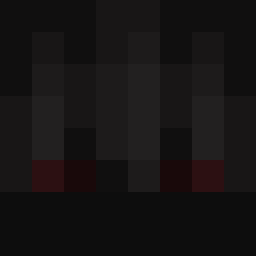
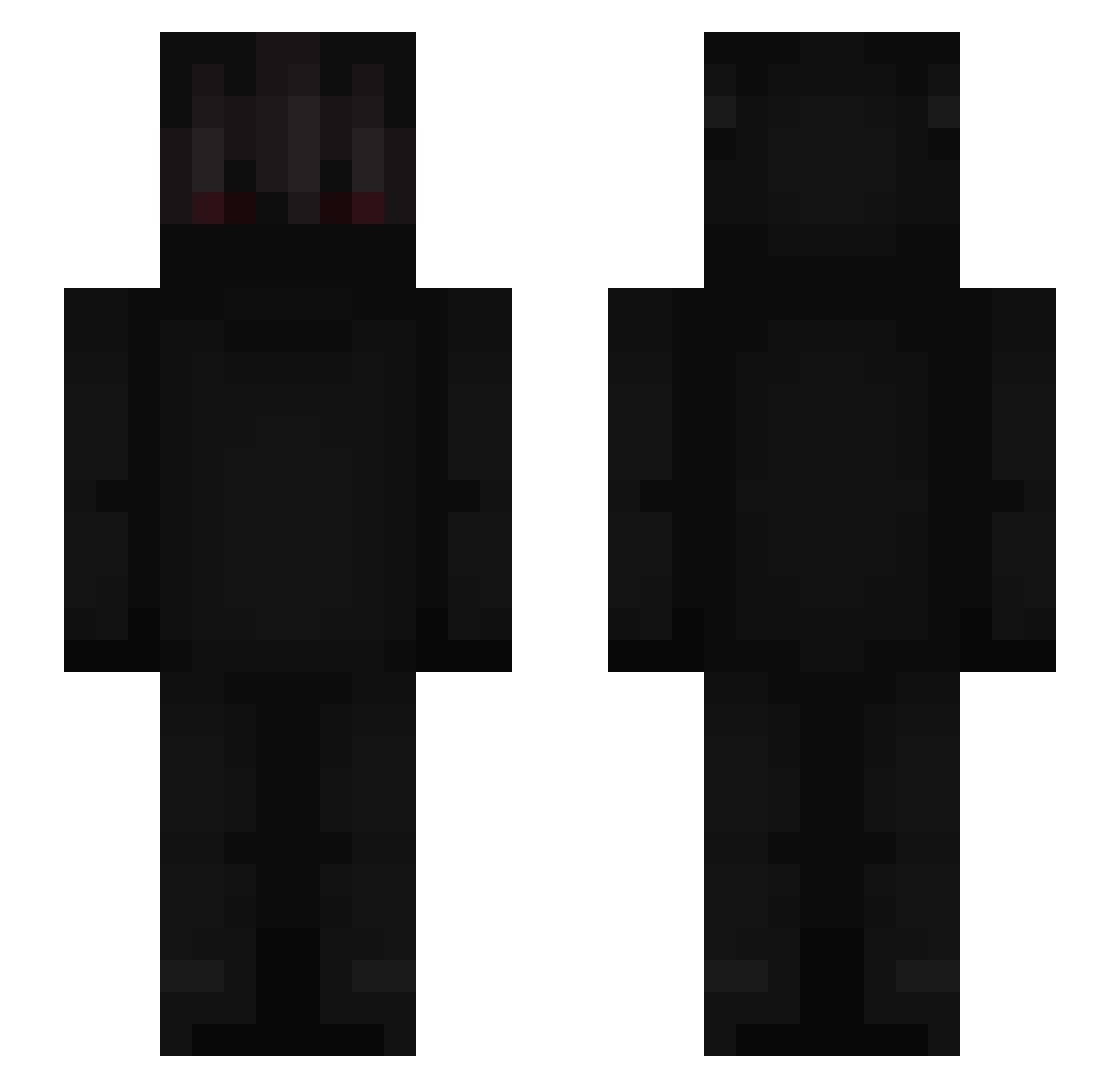
Minecraft skin of KIKIN_xQMAqP. Rotate the 3D model with your mouse or finger to view the skin from every angle, then download it as a PNG file and use it in Minecraft: Bedrock Edition or Java Edition for free. Rate the skin with stars to help other players find the best skins in our collection.
How to install the KIKIN_xQMAqP skin
- Press the Download button above to save the skin as a PNG file.
- Minecraft: Bedrock Edition (PE): open the Dressing Room from the main menu (or tap your character → Edit Character), go to Classic Skins → Owned, press the + (new skin) button, choose the downloaded PNG and pick the Slim (Alex) model. Works on PC and mobile; consoles cannot import custom skins.
- Minecraft: Java Edition: open the Minecraft Launcher, go to the Skins tab, click New Skin, load the PNG, pick the Slim (Alex) model and press Save & Use. You can also upload it at minecraft.net → Profile → Change Skin.
The skin does not show up after import - what should I do?
Restart Minecraft and open the Dressing Room again - imported skins sometimes appear only after a restart. Also make sure you selected the imported skin and picked the Slim (Alex) model.
Which model should I choose, Classic or Slim?
This skin is designed for the Slim (Alex) model. If you pick the wrong model, the arms of the skin will look stretched or squeezed.
Is this skin free to use?
Yes. Press Download, save the PNG file and use it in Minecraft: Bedrock Edition or Java Edition - no payment or registration needed. The skin also works on multiplayer servers and Realms.
More Shadow Minecraft skins
More skins
Looking for more? Go back to all Minecraft skins and check the top skins of the week, month and all time, or find any player's skin by nickname.