
 VulpitaViorel BYdougo Eternal_Nagy_99 Shado490 Darck_Coco Bereco1 guileboss83 Kali_orasz _Dizzy_TR u_Form Infin1tyi Hasso2045 OnAliveDogs bazinguel yJPPoKer_ Maximusforeverdx 75ud Blastiii Baruchiel zDasdw DarkMadCuzBad Lkomi Dinca18 aolker vkss KFCH0E jaganas BigSkipBiggerDri GoatMiilk 1D0LAR_ ghoustbusters03 Sr_Master Shalidarff diler_roko mo0stio FlameFrags56 koxu10 Poopymcpoopypant Weoponry AbsurdlyBlack sivecio Zeem_ kyneonlinux revers_ _naruto_uchiha Bazekziomek Aaltrix MillyRockedOn coelhofk budokwei SF_ovalex maxi945 ElefantenarschDE wornranger _ElNaunau_ noterpilla Merryzz_QAQ arkxrian SzpakPL 4June
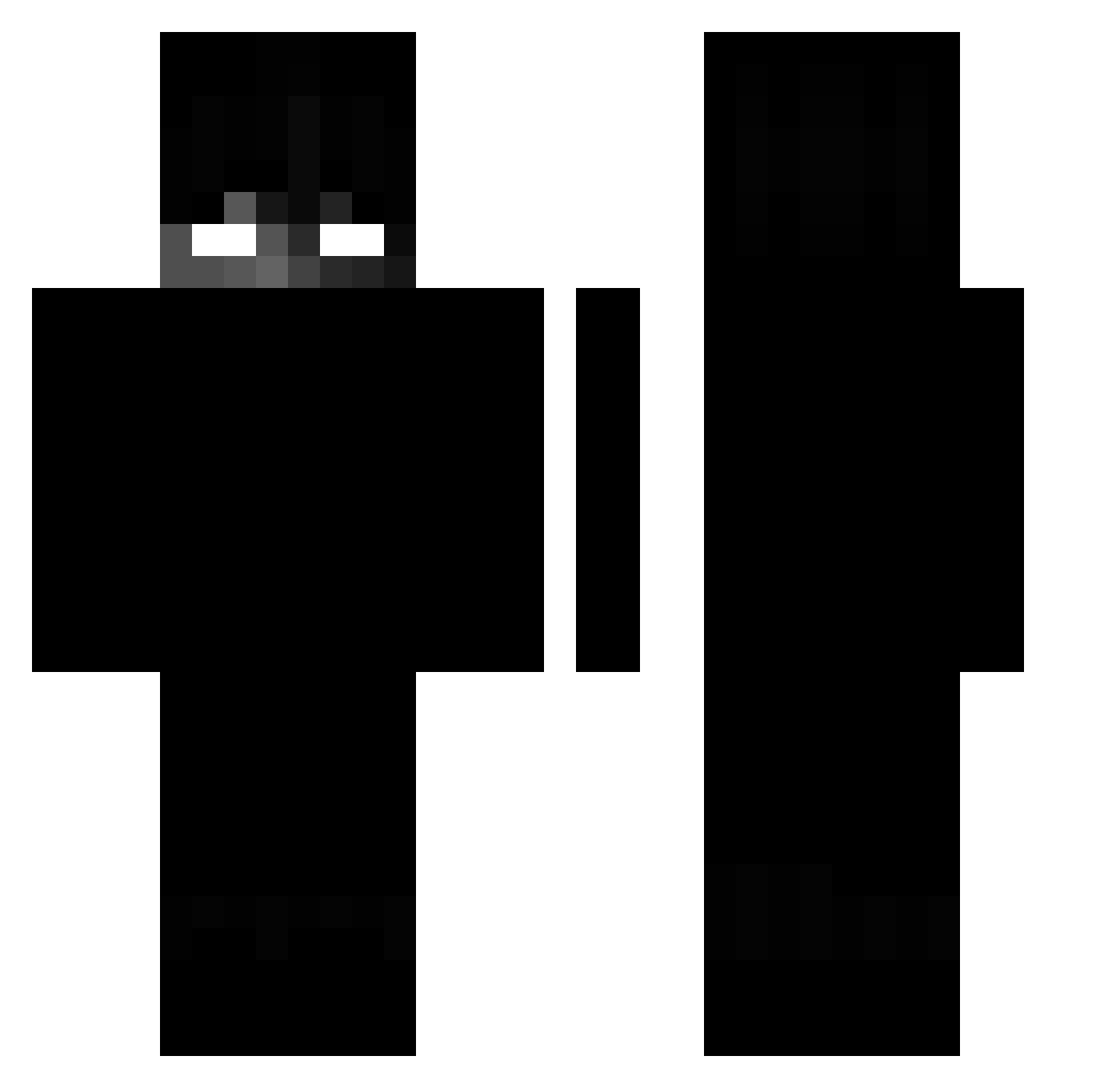
Minecraft skin of henrie. Rotate the 3D model with your mouse or finger to view the skin from every angle, then download it as a PNG file and use it in Minecraft: Bedrock Edition or Java Edition for free. Rate the skin with stars to help other players find the best skins in our collection.
How to install the henrie skin
- Press the Download button above to save the skin as a PNG file.
- Minecraft: Bedrock Edition (PE): open the Dressing Room from the main menu (or tap your character → Edit Character), go to Classic Skins → Owned, press the + (new skin) button, choose the downloaded PNG and pick the Classic (Steve) model. Works on PC and mobile; consoles cannot import custom skins.
- Minecraft: Java Edition: open the Minecraft Launcher, go to the Skins tab, click New Skin, load the PNG, pick the Classic (Steve) model and press Save & Use. You can also upload it at minecraft.net → Profile → Change Skin.
The skin does not show up after import - what should I do?
Restart Minecraft and open the Dressing Room again - imported skins sometimes appear only after a restart. Also make sure you selected the imported skin and picked the Classic (Steve) model.
Which model should I choose, Classic or Slim?
This skin is designed for the Classic (Steve) model. If you pick the wrong model, the arms of the skin will look stretched or squeezed.
Is this skin free to use?
Yes. Press Download, save the PNG file and use it in Minecraft: Bedrock Edition or Java Edition - no payment or registration needed. The skin also works on multiplayer servers and Realms.
More Shadow Minecraft skins
More skins
Looking for more? Go back to all Minecraft skins and check the top skins of the week, month and all time, or find any player's skin by nickname.