
 b9x_msmc_ui8 Tennko_ rompishPRIME GuilSam34000 A7ME1DQ tzi_nzn6x_09_30 tidal123 fimiguerrer0 szychaszprycha petidbee123 Kuthans TIGER1312137 Maimone26 GabiB1 Casoniscool9 BOMBORASCLADBOB gray3222 elsebb dxrk_z1x Jakuboo1 1aq22 xX_SADN_Xx ExeQ JettaGuy84 cheyannrl armioska1 sampamer 1IKW Boyz_Julien ravemqQyxF8Z tuganos07 iisBot1 Nien_Hao_Jhuo Mr4li SzymuncioMuncio Cookies340 kpai1122 Redoxyanxg Featfull Raf4315 Swyizz LinhJade3klUwU 08LuLu02 Biloute02850 TanayXD69 JavichoF4 Lizeszx_ caoyuang MILES4664 Renns2 MikeNIk3s rduez Darkar0078 iNEONVOID LORENZO2024 Habosch KUTAS6767676 Breckwild 4eRepaWka_ S1iwe
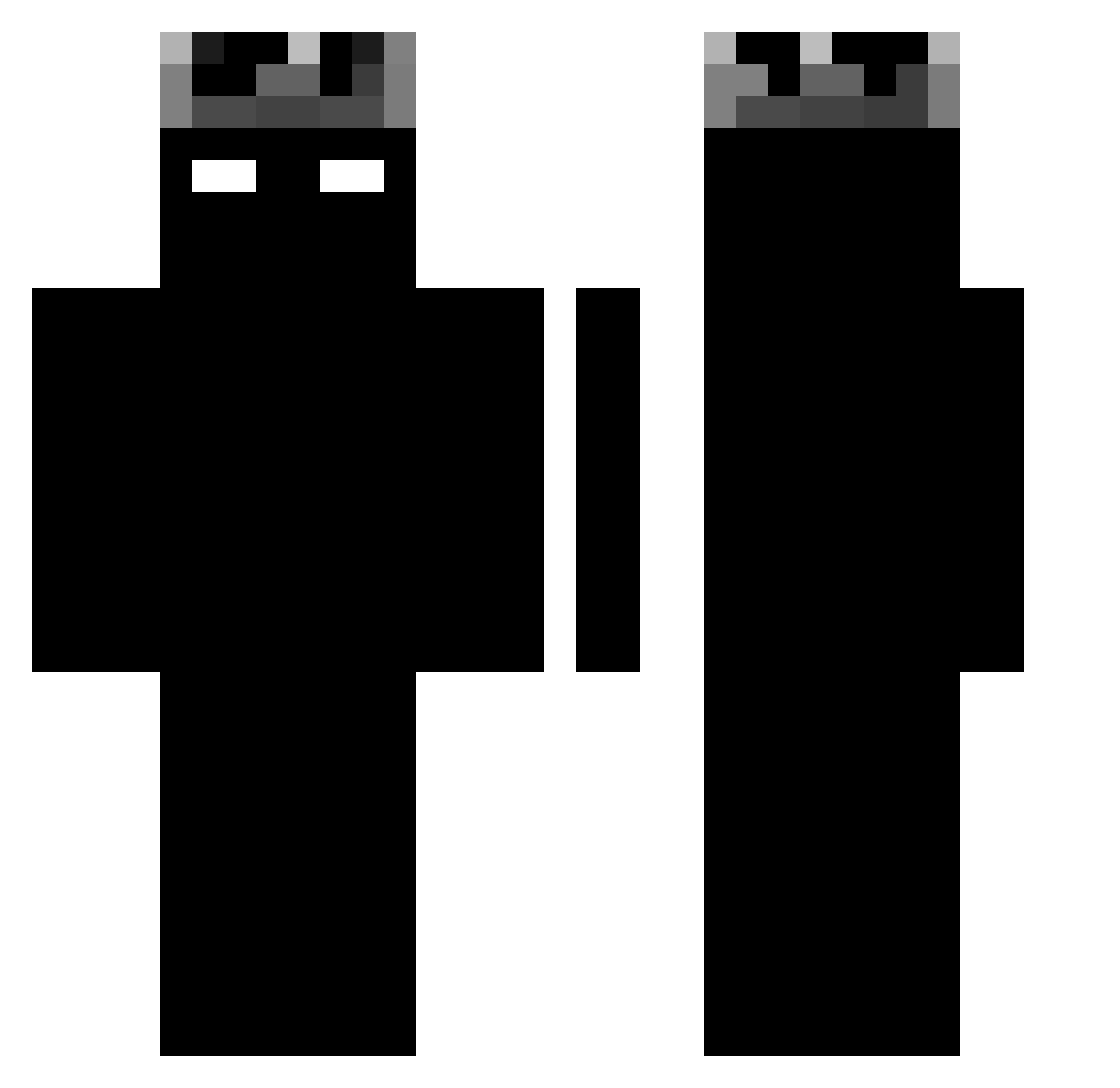
Minecraft skin of BrunoS11. Rotate the 3D model with your mouse or finger to view the skin from every angle, then download it as a PNG file and use it in Minecraft: Bedrock Edition or Java Edition for free. Rate the skin with stars to help other players find the best skins in our collection.
How to install the BrunoS11 skin
- Press the Download button above to save the skin as a PNG file.
- Minecraft: Bedrock Edition (PE): open the Dressing Room from the main menu (or tap your character → Edit Character), go to Classic Skins → Owned, press the + (new skin) button, choose the downloaded PNG and pick the Classic (Steve) model. Works on PC and mobile; consoles cannot import custom skins.
- Minecraft: Java Edition: open the Minecraft Launcher, go to the Skins tab, click New Skin, load the PNG, pick the Classic (Steve) model and press Save & Use. You can also upload it at minecraft.net → Profile → Change Skin.
The skin does not show up after import - what should I do?
Restart Minecraft and open the Dressing Room again - imported skins sometimes appear only after a restart. Also make sure you selected the imported skin and picked the Classic (Steve) model.
Which model should I choose, Classic or Slim?
This skin is designed for the Classic (Steve) model. If you pick the wrong model, the arms of the skin will look stretched or squeezed.
Is this skin free to use?
Yes. Press Download, save the PNG file and use it in Minecraft: Bedrock Edition or Java Edition - no payment or registration needed. The skin also works on multiplayer servers and Realms.
More Shadow Minecraft skins
More skins
Looking for more? Go back to all Minecraft skins and check the top skins of the week, month and all time, or find any player's skin by nickname.