
MisterKxrmax - Minecraft Skins & Skin History
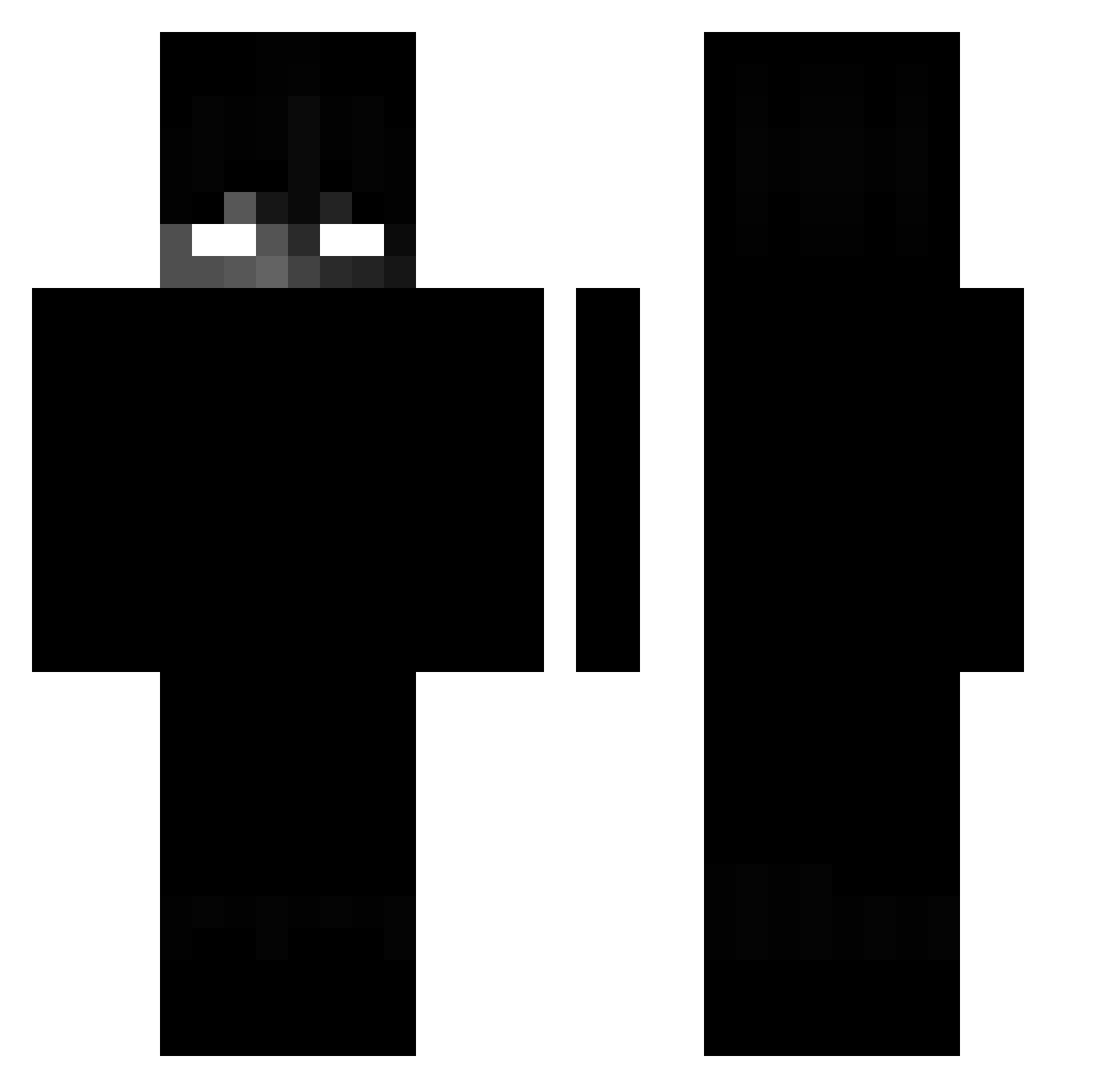
Current Minecraft skin of the player MisterKxrmax, loaded from the official Mojang API. Rotate the 3D model with your mouse or finger, then download the skin as a PNG file and use it in Minecraft: Bedrock Edition or Java Edition for free. When MisterKxrmax changes their skin, this page updates automatically and the old skin stays in the history below.
Other players with this skin (251)
MisterKxrmax was the 210th player we have seen with this skin, first spotted on 06.11.2026. The same skin was seen on these players. Open a nickname to see their current skin and skin history.
 Lamaiy_ Ghost______ inviabilities Hugo_0506 ZigZ304 KULCZYK420 Phoqnix pjy3310ch TWNTZ tritsuslol TypischJoni Nickaloading Cheery__ baronny Powasser A_MBond SkyDrum11 rarez1n DarkSider2997 Bryan5113 Synetix_Waza XxennoS Spamq manav1010 Atriix kinghippo19 Marcenos mfef AA_cannon_man Cloudargs MUJIBSAL Grass0 eduxis1 shin1215 Never_Ez AlienIdir 8Geld VulpitaViorel Robi_18 THESLEEPNESS Highway092 BYdougo Eternal_Nagy_99 KINGZEREH Nedopleb Caxter9 Ma_MoKaF7 Shado490 GeorgeFloydWLM Sambor2008 Darck_Coco Bereco1 guileboss83 TemperFaction Kali_orasz _Dizzy_TR RMS_Mons1 leonardrules10 suvfix u_Form
More Shadow Minecraft skins
How to install the MisterKxrmax skin
- Press the Download button above to save the skin as a PNG file.
- Minecraft: Bedrock Edition (PE): open the Dressing Room from the main menu (or tap your character → Edit Character), go to Classic Skins → Owned, press the + (new skin) button, choose the downloaded PNG and pick the Classic (Steve) model. Works on PC and mobile; consoles cannot import custom skins.
- Minecraft: Java Edition: open the Minecraft Launcher, go to the Skins tab, click New Skin, load the PNG, pick the Classic (Steve) model and press Save & Use. You can also upload it at minecraft.net → Profile → Change Skin.
The skin does not show up after import - what should I do?
Restart Minecraft and open the Dressing Room again - imported skins sometimes appear only after a restart. Also make sure you selected the imported skin and picked the Classic (Steve) model.
Which model should I choose, Classic or Slim?
This skin is designed for the Classic (Steve) model. If you pick the wrong model, the arms of the skin will look stretched or squeezed.
Is the skin of MisterKxrmax free to download?
Yes. Press Download, save the PNG file and use it in Minecraft: Bedrock Edition or Java Edition - no payment or registration needed. The skin also works on multiplayer servers and Realms.
More skins
Looking for more? Go back to all Minecraft skins and check the top skins of the week, month and all time, or find any player's skin by nickname.