
 Xiaoxiao12138 KiraMaid cujoph Dimoca ethan860122 sizuokaken badump RedBlackLotus james12388 jjulieannaa luahpiper warabimochi86 Rubidiuss Elevadeonic nene2000girl bobo0909 SraLopes BunnyGirlAva ZhiXuan johnStars cherrysilk SoraKazugano MissWheein kritoasia Yoshiki0685 ani4ka0 Matchasora Ryuna03 JumDa5he sali14xxx Tasike2508 Paulina159 Wilxia Nelhianne singze No_101011 shyunye Haruki_p heeeee0 Aieuh8787 A_Meat ichan__ tingyuu1215 Shoooog3 Raiinuxin ReeandTy MC_liyanlei DepressyBunny Gaby7u7 Nate_The_Great29 Fiyushi Moosetrack nerdsstocks RingomuraRINGO hayun310 Zoe7_ Zhejaaa Jie_Yu_1122 root_omp Souly17
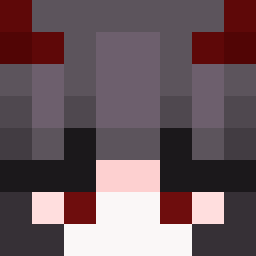
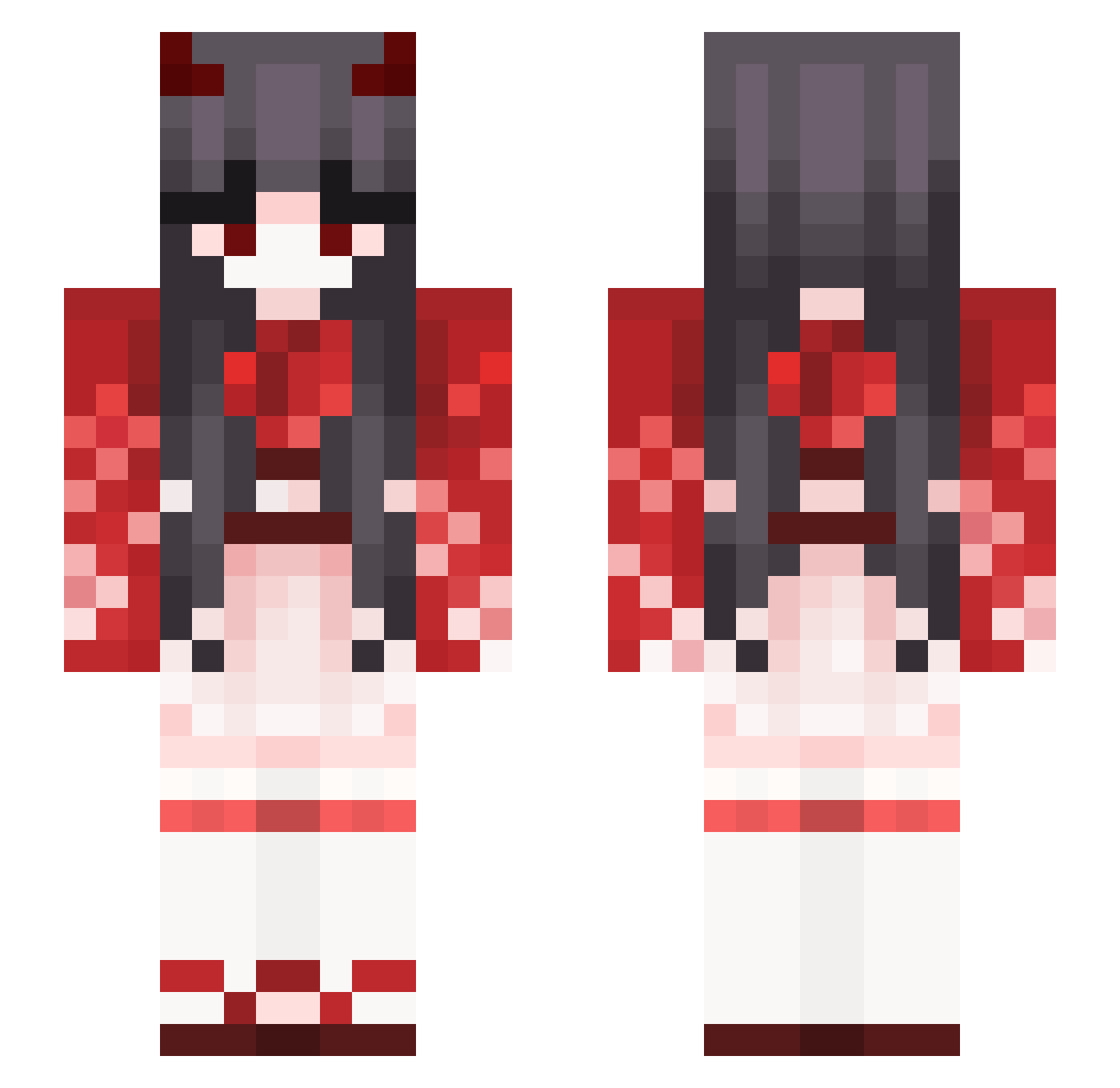
Minecraft skin of Erant. Rotate the 3D model with your mouse or finger to view the skin from every angle, then download it as a PNG file and use it in Minecraft: Bedrock Edition or Java Edition for free. Rate the skin with stars to help other players find the best skins in our collection.
How to install the Erant skin
- Press the Download button above to save the skin as a PNG file.
- Minecraft: Bedrock Edition (PE): open the Dressing Room from the main menu (or tap your character → Edit Character), go to Classic Skins → Owned, press the + (new skin) button, choose the downloaded PNG and pick the Slim (Alex) model. Works on PC and mobile; consoles cannot import custom skins.
- Minecraft: Java Edition: open the Minecraft Launcher, go to the Skins tab, click New Skin, load the PNG, pick the Slim (Alex) model and press Save & Use. You can also upload it at minecraft.net → Profile → Change Skin.
The skin does not show up after import - what should I do?
Restart Minecraft and open the Dressing Room again - imported skins sometimes appear only after a restart. Also make sure you selected the imported skin and picked the Slim (Alex) model.
Which model should I choose, Classic or Slim?
This skin is designed for the Slim (Alex) model. If you pick the wrong model, the arms of the skin will look stretched or squeezed.
Is this skin free to use?
Yes. Press Download, save the PNG file and use it in Minecraft: Bedrock Edition or Java Edition - no payment or registration needed. The skin also works on multiplayer servers and Realms.
More Demon Minecraft skins
More skins
Looking for more? Go back to all Minecraft skins and check the top skins of the week, month and all time, or find any player's skin by nickname.