
 spartanFury5 NickTheMiner Xiastorm DorianGray77 619H kevaagaard marcopolo123 Zachminer NinjaSoap112 BananaLauch NoukFelipe gabecarb darkstar1232 Marcpower99 hendu4256 nightzombie219 Plavdox cosyco yeabbi7 twhitney1987 GrindinAbortion rocker5468 _UndefinedDCR Ferethlas Baldead Valmner f430ben RyshaeEmanuel JakeWestTuna THUNDERSTORME05 hgfbd maikeruuuu velacorre CannibalArtist I_Am_Da_BuLlEt Blackop5 KingMajor14 JayToDaSun skeon4 Sapper18B exotic2355 mr_texas_am N1NJ4_J3D1 DrDreadDK Arty123451 iLeoGives TheTechie smiles9tech Jinzay B_YueXin HarryFreeman Quan7umz rimgoon Jonny_The_Ripper applejuice64 dezigna ancondrias norman22317 voney Panther17
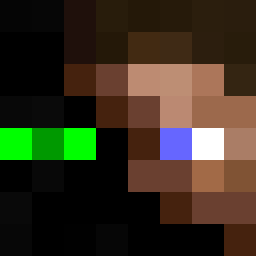
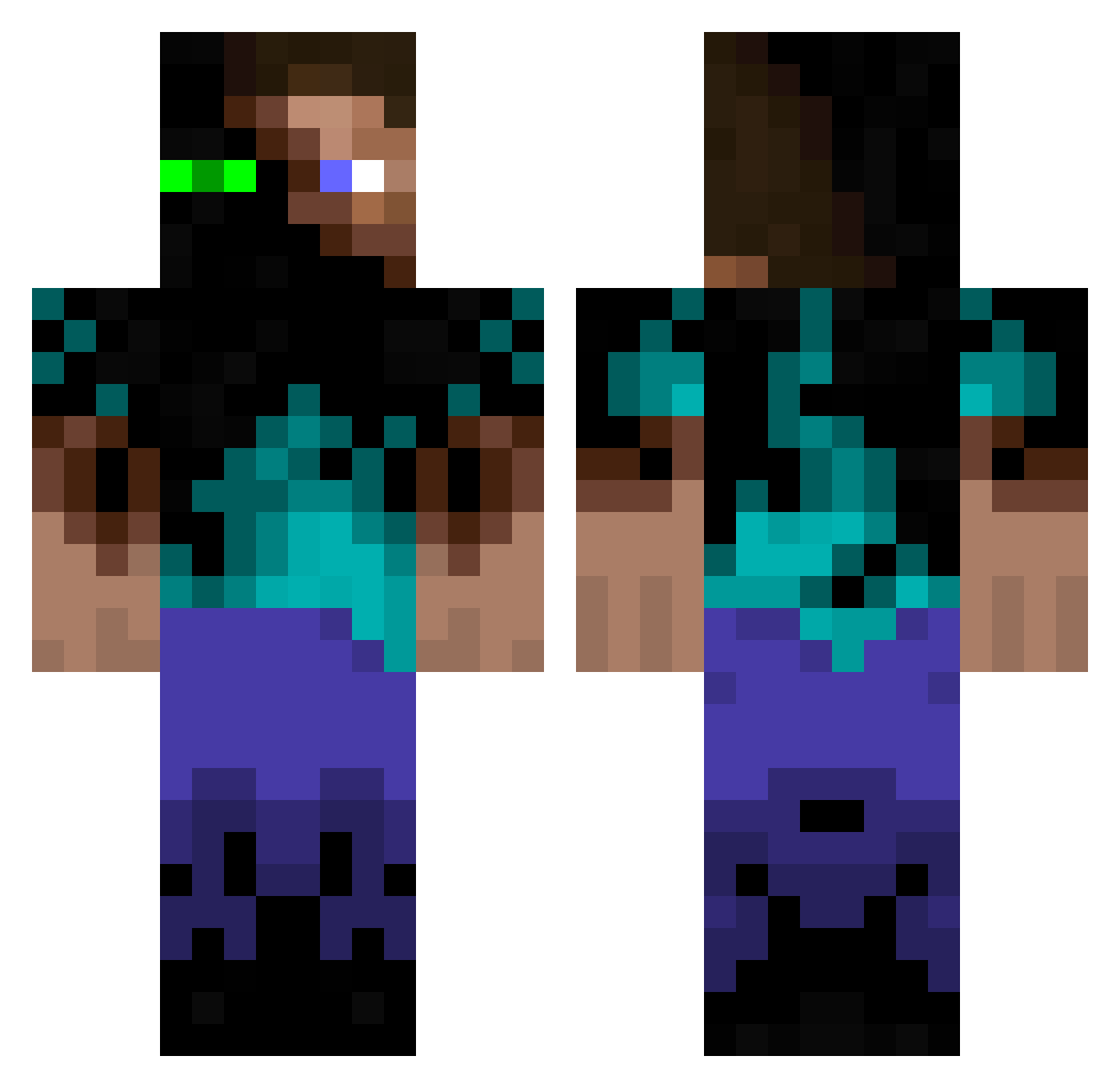
Minecraft skin of BALDMAN5. Rotate the 3D model with your mouse or finger to view the skin from every angle, then download it as a PNG file and use it in Minecraft: Bedrock Edition or Java Edition for free. Rate the skin with stars to help other players find the best skins in our collection.
How to install the BALDMAN5 skin
- Press the Download button above to save the skin as a PNG file.
- Minecraft: Bedrock Edition (PE): open the Dressing Room from the main menu (or tap your character → Edit Character), go to Classic Skins → Owned, press the + (new skin) button, choose the downloaded PNG and pick the Classic (Steve) model. Works on PC and mobile; consoles cannot import custom skins.
- Minecraft: Java Edition: open the Minecraft Launcher, go to the Skins tab, click New Skin, load the PNG, pick the Classic (Steve) model and press Save & Use. You can also upload it at minecraft.net → Profile → Change Skin.
The skin does not show up after import - what should I do?
Restart Minecraft and open the Dressing Room again - imported skins sometimes appear only after a restart. Also make sure you selected the imported skin and picked the Classic (Steve) model.
Which model should I choose, Classic or Slim?
This skin is designed for the Classic (Steve) model. If you pick the wrong model, the arms of the skin will look stretched or squeezed.
Is this skin free to use?
Yes. Press Download, save the PNG file and use it in Minecraft: Bedrock Edition or Java Edition - no payment or registration needed. The skin also works on multiplayer servers and Realms.
More Glowing Eyes Minecraft skins
See all 2815 Glowing Eyes skins
More skins
Looking for more? Go back to all Minecraft skins and check the top skins of the week, month and all time, or find any player's skin by nickname.