
 samiret_07 labarnold PLAZAIV farw4y 1KERR S1ngular_ Waoxx mati332 le_diable_55 on1w l8cl gievvont Werkzeuge L_I_V_I_N TRaulitada Captain_YUh Mr_ZT Gui1801 qpl3 EvisceratorYT DNWhatAGreatName fishboneing ycrat Bestbutbet C354 jikan22 zzJoakim ilawii maxiimilian00 tutancamonn IAMJUBAA visionair68 aiZm Kageno1312 IPEIoficial PatrykGrycan71 slz3d adeak L7WA_XD FlipanteFermin99 JinjoPrisww Nevrons0 villain8 _Hitler_2 PrimarchAstartes Valkyrieboy1 luildolive NachtWACHER GLX1491 CobraDent TARGETs___ EOVD0 Arc1111_ tomy662 Nylex67 fr4nkers yAnispoulet Platine_nieseux LeBricoleur14 Embosom
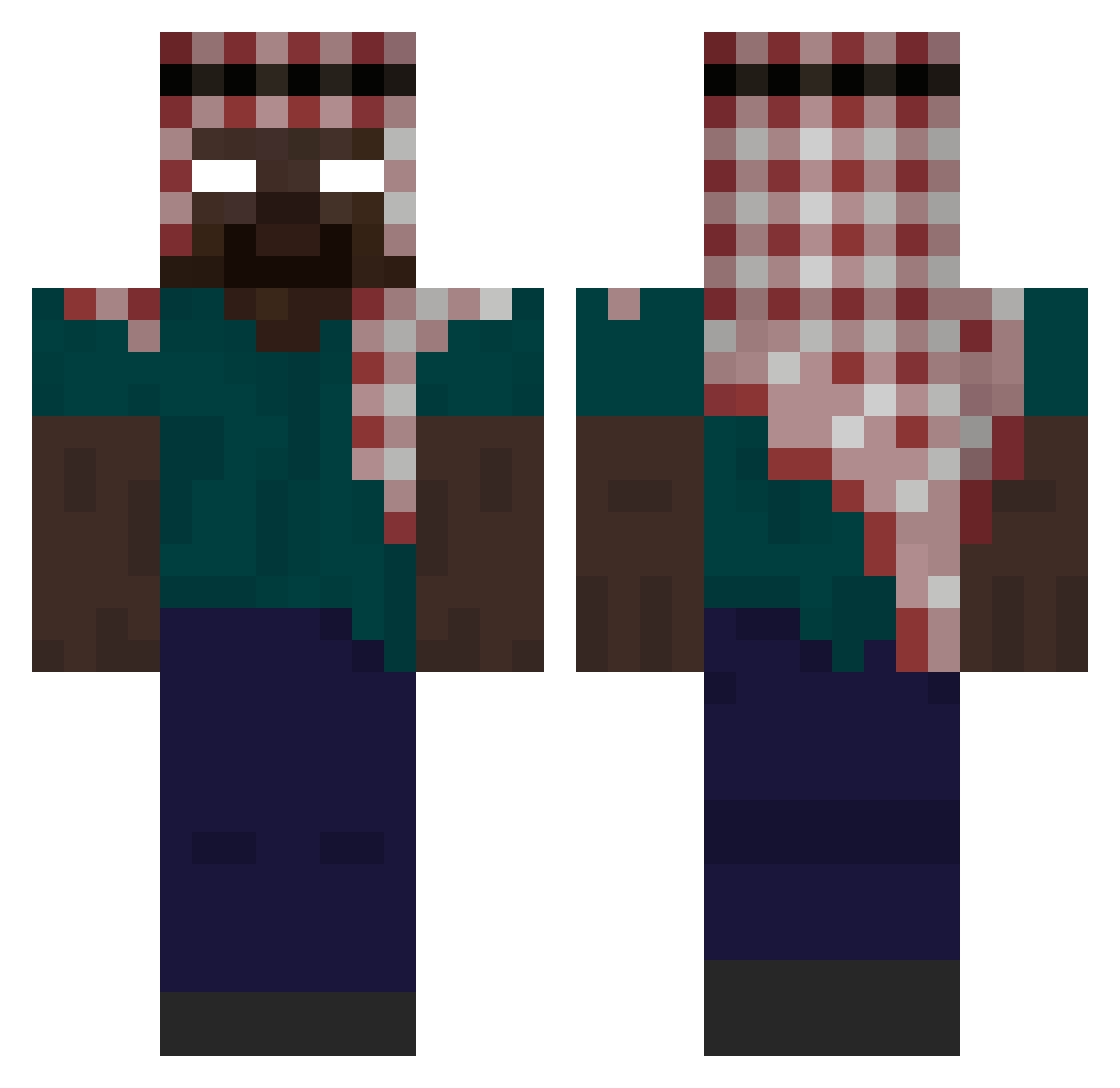
Minecraft skin of Cicely. Rotate the 3D model with your mouse or finger to view the skin from every angle, then download it as a PNG file and use it in Minecraft: Bedrock Edition or Java Edition for free. Rate the skin with stars to help other players find the best skins in our collection.
How to install the Cicely skin
- Press the Download button above to save the skin as a PNG file.
- Minecraft: Bedrock Edition (PE): open the Dressing Room from the main menu (or tap your character → Edit Character), go to Classic Skins → Owned, press the + (new skin) button, choose the downloaded PNG and pick the Classic (Steve) model. Works on PC and mobile; consoles cannot import custom skins.
- Minecraft: Java Edition: open the Minecraft Launcher, go to the Skins tab, click New Skin, load the PNG, pick the Classic (Steve) model and press Save & Use. You can also upload it at minecraft.net → Profile → Change Skin.
The skin does not show up after import - what should I do?
Restart Minecraft and open the Dressing Room again - imported skins sometimes appear only after a restart. Also make sure you selected the imported skin and picked the Classic (Steve) model.
Which model should I choose, Classic or Slim?
This skin is designed for the Classic (Steve) model. If you pick the wrong model, the arms of the skin will look stretched or squeezed.
Is this skin free to use?
Yes. Press Download, save the PNG file and use it in Minecraft: Bedrock Edition or Java Edition - no payment or registration needed. The skin also works on multiplayer servers and Realms.
More Keffiyeh Minecraft skins
More skins
Looking for more? Go back to all Minecraft skins and check the top skins of the week, month and all time, or find any player's skin by nickname.