
gianluca170102 - Minecraft Skins & Skin History
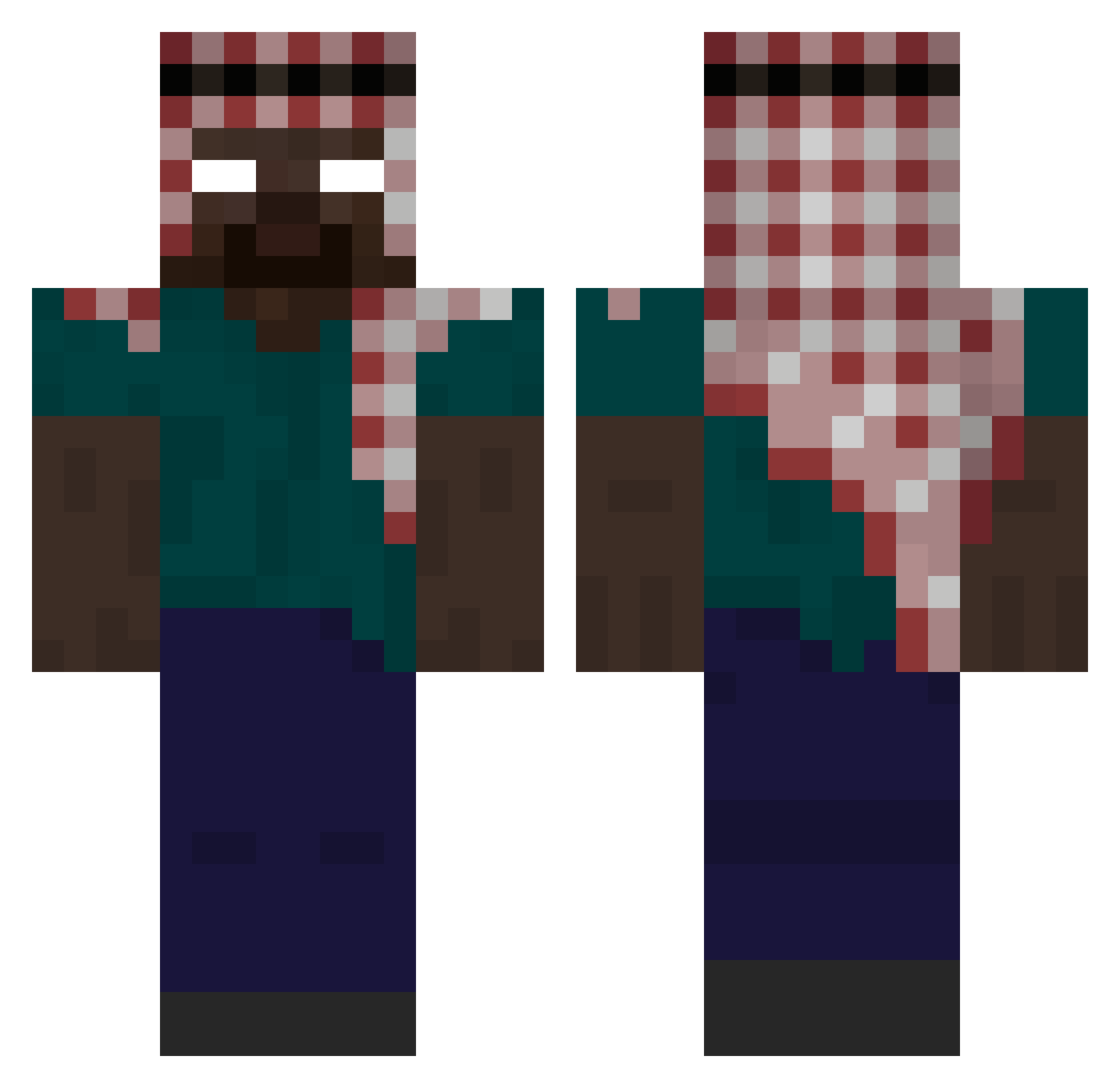
Current Minecraft skin of the player gianluca170102, loaded from the official Mojang API. Rotate the 3D model with your mouse or finger, then download the skin as a PNG file and use it in Minecraft: Bedrock Edition or Java Edition for free. When gianluca170102 changes their skin, this page updates automatically and the old skin stays in the history below.
Other players with this skin (470)
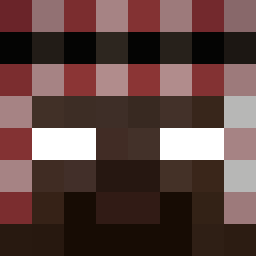
gianluca170102 was the 436th player we have seen with this skin, first spotted on 11.11.2026. The same skin was seen on these players. Open a nickname to see their current skin and skin history.
 atlasbc morqd carrnahcs landznha ra1ntry Tyrors lucifer69801 xHerman LUCYOUDD Trojan618 PoopyBlaster6D9 GalaxyBiel OllieLunnon PEPOLINOO BlackFighter_ TheShadowOne FS_Samet fartingdemon2009 FLAITIANO69 Ryhan_07 ul0_msmc_5ha B3czka2137 __Bjoern__ yDarkov Drkn200955 xMarcia flipflop_77 ClarenceXD2 kagohara1 minty_fresh_ alet0sh De1ro JLZeiDen DefaultDaniel21 fesyaa Fifeee_boy FandaA condensedmilks AFGROYPA Felipoinho Papatank2003 Heckolamp Samisawesome88 monkeybidnes NuTT0 wookie3330 Galux_ P4KEY Afgahner MEDIAXoff_yt TadNull jaedva Dzordanisko Nathan212 Couscous_Merguez Jjihgii Enes188 Juuzou013 deliverence77 _BOJlWE6CTBO_
More Keffiyeh Minecraft skins
How to install the gianluca170102 skin
- Press the Download button above to save the skin as a PNG file.
- Minecraft: Bedrock Edition (PE): open the Dressing Room from the main menu (or tap your character → Edit Character), go to Classic Skins → Owned, press the + (new skin) button, choose the downloaded PNG and pick the Classic (Steve) model. Works on PC and mobile; consoles cannot import custom skins.
- Minecraft: Java Edition: open the Minecraft Launcher, go to the Skins tab, click New Skin, load the PNG, pick the Classic (Steve) model and press Save & Use. You can also upload it at minecraft.net → Profile → Change Skin.
The skin does not show up after import - what should I do?
Restart Minecraft and open the Dressing Room again - imported skins sometimes appear only after a restart. Also make sure you selected the imported skin and picked the Classic (Steve) model.
Which model should I choose, Classic or Slim?
This skin is designed for the Classic (Steve) model. If you pick the wrong model, the arms of the skin will look stretched or squeezed.
Is the skin of gianluca170102 free to download?
Yes. Press Download, save the PNG file and use it in Minecraft: Bedrock Edition or Java Edition - no payment or registration needed. The skin also works on multiplayer servers and Realms.
More skins
Looking for more? Go back to all Minecraft skins and check the top skins of the week, month and all time, or find any player's skin by nickname.