
 lorxd Exvix DuwerPGames BruisCheese Santin_01 AntoneNe pan_avocado PaleBlackMan minecrftsteven ajjl2712 Dyavon Ayanag Nethir16 MiniSniFF KwannG NeonBoyX0 Huddy31goalie JoAlZaLo AgentK1065 KidnappledMe Durafel Fayssega Shining ISierra desanixy Zaccardii MiirKiinho ActuallyBad3608 HUI1006 StenjosX apple10454 Myrtle13 LX986XX FilouPanda chayacc Chungzy Gog0ro Naxers ClixHero EYUDQ Joellox100 Reamerty Trick05 x_KaJeN_x LOLBOY_X_X Meya28 dirtbikegodtv OwenWT Ruzaank ShadowHunter_06 Syuseto ryuusx Jimeymccool wTLuck Flo__YT Asterisk_Light karma_pro Prophent Nikolaj0608 ForgottenEcho
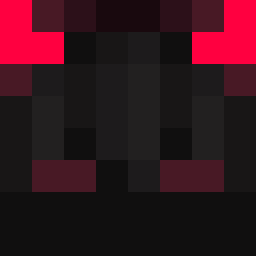
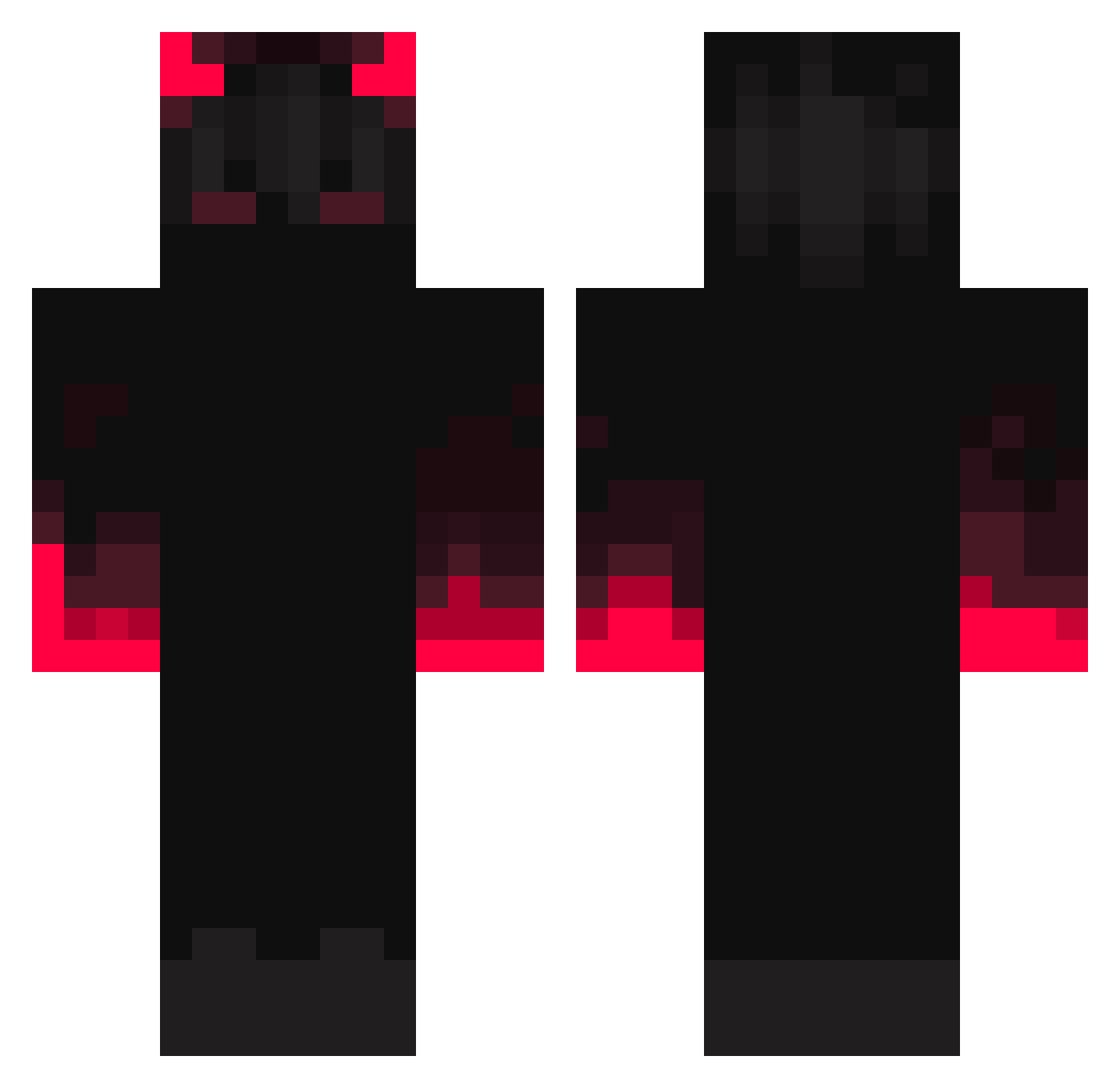
Minecraft skin of yonnyc_. Rotate the 3D model with your mouse or finger to view the skin from every angle, then download it as a PNG file and use it in Minecraft: Bedrock Edition or Java Edition for free. Rate the skin with stars to help other players find the best skins in our collection.
How to install the yonnyc_ skin
- Press the Download button above to save the skin as a PNG file.
- Minecraft: Bedrock Edition (PE): open the Dressing Room from the main menu (or tap your character → Edit Character), go to Classic Skins → Owned, press the + (new skin) button, choose the downloaded PNG and pick the Classic (Steve) model. Works on PC and mobile; consoles cannot import custom skins.
- Minecraft: Java Edition: open the Minecraft Launcher, go to the Skins tab, click New Skin, load the PNG, pick the Classic (Steve) model and press Save & Use. You can also upload it at minecraft.net → Profile → Change Skin.
The skin does not show up after import - what should I do?
Restart Minecraft and open the Dressing Room again - imported skins sometimes appear only after a restart. Also make sure you selected the imported skin and picked the Classic (Steve) model.
Which model should I choose, Classic or Slim?
This skin is designed for the Classic (Steve) model. If you pick the wrong model, the arms of the skin will look stretched or squeezed.
Is this skin free to use?
Yes. Press Download, save the PNG file and use it in Minecraft: Bedrock Edition or Java Edition - no payment or registration needed. The skin also works on multiplayer servers and Realms.
More Fire Minecraft skins
More skins
Looking for more? Go back to all Minecraft skins and check the top skins of the week, month and all time, or find any player's skin by nickname.