
 ItzBarz92 TREEDY01 gifsigmagiga fartsm3l1a parkdeer2014 nkrosh Bluedumde i21_msmc_pxh SourSoy BaciDograyan Der_Enderstern EBRAHEM_304 Kokot_Z_Moravy Frozen_Odin Gexel Latrese KiBe25 egemen7878 xiro_ Waveywave2011 Creepergg57 sleep_honey atix9 TahWhity AyazSuzerim MelvinMatamoros owenxit0 lxo_floppa_vz0 Bolbosik Republikacjaa JudeSkinner Nash219 AshTheCutie20060 Ce96 superman_123 onii_slayz 22vinsi dalegreenaway Tjaydiamond ShinokuDragon Mati181 BlockGenie King_Diego_09 NeXo117 Funnye_sane558 dragonhy Gogohd BP_YS104 LogieWolf Thanh2005 ThisVariant mrman2__________ HomeroSilksong Crazzy_Psyck fullolio05 TrentBall54 DomiDDD _Marcus_0301 BeamyWave199706 sohih
Minecraft skin of Arxelion. Rotate the 3D model with your mouse or finger to view the skin from every angle, then download it as a PNG file and use it in Minecraft: Bedrock Edition or Java Edition for free. Rate the skin with stars to help other players find the best skins in our collection.
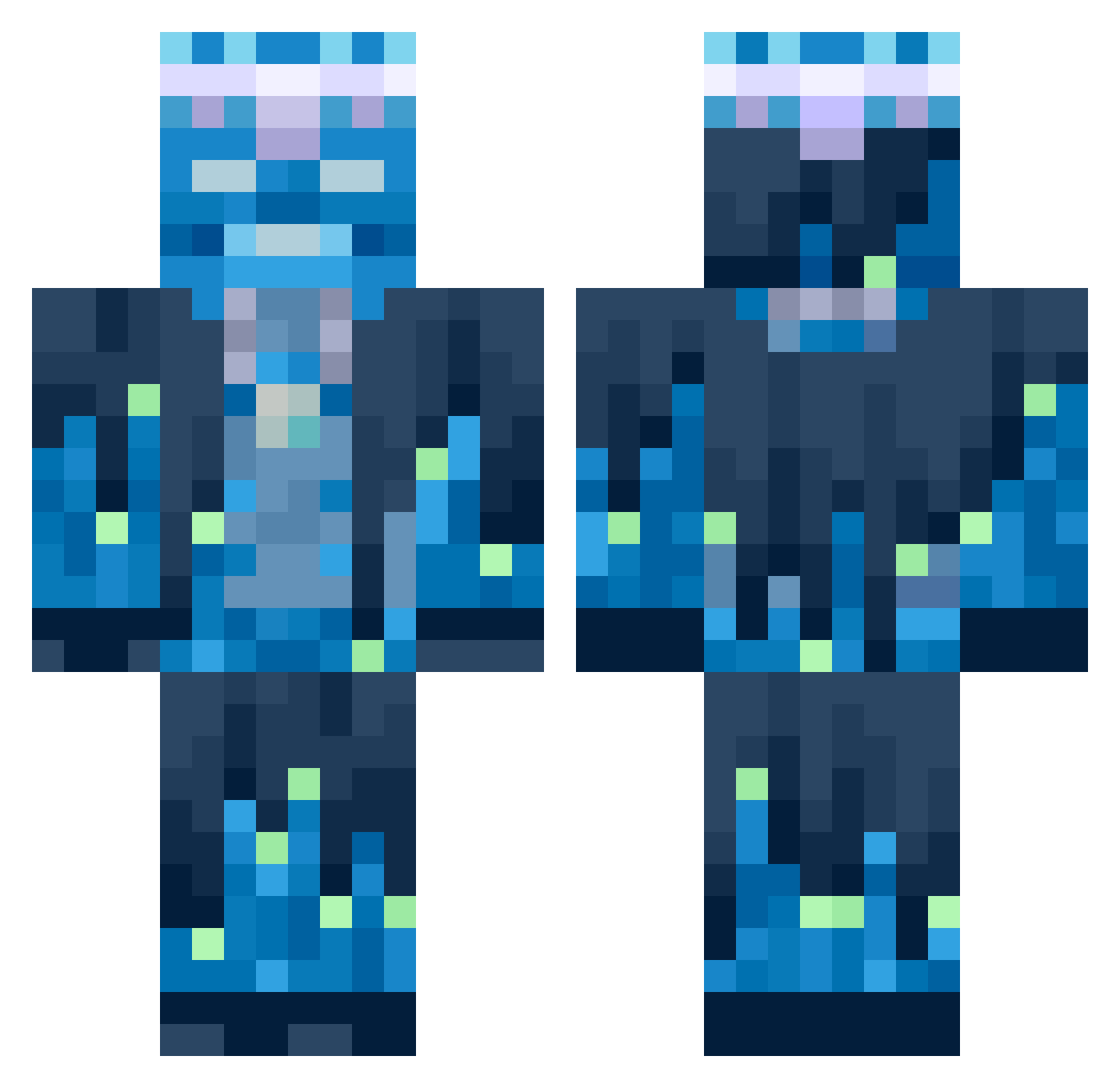
How to install the Arxelion skin
- Press the Download button above to save the skin as a PNG file.
- Minecraft: Bedrock Edition (PE): open the Dressing Room from the main menu (or tap your character → Edit Character), go to Classic Skins → Owned, press the + (new skin) button, choose the downloaded PNG and pick the Classic (Steve) model. Works on PC and mobile; consoles cannot import custom skins.
- Minecraft: Java Edition: open the Minecraft Launcher, go to the Skins tab, click New Skin, load the PNG, pick the Classic (Steve) model and press Save & Use. You can also upload it at minecraft.net → Profile → Change Skin.
The skin does not show up after import - what should I do?
Restart Minecraft and open the Dressing Room again - imported skins sometimes appear only after a restart. Also make sure you selected the imported skin and picked the Classic (Steve) model.
Which model should I choose, Classic or Slim?
This skin is designed for the Classic (Steve) model. If you pick the wrong model, the arms of the skin will look stretched or squeezed.
Is this skin free to use?
Yes. Press Download, save the PNG file and use it in Minecraft: Bedrock Edition or Java Edition - no payment or registration needed. The skin also works on multiplayer servers and Realms.
More Glowing Minecraft skins
More skins
Looking for more? Go back to all Minecraft skins and check the top skins of the week, month and all time, or find any player's skin by nickname.