
 ReefRefaelR xBencus RogerTheGarden sneakysnakes951 _SirDark DARKKSNOW Skyblues76 SetsunaiOkami whatupboy2005 AceKnight465 ricsi_BRM Drakenvev DeanTheBean20 Theseus5832 Patmann2508 Kaktus_der_Beste MrMassMischief iRinq_ wyhooo Klandestyn PapaNachos1 kauealgayer Loky1213 Incondensability Fedex1226 RETYSS Tom28422 xDaub TheoMalvado hoyler225 SneakyWeasel5 Wali_Ali DrProfessorKCMIL Cleyton56 JeSuisAzooz Armadillo1990 MrIucky Harunytb PokerLight gijsrissy Onomannor GEMSAD Shadylil jurrejump Nordisch0815 justwanttoplay7 Azzartt Frezuz prebenms TheWarg objecteat1 CqJr Treevowl Driannnn DDEdgar Shutdown101 JeMeL94 Destroyer200513 MasterGamer1012 pedrosla
Minecraft skin of Vinicz. Rotate the 3D model with your mouse or finger to view the skin from every angle, then download it as a PNG file and use it in Minecraft: Bedrock Edition or Java Edition for free. Rate the skin with stars to help other players find the best skins in our collection.
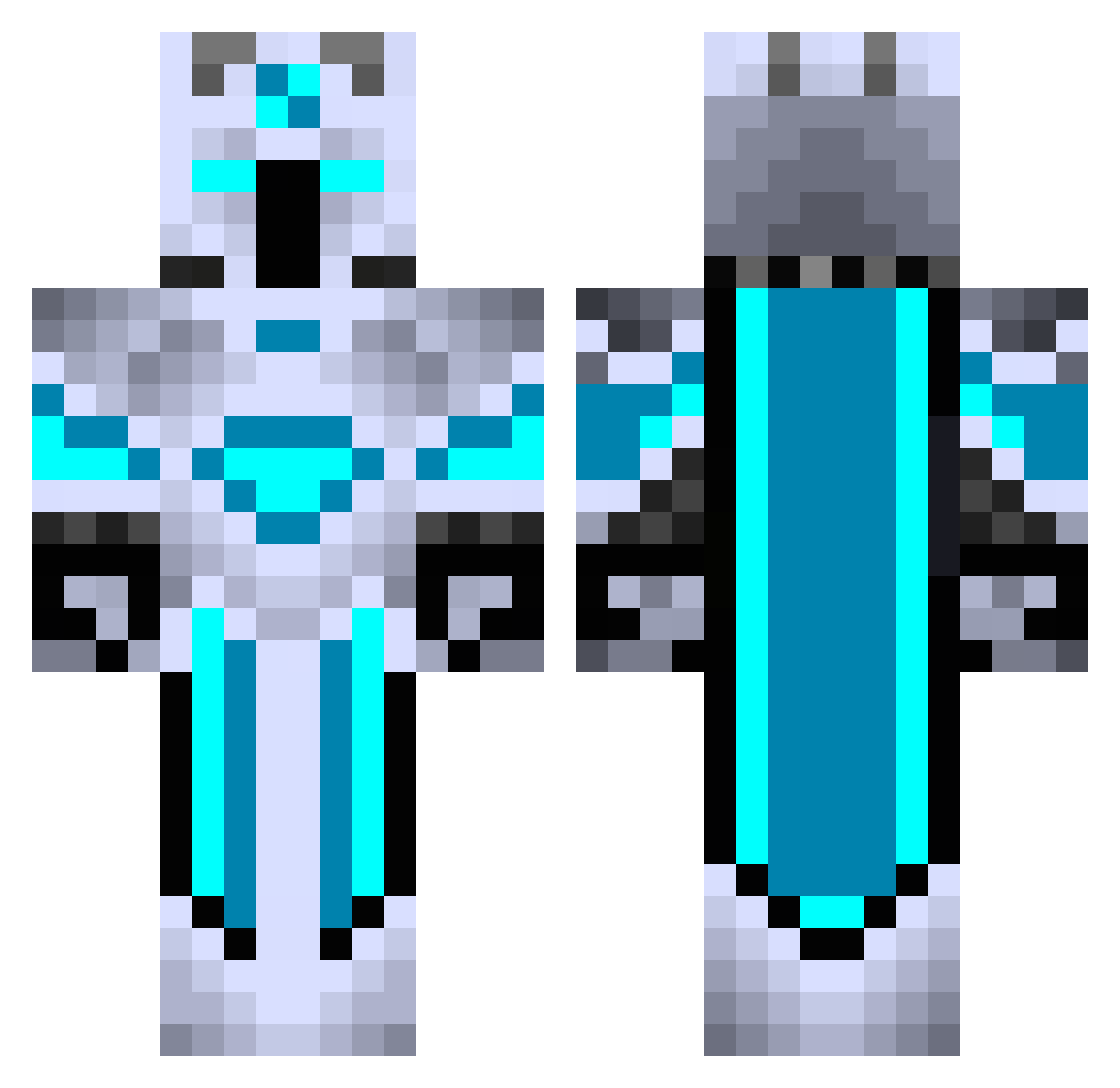
How to install the Vinicz skin
- Press the Download button above to save the skin as a PNG file.
- Minecraft: Bedrock Edition (PE): open the Dressing Room from the main menu (or tap your character → Edit Character), go to Classic Skins → Owned, press the + (new skin) button, choose the downloaded PNG and pick the Classic (Steve) model. Works on PC and mobile; consoles cannot import custom skins.
- Minecraft: Java Edition: open the Minecraft Launcher, go to the Skins tab, click New Skin, load the PNG, pick the Classic (Steve) model and press Save & Use. You can also upload it at minecraft.net → Profile → Change Skin.
The skin does not show up after import - what should I do?
Restart Minecraft and open the Dressing Room again - imported skins sometimes appear only after a restart. Also make sure you selected the imported skin and picked the Classic (Steve) model.
Which model should I choose, Classic or Slim?
This skin is designed for the Classic (Steve) model. If you pick the wrong model, the arms of the skin will look stretched or squeezed.
Is this skin free to use?
Yes. Press Download, save the PNG file and use it in Minecraft: Bedrock Edition or Java Edition - no payment or registration needed. The skin also works on multiplayer servers and Realms.
More Glowing Minecraft skins
More skins
Looking for more? Go back to all Minecraft skins and check the top skins of the week, month and all time, or find any player's skin by nickname.