
 Grimy102 Dawsila342 KreanZ129 Badboy2842 Joshify8 seal_kingboi cha3w glogovac Kristofer123504 DrPoopypants200 oldleehead KINSHUK123 SOUL_volt Aarontham99 MihaiBERDILA AdrianSteell AYAANC Chiabotto06 Recpentangle Lanky4567 Antoniotopo _Cobes OwO3136 Dopp3l ToothyOxITSmE JelloYummy kittenPrawn1234 mine26dylan HogWarts060 BananaTanner CraCCrux Posebruh tecnicalboy008 angpao4 Reggen04 Lloydundzayn operatoroffhan77 Falla_006 juanjo92005 CROXBIT BroemmelBeere Doboxik Meg1stanas Habbs88 Xaliat azzu1798 SuperAdamBH pierreo2qc CoolBubs2015 UtmostTripod669 Boubou20 TheChickenBo SwiftBack insaneguy400 Striderrr_ benzo874 Shenron1122 ironwalll Exumairr c0smix
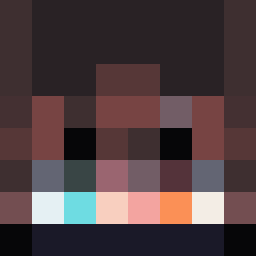
Minecraft skin of angpao4. Rotate the 3D model with your mouse or finger to view the skin from every angle, then download it as a PNG file and use it in Minecraft: Bedrock Edition or Java Edition for free. Rate the skin with stars to help other players find the best skins in our collection.
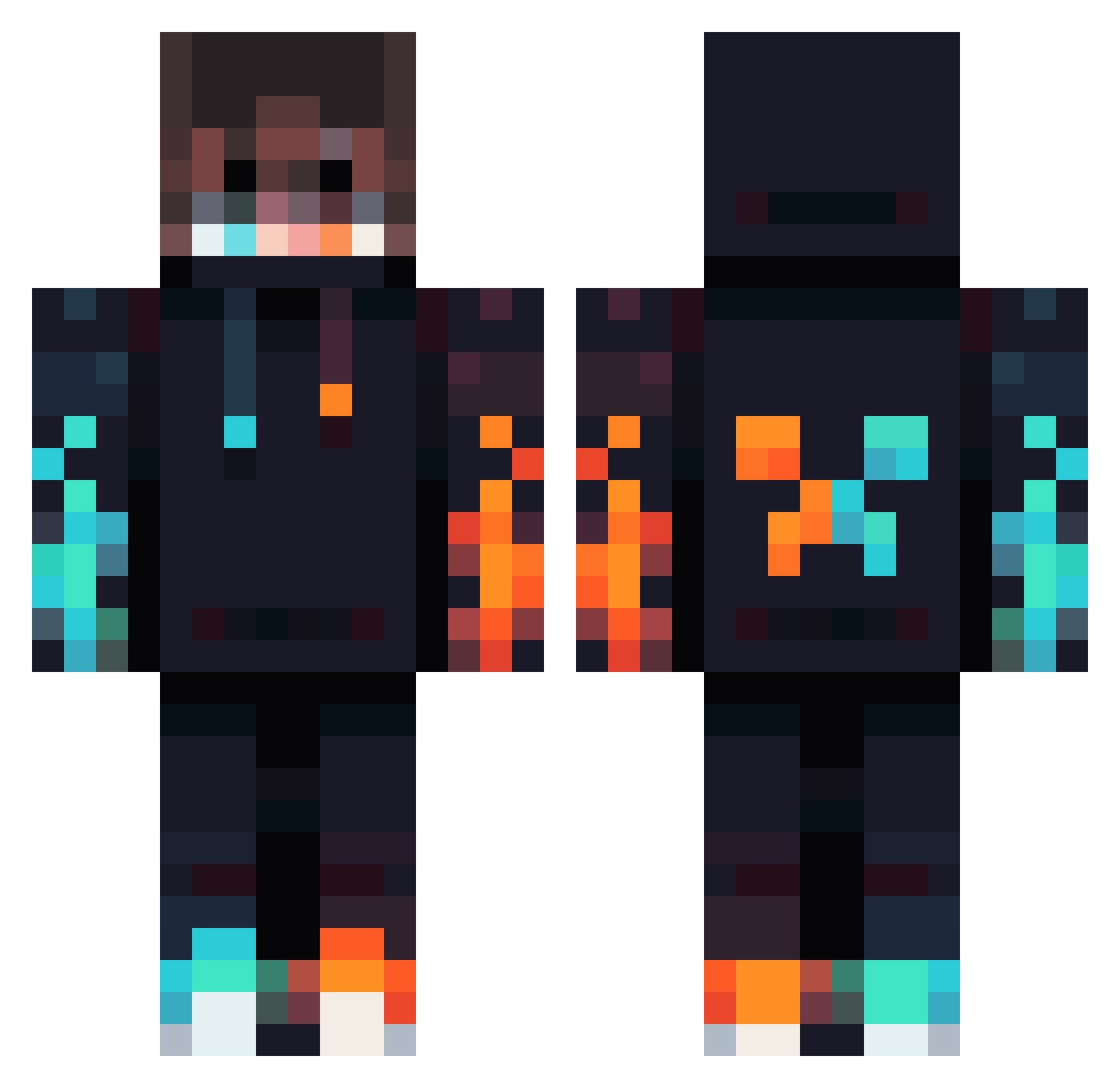
How to install the angpao4 skin
- Press the Download button above to save the skin as a PNG file.
- Minecraft: Bedrock Edition (PE): open the Dressing Room from the main menu (or tap your character → Edit Character), go to Classic Skins → Owned, press the + (new skin) button, choose the downloaded PNG and pick the Classic (Steve) model. Works on PC and mobile; consoles cannot import custom skins.
- Minecraft: Java Edition: open the Minecraft Launcher, go to the Skins tab, click New Skin, load the PNG, pick the Classic (Steve) model and press Save & Use. You can also upload it at minecraft.net → Profile → Change Skin.
The skin does not show up after import - what should I do?
Restart Minecraft and open the Dressing Room again - imported skins sometimes appear only after a restart. Also make sure you selected the imported skin and picked the Classic (Steve) model.
Which model should I choose, Classic or Slim?
This skin is designed for the Classic (Steve) model. If you pick the wrong model, the arms of the skin will look stretched or squeezed.
Is this skin free to use?
Yes. Press Download, save the PNG file and use it in Minecraft: Bedrock Edition or Java Edition - no payment or registration needed. The skin also works on multiplayer servers and Realms.
More Fire Minecraft skins
More skins
Looking for more? Go back to all Minecraft skins and check the top skins of the week, month and all time, or find any player's skin by nickname.