
 Tristam_7 Komodo_Jo mattsull11 J74302 bwm_123 NevilleDevil Jaydog11 Flame08 Rethemorn sam5526 Manpeople xNiico18 AUSMayhem shedster21 maxerw RealmPvP Snowlane philou2011 Master_DeV Giantsmasher11 Lord_Sha M_World littledov 25Ultra Courage2012 bdthompson12 G_SEAN2 dragon_fire0 Hoppo86 Quvcxe banngirl561 TerrorToasta Geo_Calvin maximas200 Schiggydragon Agandaur1234 Degradative JDMlover56 anlib02 FireAspect23 diamonddude872 9o9o7 nathm01 vanburen12 HyperionTitan LRand Munkee_Spider Brotherton2001 HHsted philipthree CalvinAmerica KidDragonPhoenix speedv87 ausmeg24 Kuw139 EnderScientist Svennela Denowex thekingkoy joshmcky
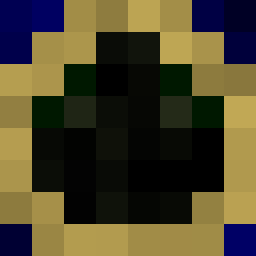
Minecraft skin of weinelson. Rotate the 3D model with your mouse or finger to view the skin from every angle, then download it as a PNG file and use it in Minecraft: Bedrock Edition or Java Edition for free. Rate the skin with stars to help other players find the best skins in our collection.
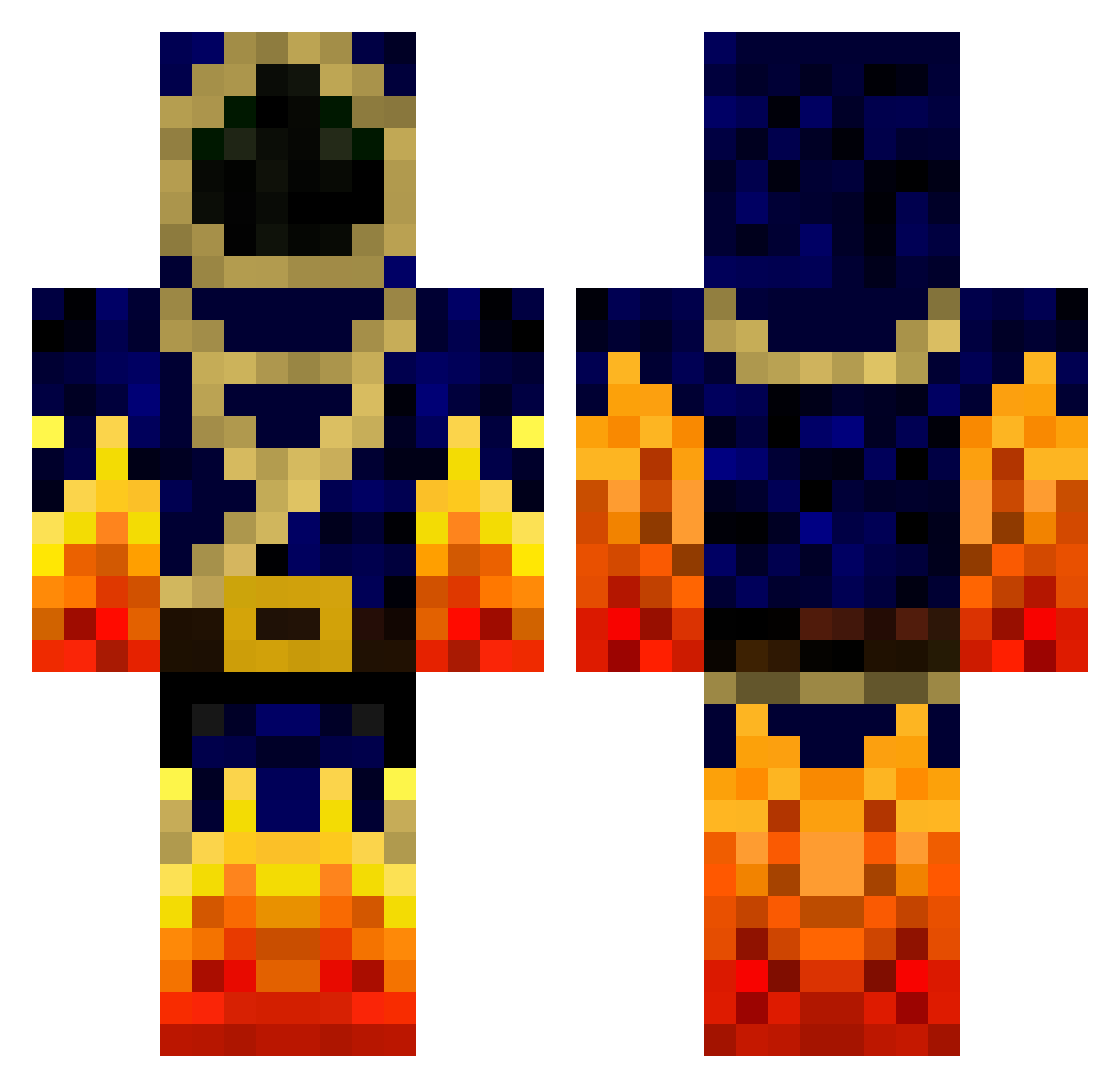
How to install the weinelson skin
- Press the Download button above to save the skin as a PNG file.
- Minecraft: Bedrock Edition (PE): open the Dressing Room from the main menu (or tap your character → Edit Character), go to Classic Skins → Owned, press the + (new skin) button, choose the downloaded PNG and pick the Classic (Steve) model. Works on PC and mobile; consoles cannot import custom skins.
- Minecraft: Java Edition: open the Minecraft Launcher, go to the Skins tab, click New Skin, load the PNG, pick the Classic (Steve) model and press Save & Use. You can also upload it at minecraft.net → Profile → Change Skin.
The skin does not show up after import - what should I do?
Restart Minecraft and open the Dressing Room again - imported skins sometimes appear only after a restart. Also make sure you selected the imported skin and picked the Classic (Steve) model.
Which model should I choose, Classic or Slim?
This skin is designed for the Classic (Steve) model. If you pick the wrong model, the arms of the skin will look stretched or squeezed.
Is this skin free to use?
Yes. Press Download, save the PNG file and use it in Minecraft: Bedrock Edition or Java Edition - no payment or registration needed. The skin also works on multiplayer servers and Realms.
More Mage Minecraft skins
More skins
Looking for more? Go back to all Minecraft skins and check the top skins of the week, month and all time, or find any player's skin by nickname.