
rumu37 - Minecraft Skins & Skin History
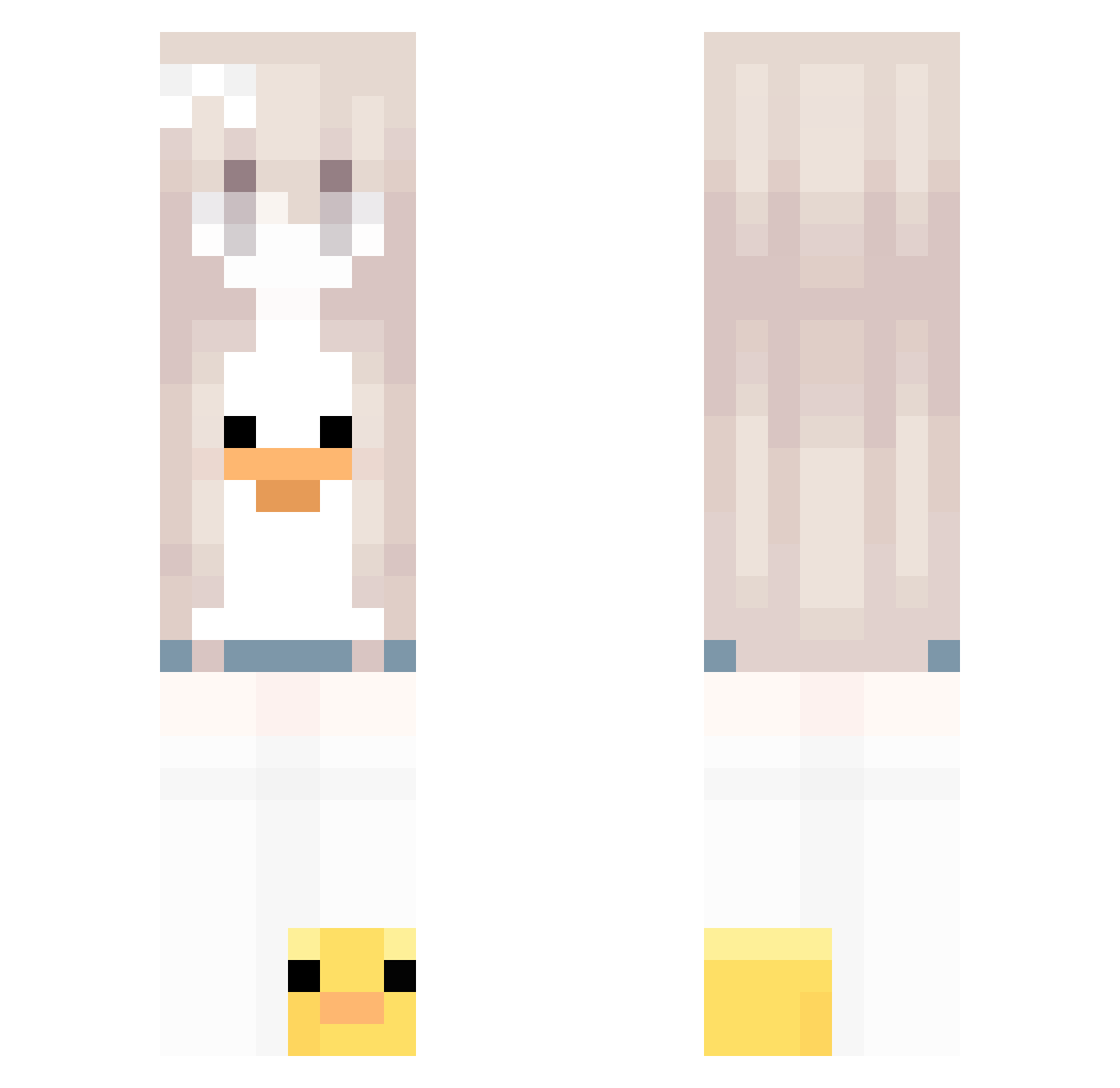
Current Minecraft skin of the player rumu37, loaded from the official Mojang API. Rotate the 3D model with your mouse or finger, then download the skin as a PNG file and use it in Minecraft: Bedrock Edition or Java Edition for free. When rumu37 changes their skin, this page updates automatically and the old skin stays in the history below.
Other players with this skin (43)
rumu37 was the 29th player we have seen with this skin, first spotted on 28.09.2026. The same skin was seen on these players. Open a nickname to see their current skin and skin history.
 RayzzN1Bomvoclat eniramsirp sm61555 MHYHM KKarinaKK_ derfenixx Lady_Deathstrik CasCas_ ANHNOM Carrot833 L0w0ngFlux531_ hiyuuxp SwampWizard42 Jal3a _iou LdK_CR willishhiver sarinhax67 ohyuseol Gilbae Julivnnnz NxxiVibez ashelly_ cutegirl764 yuru_owo HamMuay
 Rom3513 e010_931031 clefeyble geeeeem kcykcy niiiixz1 souxiey
 Fipooo summer_Lin wetpirategirl792 madiluli
 cqitll cozymonster188 Tsumiki94
 bananahm moonixilov fiona66
More Duck Minecraft skins
How to install the rumu37 skin
- Press the Download button above to save the skin as a PNG file.
- Minecraft: Bedrock Edition (PE): open the Dressing Room from the main menu (or tap your character → Edit Character), go to Classic Skins → Owned, press the + (new skin) button, choose the downloaded PNG and pick the Classic (Steve) model. Works on PC and mobile; consoles cannot import custom skins.
- Minecraft: Java Edition: open the Minecraft Launcher, go to the Skins tab, click New Skin, load the PNG, pick the Classic (Steve) model and press Save & Use. You can also upload it at minecraft.net → Profile → Change Skin.
The skin does not show up after import - what should I do?
Restart Minecraft and open the Dressing Room again - imported skins sometimes appear only after a restart. Also make sure you selected the imported skin and picked the Classic (Steve) model.
Which model should I choose, Classic or Slim?
This skin is designed for the Classic (Steve) model. If you pick the wrong model, the arms of the skin will look stretched or squeezed.
Is the skin of rumu37 free to download?
Yes. Press Download, save the PNG file and use it in Minecraft: Bedrock Edition or Java Edition - no payment or registration needed. The skin also works on multiplayer servers and Realms.
More skins
Looking for more? Go back to all Minecraft skins and check the top skins of the week, month and all time, or find any player's skin by nickname.