
lemw - Minecraft Skins & Skin History
Current Minecraft skin of the player lemw, loaded from the official Mojang API. Rotate the 3D model with your mouse or finger, then download the skin as a PNG file and use it in Minecraft: Bedrock Edition or Java Edition for free. When lemw changes their skin, this page updates automatically and the old skin stays in the history below.
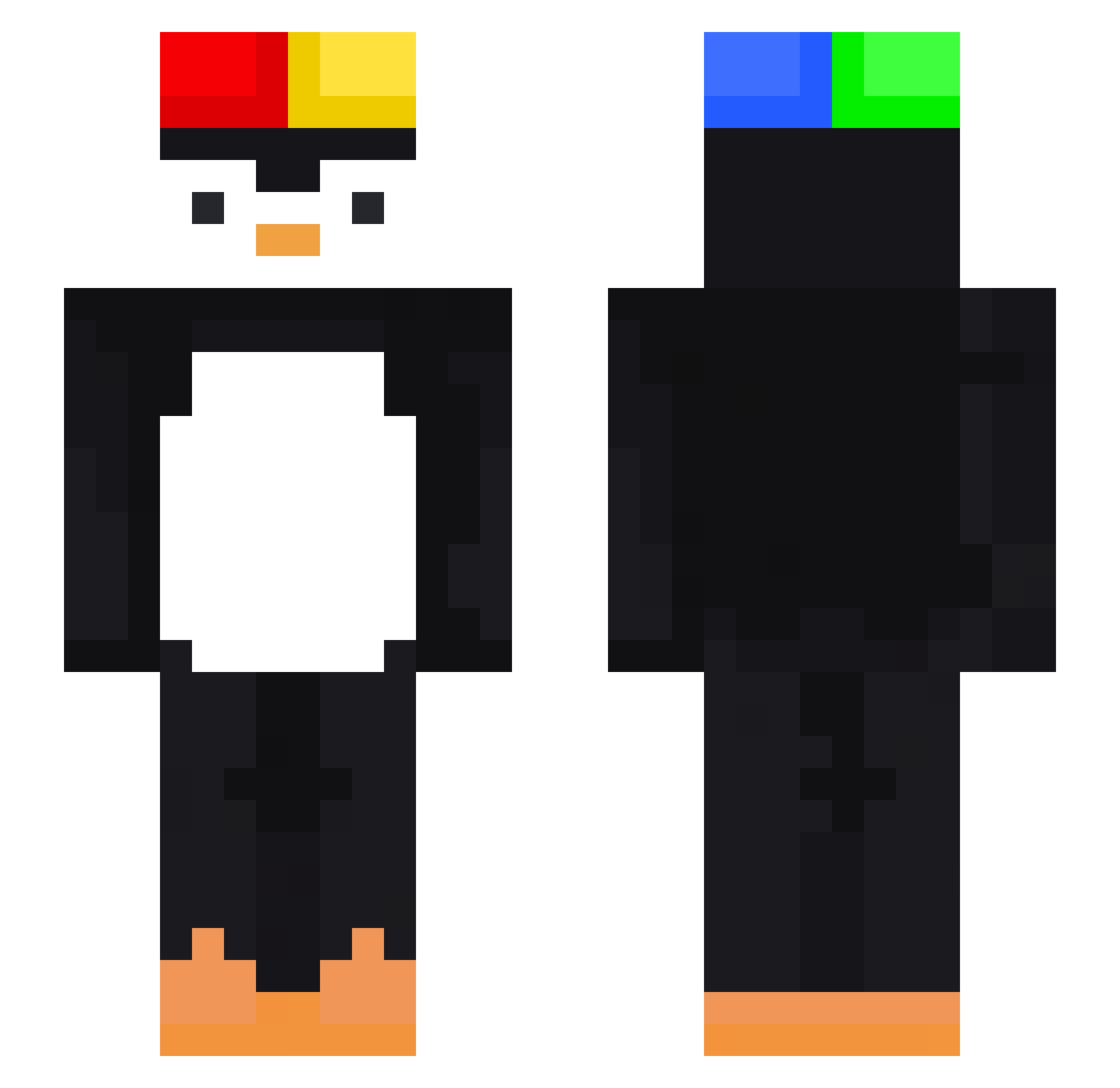
Other players with this skin (473)
lemw was the 246th player we have seen with this skin, first spotted on 21.09.2026. The same skin was seen on these players. Open a nickname to see their current skin and skin history.
 Luca_bdnr Wyn0s Adiano eto1les Marcelpro123 Taxmanedo MsdX_AzoX360 0_XilZ longyingg Sevble royalisasusybaka llall805 yoyo_1903 McKrona PaesiBread Dvalin12 SOVIET_PINGUI kwonowl keiopeeo CrustyyyBoii mindragon Yomiely jjoojju Flakey__ Nayrb99 m4rxx6 Cryptid167 coofman Anu_La kenn4fit maravilhosodiego Red_Drag laba0627 Tlyxr aesopfiend NicolasMiner09 _NiIl Dad8557 Eles_31 adixu1 Rezidiva ZOOOOOOOOOOOOOO Kovko Sneaky_gaming736 Chief_Yann 21Squezze Dextiionary yddyxjss hypel3169 _MrPenguin__ MisoPochita Jas1k_ mcncc Kor_HoMTeO puppyhappy somoder555 Leo_Garcia_11 Merut99 Diegostini kurabuki
More Penguin Minecraft skins
How to install the lemw skin
- Press the Download button above to save the skin as a PNG file.
- Minecraft: Bedrock Edition (PE): open the Dressing Room from the main menu (or tap your character → Edit Character), go to Classic Skins → Owned, press the + (new skin) button, choose the downloaded PNG and pick the Slim (Alex) model. Works on PC and mobile; consoles cannot import custom skins.
- Minecraft: Java Edition: open the Minecraft Launcher, go to the Skins tab, click New Skin, load the PNG, pick the Slim (Alex) model and press Save & Use. You can also upload it at minecraft.net → Profile → Change Skin.
The skin does not show up after import - what should I do?
Restart Minecraft and open the Dressing Room again - imported skins sometimes appear only after a restart. Also make sure you selected the imported skin and picked the Slim (Alex) model.
Which model should I choose, Classic or Slim?
This skin is designed for the Slim (Alex) model. If you pick the wrong model, the arms of the skin will look stretched or squeezed.
Is the skin of lemw free to download?
Yes. Press Download, save the PNG file and use it in Minecraft: Bedrock Edition or Java Edition - no payment or registration needed. The skin also works on multiplayer servers and Realms.
More skins
Looking for more? Go back to all Minecraft skins and check the top skins of the week, month and all time, or find any player's skin by nickname.