
 popo1opo stex_y icey0p hutsiekadutsie Timeal Gr1mEd jason415013 koishi_05 RuanFS Hugksot _DevilSnow_ yumi086 Lokru X4N4X02 Hop0p MeonjiSomsatang MISIOXD wk177 jakorker Lonoing_WSSB ov4lo cxf_9487 Starwing369 uuiioopp ClvD9 BeanBoy639 nanababynana Infinity_p2 W_AGAN MadTophat Misspioupiou B_da d3rLord3333 DesonBR Abiazd Aguo666 GoldenFRL ImmaJaden lessgoddc j37483332 zezin_sccp bigjoshua999 MrWalaxHD GodJP21 Fernelly wockfairy ann1ee yuie0627 LUYU1111 mrbasics69 AParanoidGrin Mossling1111 Chanq05 InfinityLifee SBSBD aize2 SerbeDTR ryantrinh __SpiderMan EENCHEN
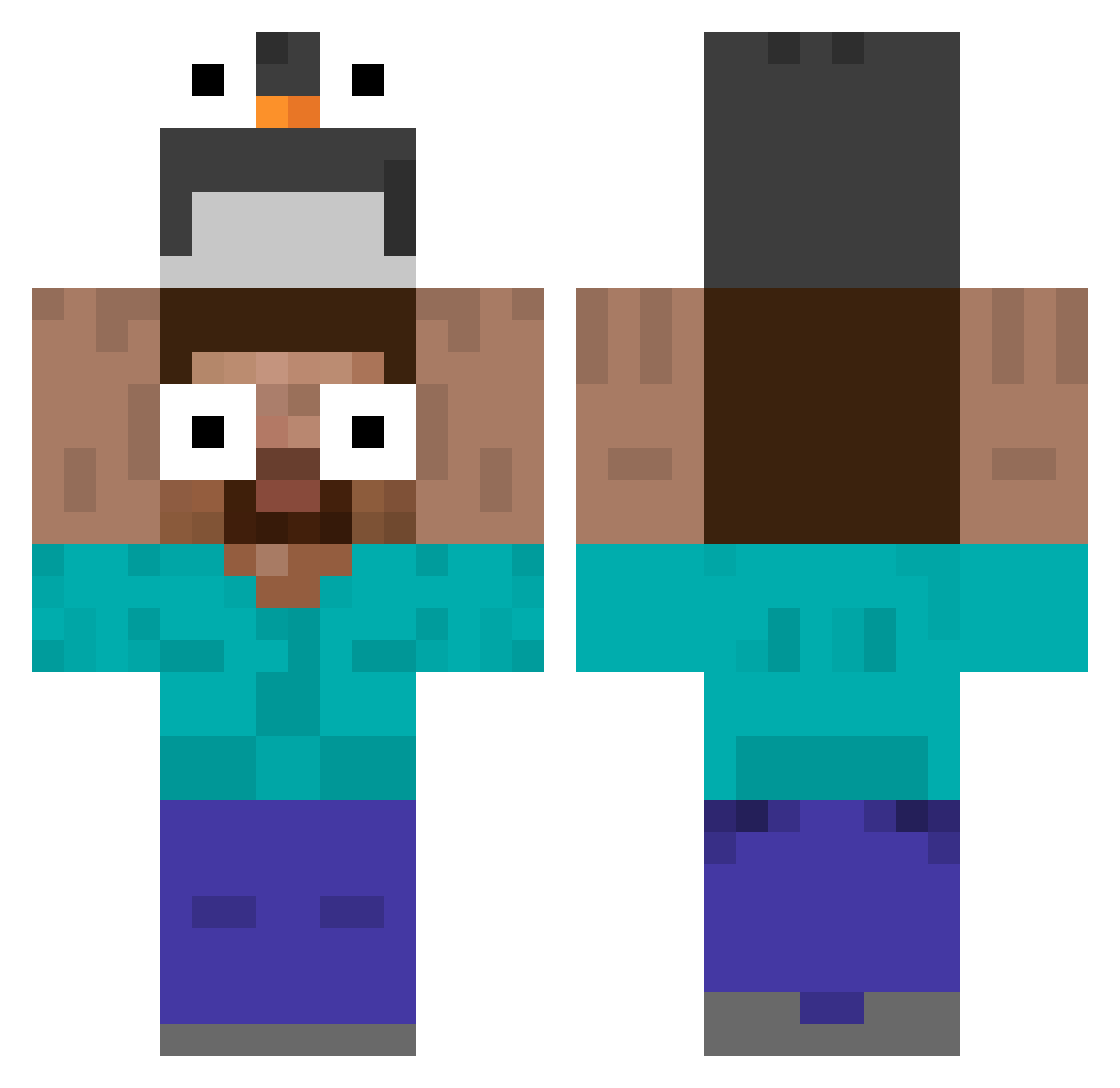
Minecraft skin of _DevilSnow_. Rotate the 3D model with your mouse or finger to view the skin from every angle, then download it as a PNG file and use it in Minecraft: Bedrock Edition or Java Edition for free. Rate the skin with stars to help other players find the best skins in our collection.
How to install the _DevilSnow_ skin
- Press the Download button above to save the skin as a PNG file.
- Minecraft: Bedrock Edition (PE): open the Dressing Room from the main menu (or tap your character → Edit Character), go to Classic Skins → Owned, press the + (new skin) button, choose the downloaded PNG and pick the Classic (Steve) model. Works on PC and mobile; consoles cannot import custom skins.
- Minecraft: Java Edition: open the Minecraft Launcher, go to the Skins tab, click New Skin, load the PNG, pick the Classic (Steve) model and press Save & Use. You can also upload it at minecraft.net → Profile → Change Skin.
The skin does not show up after import - what should I do?
Restart Minecraft and open the Dressing Room again - imported skins sometimes appear only after a restart. Also make sure you selected the imported skin and picked the Classic (Steve) model.
Which model should I choose, Classic or Slim?
This skin is designed for the Classic (Steve) model. If you pick the wrong model, the arms of the skin will look stretched or squeezed.
Is this skin free to use?
Yes. Press Download, save the PNG file and use it in Minecraft: Bedrock Edition or Java Edition - no payment or registration needed. The skin also works on multiplayer servers and Realms.
More Funny Eyes Minecraft skins
More skins
Looking for more? Go back to all Minecraft skins and check the top skins of the week, month and all time, or find any player's skin by nickname.