
Anchye - Minecraft Skins & Skin History
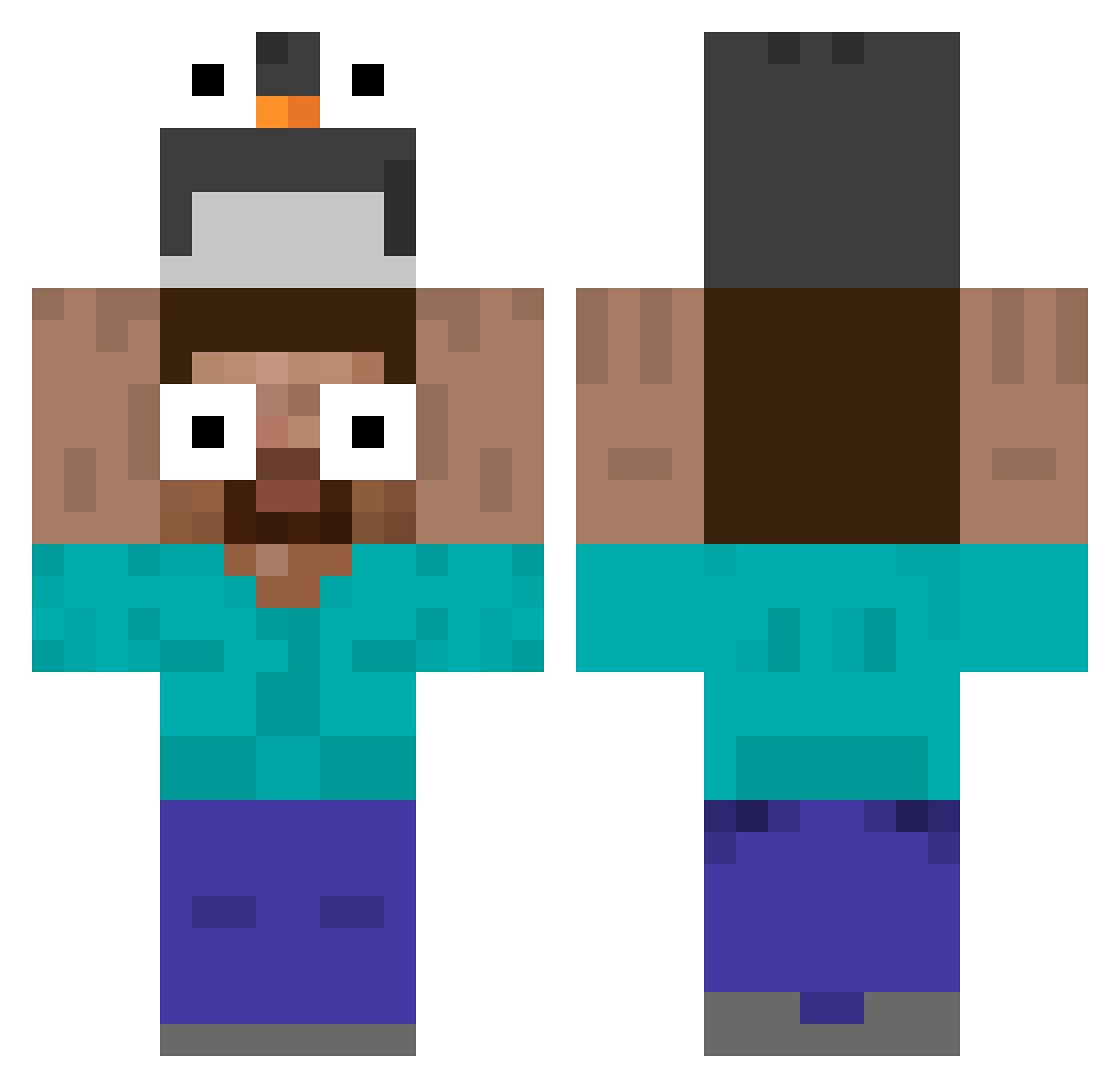
Current Minecraft skin of the player Anchye, loaded from the official Mojang API. Rotate the 3D model with your mouse or finger, then download the skin as a PNG file and use it in Minecraft: Bedrock Edition or Java Edition for free. When Anchye changes their skin, this page updates automatically and the old skin stays in the history below.
Other players with this skin (647)
Anchye was the 629th player we have seen with this skin, first spotted on 16.11.2026. The same skin was seen on these players. Open a nickname to see their current skin and skin history.
 EnzoThePlank RyGuy7631 s_m_g_ ItsKarliK kip124 pxlarfarted LeoxTLT AzazinoDark Kowolski002 Polar_Monarch dummyminki urakata2525 smyte09 gabiiii4224 JoeShmo4725 HyperDoggy26 rog646 Aeromus178 Pingui1116337 AvLOOK PhantomLuminous SimplisticTokyo Krble Argonb Mazin_1902 chelungungun SLAAYERTM Tankinho Meoowe yoyo971221 wangsang114514 HarveyWillys Vicentepass 71710 kuumbucket_12 Mateuslegal50 Warm_blueberries ICTUSMX tyygysek Ryder_yuyu JanWil28 zsk050728 L_Emon O_O_Omaigaawn POTATOMAN551 xX_SauceBoss_Xx licaldinho Keiisu_ CFreeD SushiMastar Speezxy dachai777 LCSBAN ozzby08 dddsj1 Pinyero barmengo majedXD taewanmi Birkusmaster
More Funny Eyes Minecraft skins
How to install the Anchye skin
- Press the Download button above to save the skin as a PNG file.
- Minecraft: Bedrock Edition (PE): open the Dressing Room from the main menu (or tap your character → Edit Character), go to Classic Skins → Owned, press the + (new skin) button, choose the downloaded PNG and pick the Classic (Steve) model. Works on PC and mobile; consoles cannot import custom skins.
- Minecraft: Java Edition: open the Minecraft Launcher, go to the Skins tab, click New Skin, load the PNG, pick the Classic (Steve) model and press Save & Use. You can also upload it at minecraft.net → Profile → Change Skin.
The skin does not show up after import - what should I do?
Restart Minecraft and open the Dressing Room again - imported skins sometimes appear only after a restart. Also make sure you selected the imported skin and picked the Classic (Steve) model.
Which model should I choose, Classic or Slim?
This skin is designed for the Classic (Steve) model. If you pick the wrong model, the arms of the skin will look stretched or squeezed.
Is the skin of Anchye free to download?
Yes. Press Download, save the PNG file and use it in Minecraft: Bedrock Edition or Java Edition - no payment or registration needed. The skin also works on multiplayer servers and Realms.
More skins
Looking for more? Go back to all Minecraft skins and check the top skins of the week, month and all time, or find any player's skin by nickname.