
 Elchuzaa dec1sean2 orange731 NieLubiany1 hopa0352 CanMoa_ Chaen9U dadoudd steffansnow YanYan0606 Gabe7182 celestekan smvkrxs k_gang1014 Lollin22 Jaquin_ sebefar Pneguins seungmin0000 akjsw X3n0N3K1 Peppa__ LUVEE_ LactoBR SSongJae scytherx16 Zp3rx W_w_W cokalboyblue007 HardAsSponge wjaguswls damienonaim Ragoniscrqcked Mojoe_s Kijoli98 SovietRaygun LEEBANSUK Bnenz Hankaji Abdel_Hady penmary Lukascatsf Jok3rYTxd rlachvh28 xOrqnge Tomias_ deex1 hoshimimiaybi SeaOfPenguins vichox0 AtakanReiss 2309482319 EasyMC_WHOLF Xnexm followfollowme Auriukas hyeonseo_07 JohzuaC Wine_peach chloebug1012
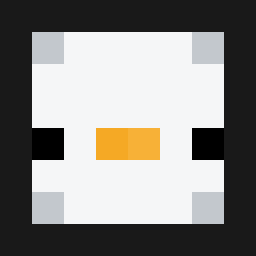
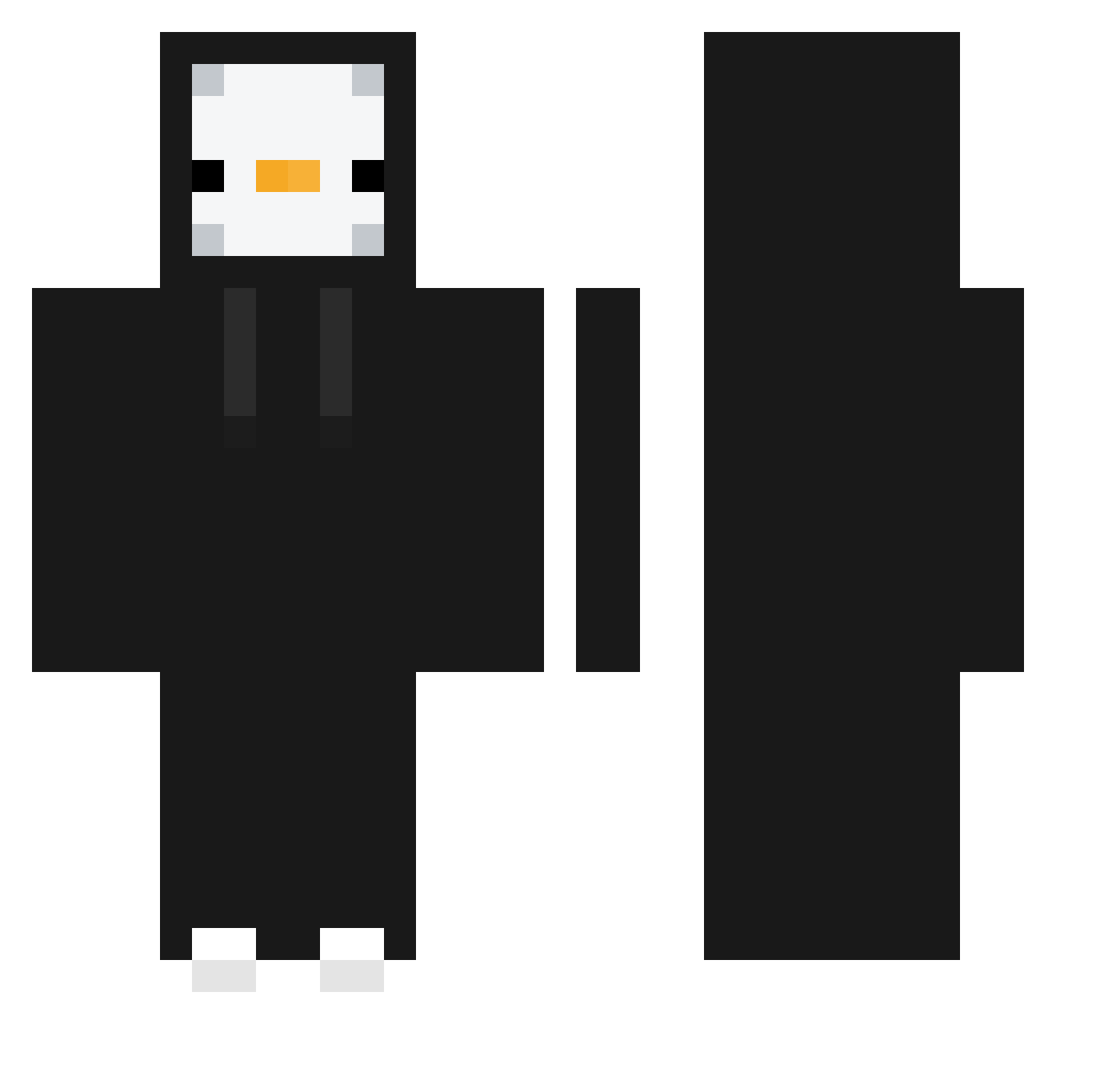
Minecraft skin of CHOCOLADJE. Rotate the 3D model with your mouse or finger to view the skin from every angle, then download it as a PNG file and use it in Minecraft: Bedrock Edition or Java Edition for free. Rate the skin with stars to help other players find the best skins in our collection.
How to install the CHOCOLADJE skin
- Press the Download button above to save the skin as a PNG file.
- Minecraft: Bedrock Edition (PE): open the Dressing Room from the main menu (or tap your character → Edit Character), go to Classic Skins → Owned, press the + (new skin) button, choose the downloaded PNG and pick the Classic (Steve) model. Works on PC and mobile; consoles cannot import custom skins.
- Minecraft: Java Edition: open the Minecraft Launcher, go to the Skins tab, click New Skin, load the PNG, pick the Classic (Steve) model and press Save & Use. You can also upload it at minecraft.net → Profile → Change Skin.
The skin does not show up after import - what should I do?
Restart Minecraft and open the Dressing Room again - imported skins sometimes appear only after a restart. Also make sure you selected the imported skin and picked the Classic (Steve) model.
Which model should I choose, Classic or Slim?
This skin is designed for the Classic (Steve) model. If you pick the wrong model, the arms of the skin will look stretched or squeezed.
Is this skin free to use?
Yes. Press Download, save the PNG file and use it in Minecraft: Bedrock Edition or Java Edition - no payment or registration needed. The skin also works on multiplayer servers and Realms.
More Penguin Minecraft skins
More skins
Looking for more? Go back to all Minecraft skins and check the top skins of the week, month and all time, or find any player's skin by nickname.