
 Spoon3rman 123andrew123 heimish01 llTrixx _Twiz Moriii666 Paweso Maskinen18 anacenteno IHaveAutisim Boante Cellenhdyll chobho geunbeom123 lintomoka Turuti Its_Tomas heyjjang Clashis ptitpingu Rizzyx iDoubleV Vilkkumx P4prica LemmyWinkxs Haishii22 DaBasement SniperMonkeyu RobinAndres EVmate ElDomcis sparkycraft22 ASAP___BLOCKY O__Deng DOLEDUNG2 ThePuckers RafaelBS goldsine antonin_234 ctxlt nice290 SnowingSky Decipher_2007 JRETSOF spicyseasalt hoshjicks OrdinaryDemiGuy ianplayz1122 NonRacialPanda vallar01 Hmodcha o_07 giorgi_one SlaveSlayer6969 sp10613 Bono_Fanacc A_man_duh3121 smasnug_snoy Ninoxs bob_of_ganoush
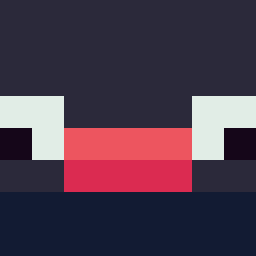
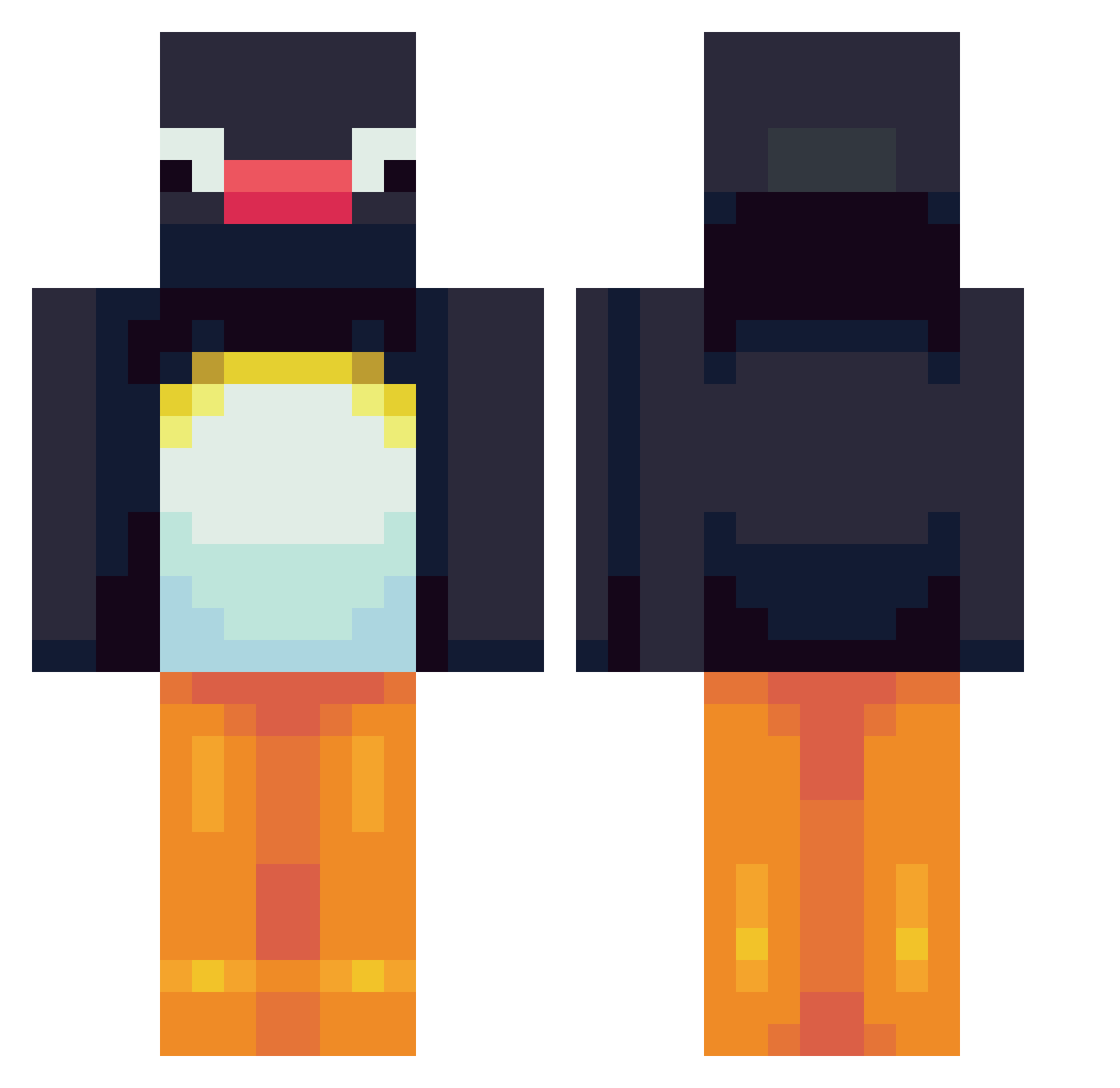
Minecraft skin of Anormais. Rotate the 3D model with your mouse or finger to view the skin from every angle, then download it as a PNG file and use it in Minecraft: Bedrock Edition or Java Edition for free. Rate the skin with stars to help other players find the best skins in our collection.
How to install the Anormais skin
- Press the Download button above to save the skin as a PNG file.
- Minecraft: Bedrock Edition (PE): open the Dressing Room from the main menu (or tap your character → Edit Character), go to Classic Skins → Owned, press the + (new skin) button, choose the downloaded PNG and pick the Classic (Steve) model. Works on PC and mobile; consoles cannot import custom skins.
- Minecraft: Java Edition: open the Minecraft Launcher, go to the Skins tab, click New Skin, load the PNG, pick the Classic (Steve) model and press Save & Use. You can also upload it at minecraft.net → Profile → Change Skin.
The skin does not show up after import - what should I do?
Restart Minecraft and open the Dressing Room again - imported skins sometimes appear only after a restart. Also make sure you selected the imported skin and picked the Classic (Steve) model.
Which model should I choose, Classic or Slim?
This skin is designed for the Classic (Steve) model. If you pick the wrong model, the arms of the skin will look stretched or squeezed.
Is this skin free to use?
Yes. Press Download, save the PNG file and use it in Minecraft: Bedrock Edition or Java Edition - no payment or registration needed. The skin also works on multiplayer servers and Realms.
More Pingu Minecraft skins
More skins
Looking for more? Go back to all Minecraft skins and check the top skins of the week, month and all time, or find any player's skin by nickname.