
 waza_26 Musztarda_alex sandiiiia Vessel11 Tyventu awesomemsgemaboy Trano_er Sigmolot Zygzak47 eidrienCV Zokkara Kauah_ NathanDweller AquaToileto YouJie313 orrustus Piexoo Humbugged PALSTERMAN sansheng66 Zhishun_1029_ Astryo odUwUbo Bankza123 Syllience yutingyuu xKlav THEREALBOSSRADA leozwrld Barsley Gsoares7 Soykan_ St3wark GalaxyDream148 Cheery069 kanasta10 nejfan pman563 seikorist V12NAT Fleex_11 CadetCash Zouuz__ Kwon_One pamlicia mitochondr Gochu0013 EvoSama Ax3yyy CzerwonaPanda DiomedezMC meemo1220 its_real_odi Isaibg00 leonardoli__ Digginglando Flugverbot Jojo_179 Dazzle1012 maru997
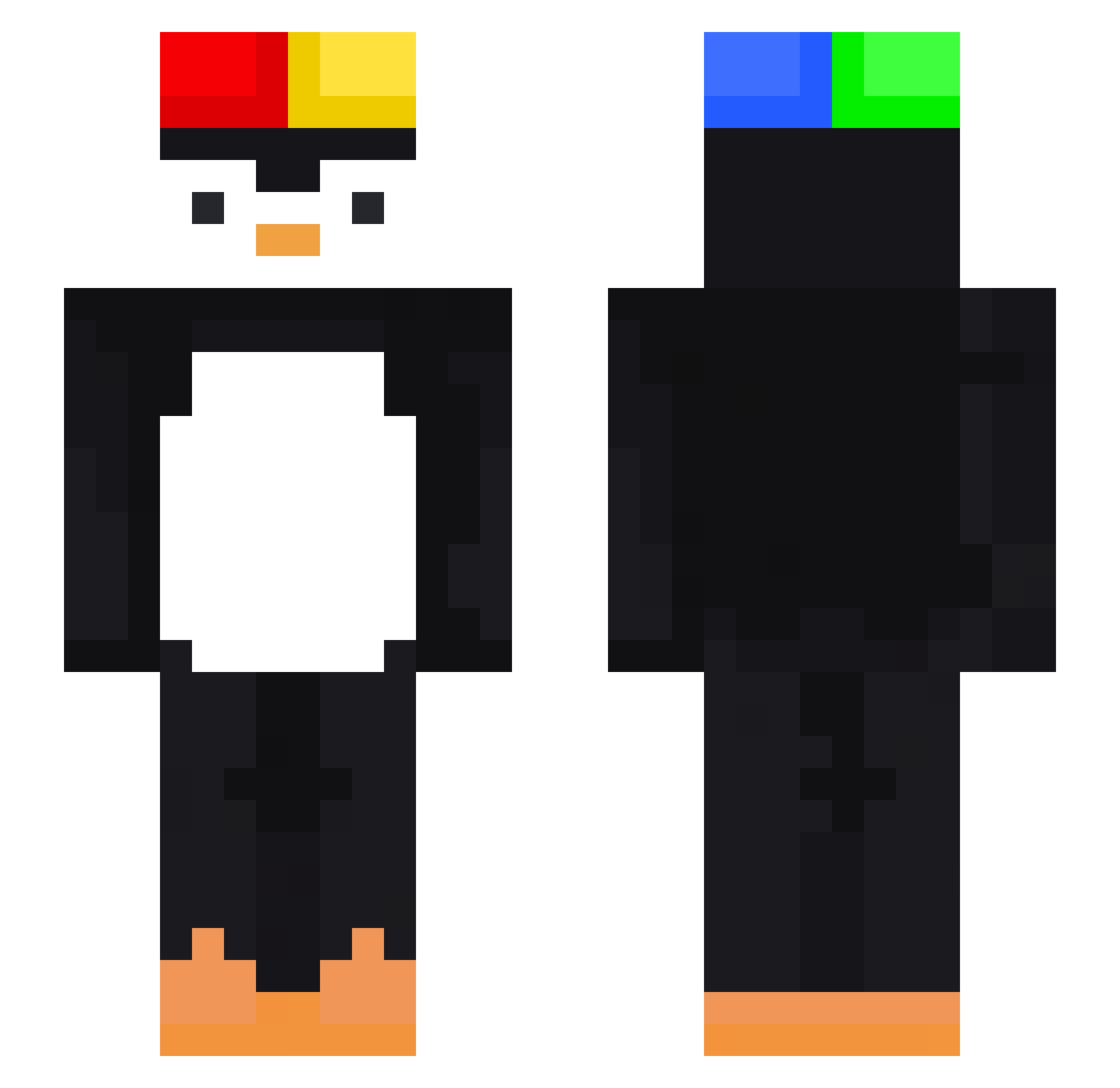
Minecraft skin of Cyrusx_. Rotate the 3D model with your mouse or finger to view the skin from every angle, then download it as a PNG file and use it in Minecraft: Bedrock Edition or Java Edition for free. Rate the skin with stars to help other players find the best skins in our collection.
How to install the Cyrusx_ skin
- Press the Download button above to save the skin as a PNG file.
- Minecraft: Bedrock Edition (PE): open the Dressing Room from the main menu (or tap your character → Edit Character), go to Classic Skins → Owned, press the + (new skin) button, choose the downloaded PNG and pick the Slim (Alex) model. Works on PC and mobile; consoles cannot import custom skins.
- Minecraft: Java Edition: open the Minecraft Launcher, go to the Skins tab, click New Skin, load the PNG, pick the Slim (Alex) model and press Save & Use. You can also upload it at minecraft.net → Profile → Change Skin.
The skin does not show up after import - what should I do?
Restart Minecraft and open the Dressing Room again - imported skins sometimes appear only after a restart. Also make sure you selected the imported skin and picked the Slim (Alex) model.
Which model should I choose, Classic or Slim?
This skin is designed for the Slim (Alex) model. If you pick the wrong model, the arms of the skin will look stretched or squeezed.
Is this skin free to use?
Yes. Press Download, save the PNG file and use it in Minecraft: Bedrock Edition or Java Edition - no payment or registration needed. The skin also works on multiplayer servers and Realms.
More Penguin Minecraft skins
More skins
Looking for more? Go back to all Minecraft skins and check the top skins of the week, month and all time, or find any player's skin by nickname.