
ar_thu_r - Minecraft Skins & Skin History
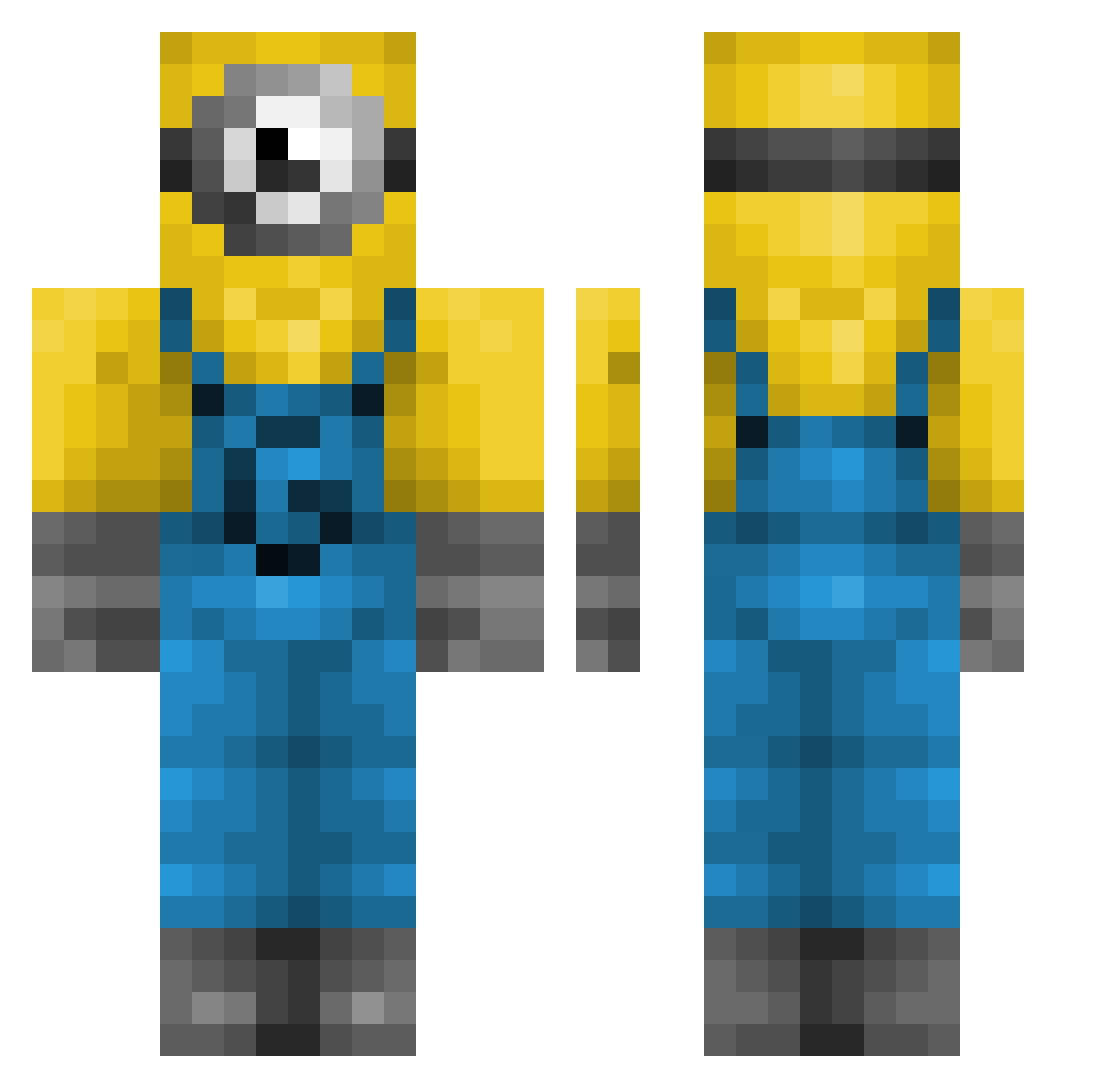
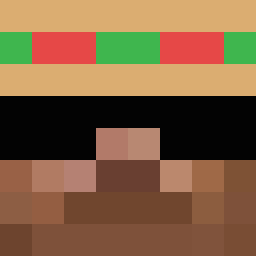
Current Minecraft skin of the player ar_thu_r, loaded from the official Mojang API. Rotate the 3D model with your mouse or finger, then download the skin as a PNG file and use it in Minecraft: Bedrock Edition or Java Edition for free. When ar_thu_r changes their skin, this page updates automatically and the old skin stays in the history below.
Other players with this skin (239)
ar_thu_r was the 28th player we have seen with this skin, first spotted on 05.08.2026. The same skin was seen on these players. Open a nickname to see their current skin and skin history.
 Micahsmerk
 ILoveHogs whyjc Rip_kyle elly525 KC_Traut zoieN CaninePatin7704 Zhyrion arielle6030 Muhammad1234
 kybper001 MadX_20 Zealas24 boyhood262 thewiki69 wtfsyren Apolonelche SplashFusky elf_on_a_self shay_rose BOSSon1cle Rec283 Herrmann2905 mrkevin12309 lilpoosta _Space08_ untiedllaces Tboiii000 Monfareds
 NiceCosmicSoup dabravo DogEatingDoritos AutoSalesman
 steezycheese Wdash965 Luckyy_y SebbSchnepp GmailHotmail in5co IschlegNewton ANKI__ _Kmille_ Shotgun_Afa kaylay239 ExtraBlop jdp0722 Minininja0924 zolbozolbo31 Sjoel09 jangmangnunu _PingPongHP TheLev_ Chilluminati420 lilbarbara21 spi19 vierol7 Jackster67 Somnolentus uiwn
More Minion Minecraft skins
How to install the ar_thu_r skin
- Press the Download button above to save the skin as a PNG file.
- Minecraft: Bedrock Edition (PE): open the Dressing Room from the main menu (or tap your character → Edit Character), go to Classic Skins → Owned, press the + (new skin) button, choose the downloaded PNG and pick the Classic (Steve) model. Works on PC and mobile; consoles cannot import custom skins.
- Minecraft: Java Edition: open the Minecraft Launcher, go to the Skins tab, click New Skin, load the PNG, pick the Classic (Steve) model and press Save & Use. You can also upload it at minecraft.net → Profile → Change Skin.
The skin does not show up after import - what should I do?
Restart Minecraft and open the Dressing Room again - imported skins sometimes appear only after a restart. Also make sure you selected the imported skin and picked the Classic (Steve) model.
Which model should I choose, Classic or Slim?
This skin is designed for the Classic (Steve) model. If you pick the wrong model, the arms of the skin will look stretched or squeezed.
Is the skin of ar_thu_r free to download?
Yes. Press Download, save the PNG file and use it in Minecraft: Bedrock Edition or Java Edition - no payment or registration needed. The skin also works on multiplayer servers and Realms.
More skins
Looking for more? Go back to all Minecraft skins and check the top skins of the week, month and all time, or find any player's skin by nickname.