
Mindfroze - Minecraft Skins & Skin History
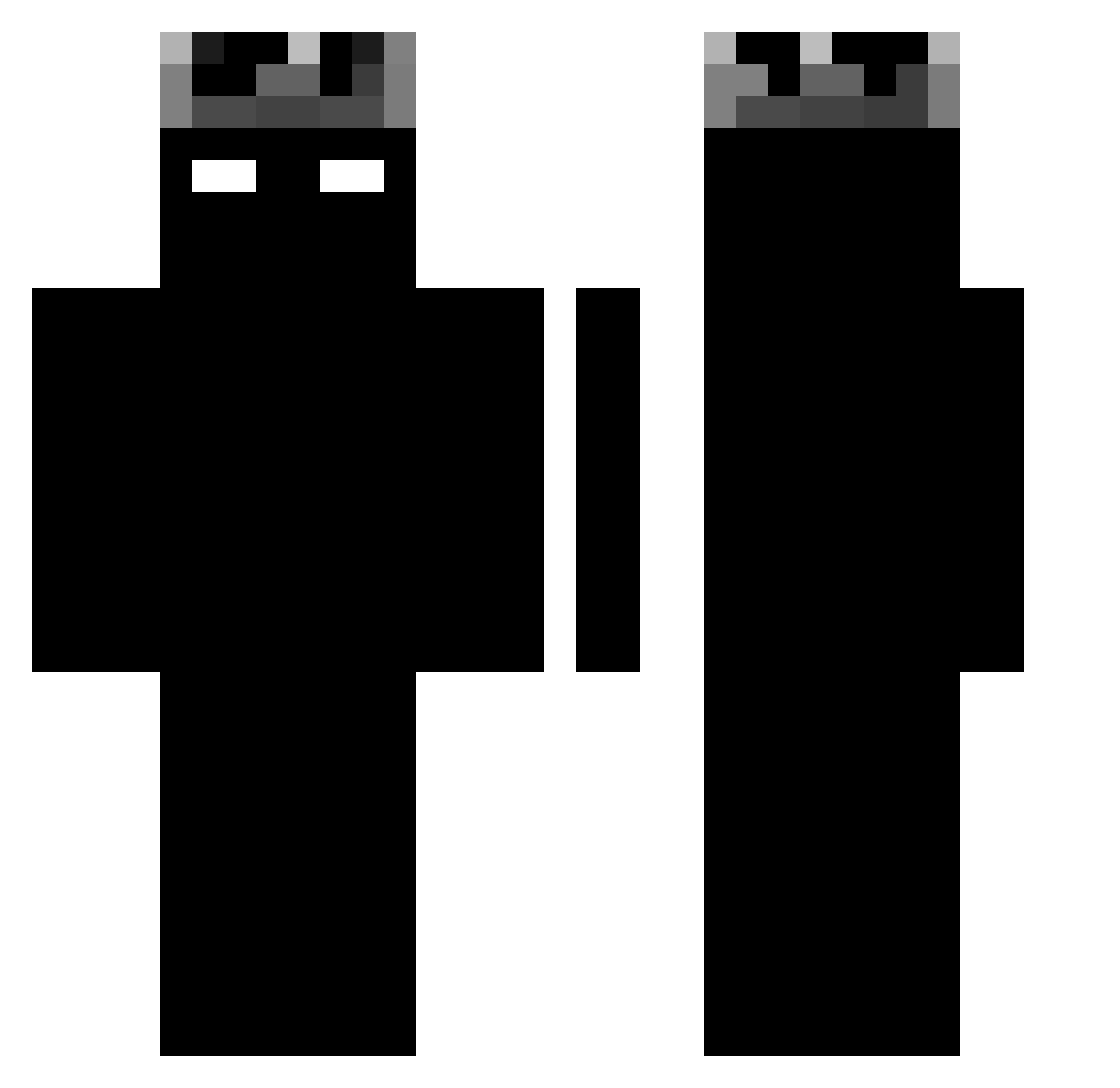
Current Minecraft skin of the player Mindfroze, loaded from the official Mojang API. Rotate the 3D model with your mouse or finger, then download the skin as a PNG file and use it in Minecraft: Bedrock Edition or Java Edition for free. When Mindfroze changes their skin, this page updates automatically and the old skin stays in the history below.
Other players with this skin (1188)
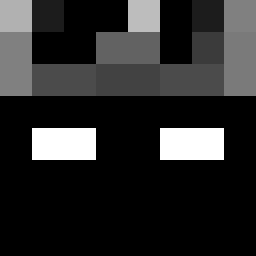
Mindfroze was the 595th player we have seen with this skin, first spotted on 16.09.2026. The same skin was seen on these players. Open a nickname to see their current skin and skin history.
 leonardomala13 malicerules2244 AlysonD1 gyaberyamish Flash2637 Speed1843 BigTFL Picouto_ whynotthough Miniyod cxyom Baileyboy748 RDCRIA Dynaxity vhsakadreemurr Vojta2907 Jacob_lin091912 CraftMasterAviv mangojuice_2 Andreii909 nkz1337 Xavier27p slowkj loveI1337 ItzRapturee
 jaloko1 Uzyteczny_brudas kreatywny_krzys MichaelGHG leomel1 dontlaughsir o0o0o0o0o00 kwnst Bggroi YFNP zFeehBr _Brennin RaastAat ItzDRumWavE WASHED555 Not_Shadow_Demon LuizVini99 KODY677 Nyeq 11QWQbuchi K0NV5 jurgan6 tanishqjii Shadowcraft0815 takahashi_san33 gwontheboyyo MedusaIngwer Cobalt2326 Surielx ______________km Nezyn Michlakk SVDDEN_DEATH MurkbladeX_X Ghost_936
More Shadow Minecraft skins
How to install the Mindfroze skin
- Press the Download button above to save the skin as a PNG file.
- Minecraft: Bedrock Edition (PE): open the Dressing Room from the main menu (or tap your character → Edit Character), go to Classic Skins → Owned, press the + (new skin) button, choose the downloaded PNG and pick the Classic (Steve) model. Works on PC and mobile; consoles cannot import custom skins.
- Minecraft: Java Edition: open the Minecraft Launcher, go to the Skins tab, click New Skin, load the PNG, pick the Classic (Steve) model and press Save & Use. You can also upload it at minecraft.net → Profile → Change Skin.
The skin does not show up after import - what should I do?
Restart Minecraft and open the Dressing Room again - imported skins sometimes appear only after a restart. Also make sure you selected the imported skin and picked the Classic (Steve) model.
Which model should I choose, Classic or Slim?
This skin is designed for the Classic (Steve) model. If you pick the wrong model, the arms of the skin will look stretched or squeezed.
Is the skin of Mindfroze free to download?
Yes. Press Download, save the PNG file and use it in Minecraft: Bedrock Edition or Java Edition - no payment or registration needed. The skin also works on multiplayer servers and Realms.
More skins
Looking for more? Go back to all Minecraft skins and check the top skins of the week, month and all time, or find any player's skin by nickname.