
Michlakk - Minecraft Skins & Skin History
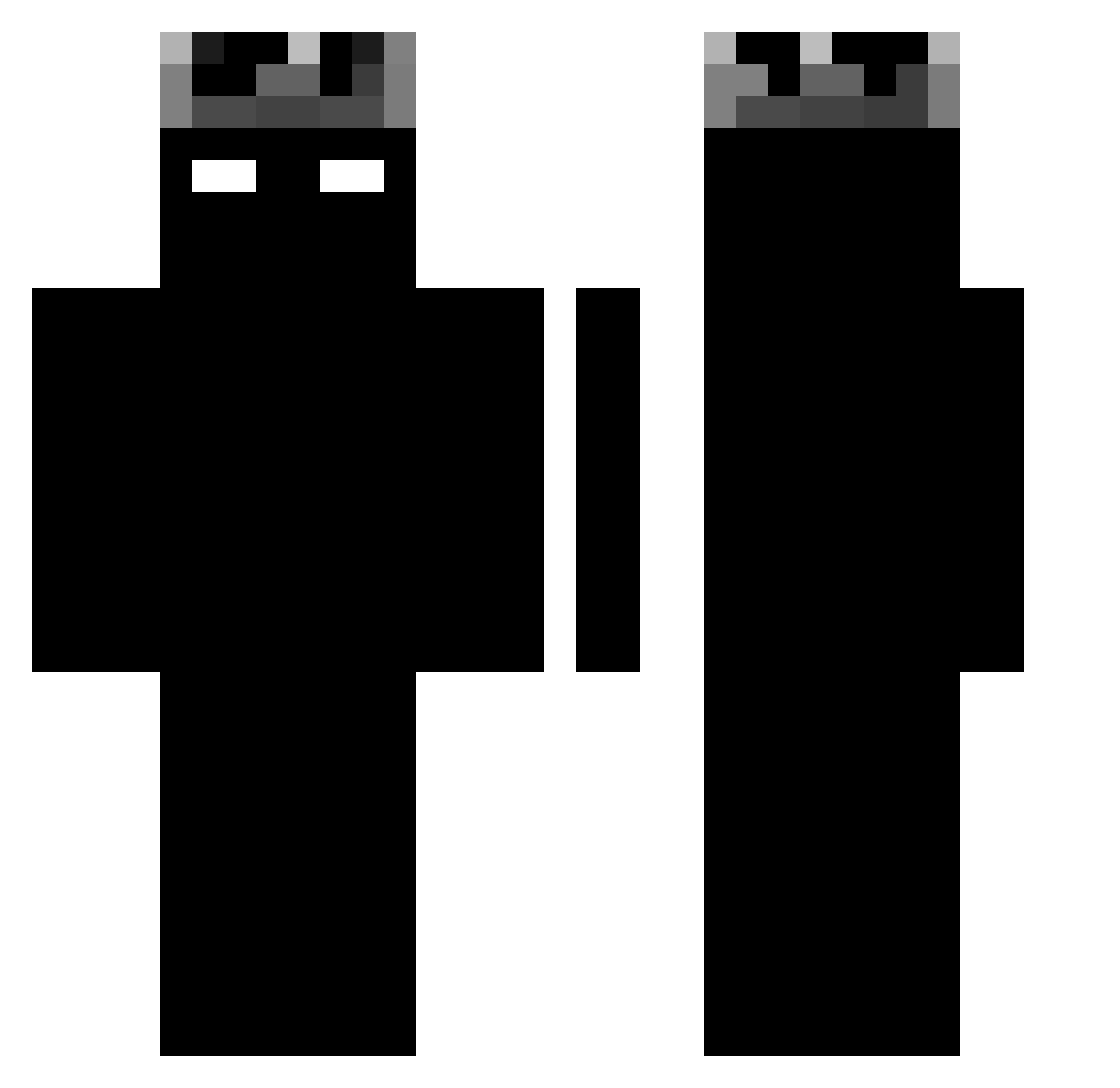
Current Minecraft skin of the player Michlakk, loaded from the official Mojang API. Rotate the 3D model with your mouse or finger, then download the skin as a PNG file and use it in Minecraft: Bedrock Edition or Java Edition for free. When Michlakk changes their skin, this page updates automatically and the old skin stays in the history below.
Other players with this skin (1188)
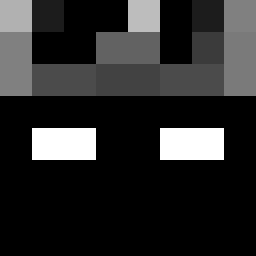
Michlakk was the 559th player we have seen with this skin, first spotted on 14.09.2026. The same skin was seen on these players. Open a nickname to see their current skin and skin history.
 Nezyn ______________km MurkbladeX_X Ghost_936 MedusaIngwer Stressly_ Guiiury tanishqjii jurgan6 K0NV5 11QWQbuchi Nyeq Ghibli636 Fenton71 Efkarlifistik44 zhuomuniao ThomasXrtz Not_Shadow_Demon isaac001010 yzyszn_ RaastAat _Brennin Peta20081 goatnaldoisback Mick_1019 YFNP Bggroi kwnst o0o0o0o0o00 leomel1 w0Ray wahab2_ Uzyteczny_brudas
 jaloko1 Milo_68 ItzRapturee loveI1337 Zenixx_x slowkj nkz1337 Andreii909 mangojuice_2 CraftMasterAviv vhsakadreemurr cgx520 JayTheReal1ne Dynaxity RDCRIA Baileyboy748 cxyom yx_5Snpc_06_24 Adain991031 Picouto_ batu0001 Samsung2883 HockeyRoman6096 BigTFL Mliq Flash2637 jaeyy_
More Shadow Minecraft skins
How to install the Michlakk skin
- Press the Download button above to save the skin as a PNG file.
- Minecraft: Bedrock Edition (PE): open the Dressing Room from the main menu (or tap your character → Edit Character), go to Classic Skins → Owned, press the + (new skin) button, choose the downloaded PNG and pick the Classic (Steve) model. Works on PC and mobile; consoles cannot import custom skins.
- Minecraft: Java Edition: open the Minecraft Launcher, go to the Skins tab, click New Skin, load the PNG, pick the Classic (Steve) model and press Save & Use. You can also upload it at minecraft.net → Profile → Change Skin.
The skin does not show up after import - what should I do?
Restart Minecraft and open the Dressing Room again - imported skins sometimes appear only after a restart. Also make sure you selected the imported skin and picked the Classic (Steve) model.
Which model should I choose, Classic or Slim?
This skin is designed for the Classic (Steve) model. If you pick the wrong model, the arms of the skin will look stretched or squeezed.
Is the skin of Michlakk free to download?
Yes. Press Download, save the PNG file and use it in Minecraft: Bedrock Edition or Java Edition - no payment or registration needed. The skin also works on multiplayer servers and Realms.
More skins
Looking for more? Go back to all Minecraft skins and check the top skins of the week, month and all time, or find any player's skin by nickname.