
Krise34 - Minecraft Skins & Skin History
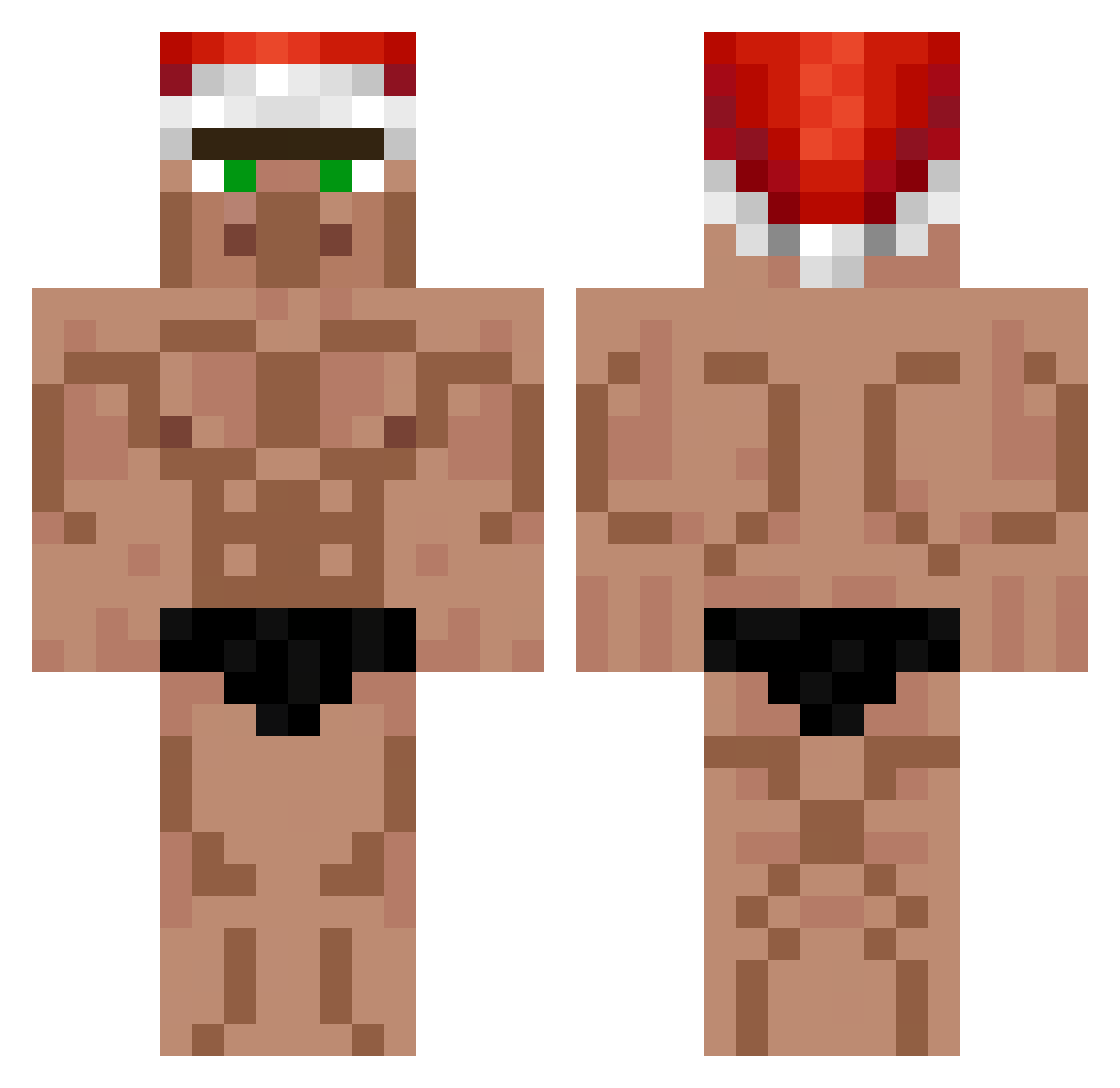
Current Minecraft skin of the player Krise34, loaded from the official Mojang API. Rotate the 3D model with your mouse or finger, then download the skin as a PNG file and use it in Minecraft: Bedrock Edition or Java Edition for free. When Krise34 changes their skin, this page updates automatically and the old skin stays in the history below.
Other players with this skin (552)
Krise34 was the 420th player we have seen with this skin, first spotted on 12.10.2026. The same skin was seen on these players. Open a nickname to see their current skin and skin history.
 Number1Racist ODuds17 MrTibboH Serpiror BeanzNdEggz HollowIsShort henry_08 _Saihtam_Lebureh Razor1492 aedixx ASACH_MC Gunsl Hugs4goat191 Slaugterman34 Sapiro0 Priamm_ Nallie Whadi7297 Damianek_Kabanos takosu828 Xoxoxo223 haiki87 ZeFeZ06 Rera10 spexx1337 Devvy2110 PillowyWind8617 Xelioo otogariadonis marisgundersen leoloC20 eduardo2518 le_sgeg Nuqlear Banzit0 Nagreusz franveita San812 bucelinho Biiizzz superpocho AnonymX_ 365lit thomasp7159 Daniel25712 ksalik NOBELIST SteVeNmajnkraft EspinosaJp PoMpAlAmAsY0n m4kih TryHard222 rook19990 KAERU041 Thedynamicduo223 pumpkintoes Cynot Dziadu1 VapeV4Haxck Beeet_
More Buff Minecraft skins
How to install the Krise34 skin
- Press the Download button above to save the skin as a PNG file.
- Minecraft: Bedrock Edition (PE): open the Dressing Room from the main menu (or tap your character → Edit Character), go to Classic Skins → Owned, press the + (new skin) button, choose the downloaded PNG and pick the Classic (Steve) model. Works on PC and mobile; consoles cannot import custom skins.
- Minecraft: Java Edition: open the Minecraft Launcher, go to the Skins tab, click New Skin, load the PNG, pick the Classic (Steve) model and press Save & Use. You can also upload it at minecraft.net → Profile → Change Skin.
The skin does not show up after import - what should I do?
Restart Minecraft and open the Dressing Room again - imported skins sometimes appear only after a restart. Also make sure you selected the imported skin and picked the Classic (Steve) model.
Which model should I choose, Classic or Slim?
This skin is designed for the Classic (Steve) model. If you pick the wrong model, the arms of the skin will look stretched or squeezed.
Is the skin of Krise34 free to download?
Yes. Press Download, save the PNG file and use it in Minecraft: Bedrock Edition or Java Edition - no payment or registration needed. The skin also works on multiplayer servers and Realms.
More skins
Looking for more? Go back to all Minecraft skins and check the top skins of the week, month and all time, or find any player's skin by nickname.