
 Agnes2011 gabrieldidthis kivancbeyimogluu Erickinho22 Daywalker843484 Dalabangala Gabrielus13 Da1Tali bobpropro GATTHYPAT Pinki_is_real Arvid7 mzz72 KoOlAiDMAn79 orisims EJ4 Apprise_ SrEco Gabbuster C9CE_Zertaxx AvocadoHunter040 blackkingsafe FurkanMDN0 InspectorHobbes IronPaul9 sereluc Shockeur74 JotaChev Kaan_32 StaticMeteor Ribas9 Ryan_Gosling0 Youxxiii 671ChiliGuzzler octapio Toxc_Hawk TX5959 DOCERO gagagrav Nolzix Mavimsiii T0fox scone88 RealJerehmii mete0397 ASAP_Maaji Tinalexanderic Xmiron FruchtNinjaPro Alvin991 ZitosKi ATUAPRIMA16 XRA94 jsebr366 ZigaPodobnik XenoTek2836 allie0609 Bad2THEBONE0202 SuSSSSSSSYBoI Mc_Oliwa
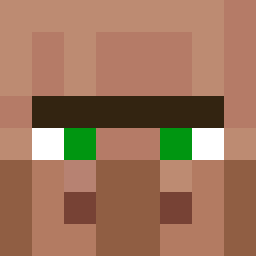
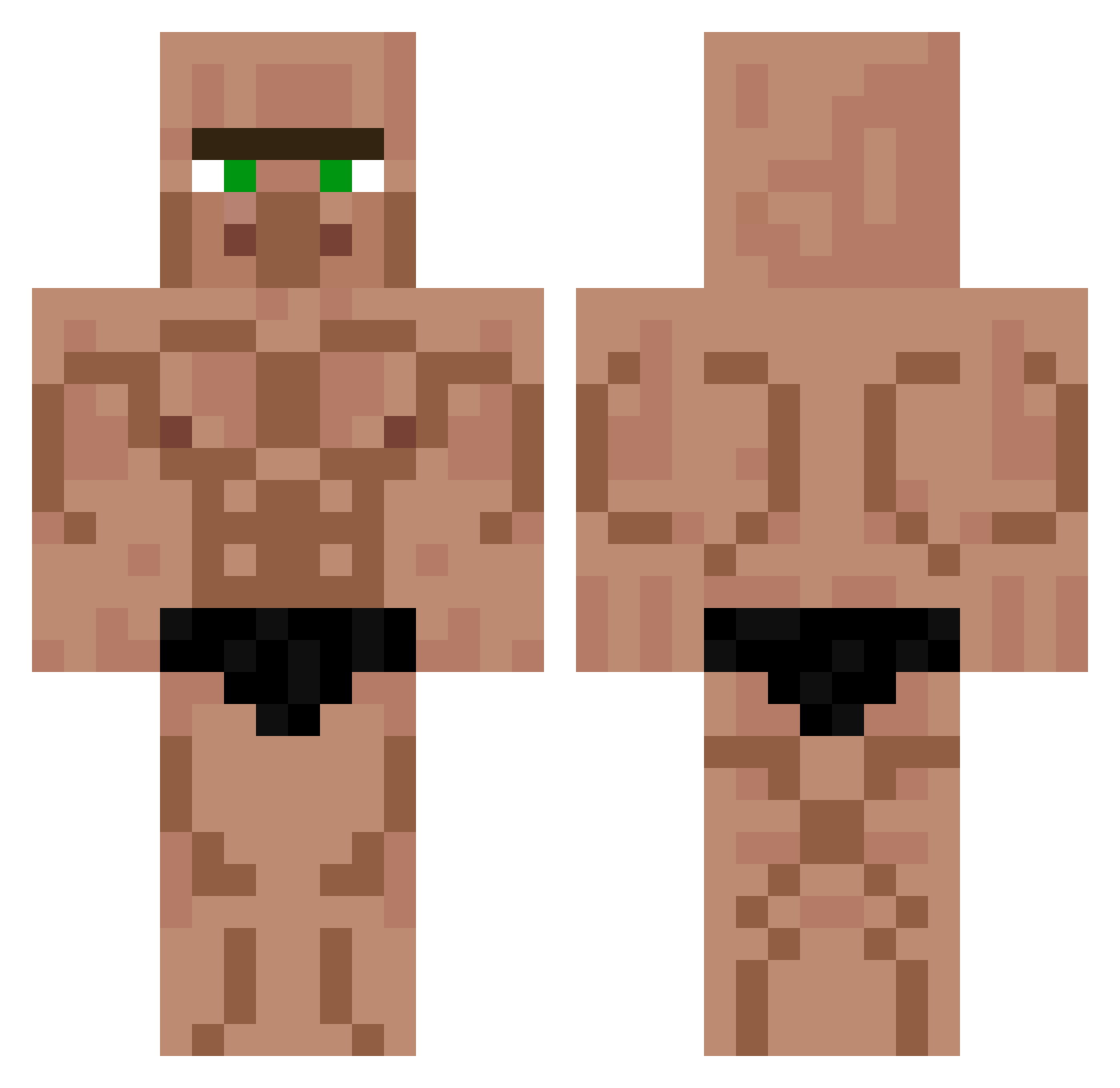
Minecraft skin of markmastercat. Rotate the 3D model with your mouse or finger to view the skin from every angle, then download it as a PNG file and use it in Minecraft: Bedrock Edition or Java Edition for free. Rate the skin with stars to help other players find the best skins in our collection.
How to install the markmastercat skin
- Press the Download button above to save the skin as a PNG file.
- Minecraft: Bedrock Edition (PE): open the Dressing Room from the main menu (or tap your character → Edit Character), go to Classic Skins → Owned, press the + (new skin) button, choose the downloaded PNG and pick the Classic (Steve) model. Works on PC and mobile; consoles cannot import custom skins.
- Minecraft: Java Edition: open the Minecraft Launcher, go to the Skins tab, click New Skin, load the PNG, pick the Classic (Steve) model and press Save & Use. You can also upload it at minecraft.net → Profile → Change Skin.
The skin does not show up after import - what should I do?
Restart Minecraft and open the Dressing Room again - imported skins sometimes appear only after a restart. Also make sure you selected the imported skin and picked the Classic (Steve) model.
Which model should I choose, Classic or Slim?
This skin is designed for the Classic (Steve) model. If you pick the wrong model, the arms of the skin will look stretched or squeezed.
Is this skin free to use?
Yes. Press Download, save the PNG file and use it in Minecraft: Bedrock Edition or Java Edition - no payment or registration needed. The skin also works on multiplayer servers and Realms.
More Buff Minecraft skins
More skins
Looking for more? Go back to all Minecraft skins and check the top skins of the week, month and all time, or find any player's skin by nickname.