
 DAVILINDAO013 justinmoney13 hellocewchie murr_meow br0idkl0l Niicxk magnetron_tosti Atome_op chromehearts000 mishyymoo perkey09 candyycandyy23 jadetin EHJ0620 MiorasKatovi PedroElPicas Petarada uksung06 MinaKK0 Konochu Dylanorsomething einfachArthurr trivxz Kio_roll iluvwonton InbetweenWorm Kruczynski17 _bliss_ raccooooooooon zihqn x11111111111 shanobu LSantana NE_E_NE yeoyuu faiiiry Allxon Miniminina Q0rve d3n4ikk sdfasdfz yGabi2209 laurars vickyyy09 oneakara pitbulll 0111sevennn Kizzykushy isauruss Mansol2 SylvanasQwQ Yoshin0_x SSCH_OvO LMonkeManL Haemolacria83 ChocoRoll69 wannna_kms CDcard Annaesthetic_ KnNr_
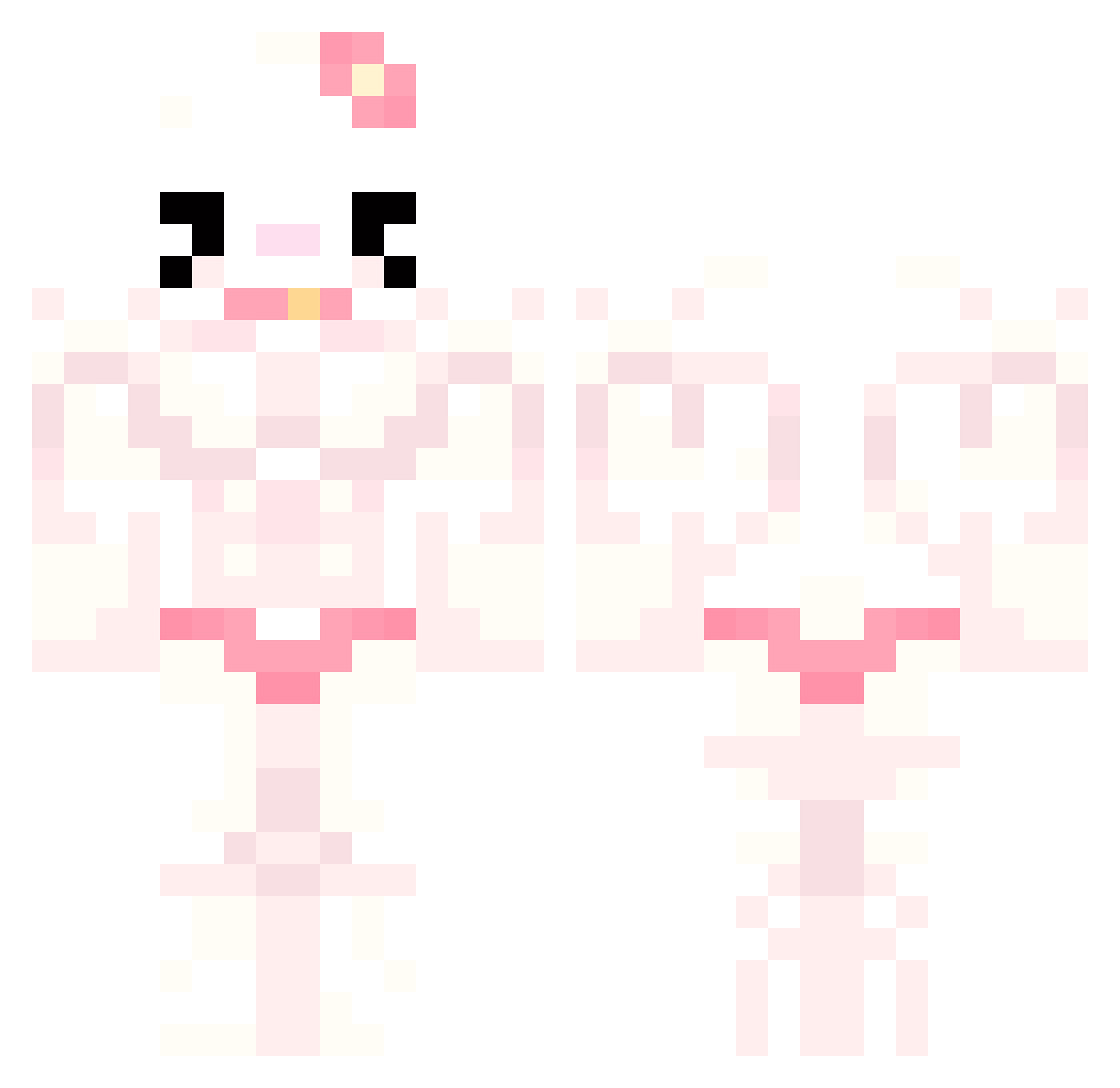
Minecraft skin of hachijna. Rotate the 3D model with your mouse or finger to view the skin from every angle, then download it as a PNG file and use it in Minecraft: Bedrock Edition or Java Edition for free. Rate the skin with stars to help other players find the best skins in our collection.
How to install the hachijna skin
- Press the Download button above to save the skin as a PNG file.
- Minecraft: Bedrock Edition (PE): open the Dressing Room from the main menu (or tap your character → Edit Character), go to Classic Skins → Owned, press the + (new skin) button, choose the downloaded PNG and pick the Classic (Steve) model. Works on PC and mobile; consoles cannot import custom skins.
- Minecraft: Java Edition: open the Minecraft Launcher, go to the Skins tab, click New Skin, load the PNG, pick the Classic (Steve) model and press Save & Use. You can also upload it at minecraft.net → Profile → Change Skin.
The skin does not show up after import - what should I do?
Restart Minecraft and open the Dressing Room again - imported skins sometimes appear only after a restart. Also make sure you selected the imported skin and picked the Classic (Steve) model.
Which model should I choose, Classic or Slim?
This skin is designed for the Classic (Steve) model. If you pick the wrong model, the arms of the skin will look stretched or squeezed.
Is this skin free to use?
Yes. Press Download, save the PNG file and use it in Minecraft: Bedrock Edition or Java Edition - no payment or registration needed. The skin also works on multiplayer servers and Realms.
More Hello Kitty Minecraft skins
More skins
Looking for more? Go back to all Minecraft skins and check the top skins of the week, month and all time, or find any player's skin by nickname.