
 Aliodman Selboy grenztrial Bustyatoof AAC8 Mr_Mojang123 ClassicBr 0AKZ06 DARKKXP Mlody_Pumba ESTORADORDEXOTA KOK112 Lordglitch_ Sammus_24 jew123 banksreservas RakiraM12 arigoler Fahrradreifen099 V4CZIN MythicKento Giuseppe_130 EquusFolk yeahbutbttv Aftermath277 evenhand Thiago12334 Xeyon Oklahoma021 GuiGuiGoat TylerSTPA k3ogek TeeHeeHeeNag Indefat1gable Brikxxx Strikertn DaiskyTr Vova_297 papy_jean 123wolves coffegear louisatche StokedFrog18294 Ivanlxc Aaroncraft2009 The_Boss_Gustavo SuccY0urMum Prosto09 Lucasgr09 Matthz__ Tathunette Nextension Dxzfy masadik228 DadaChris Massimo0868 XK_KING JM____ Vitinhosantos20 BenCat12
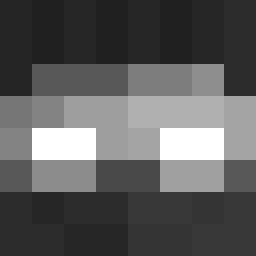
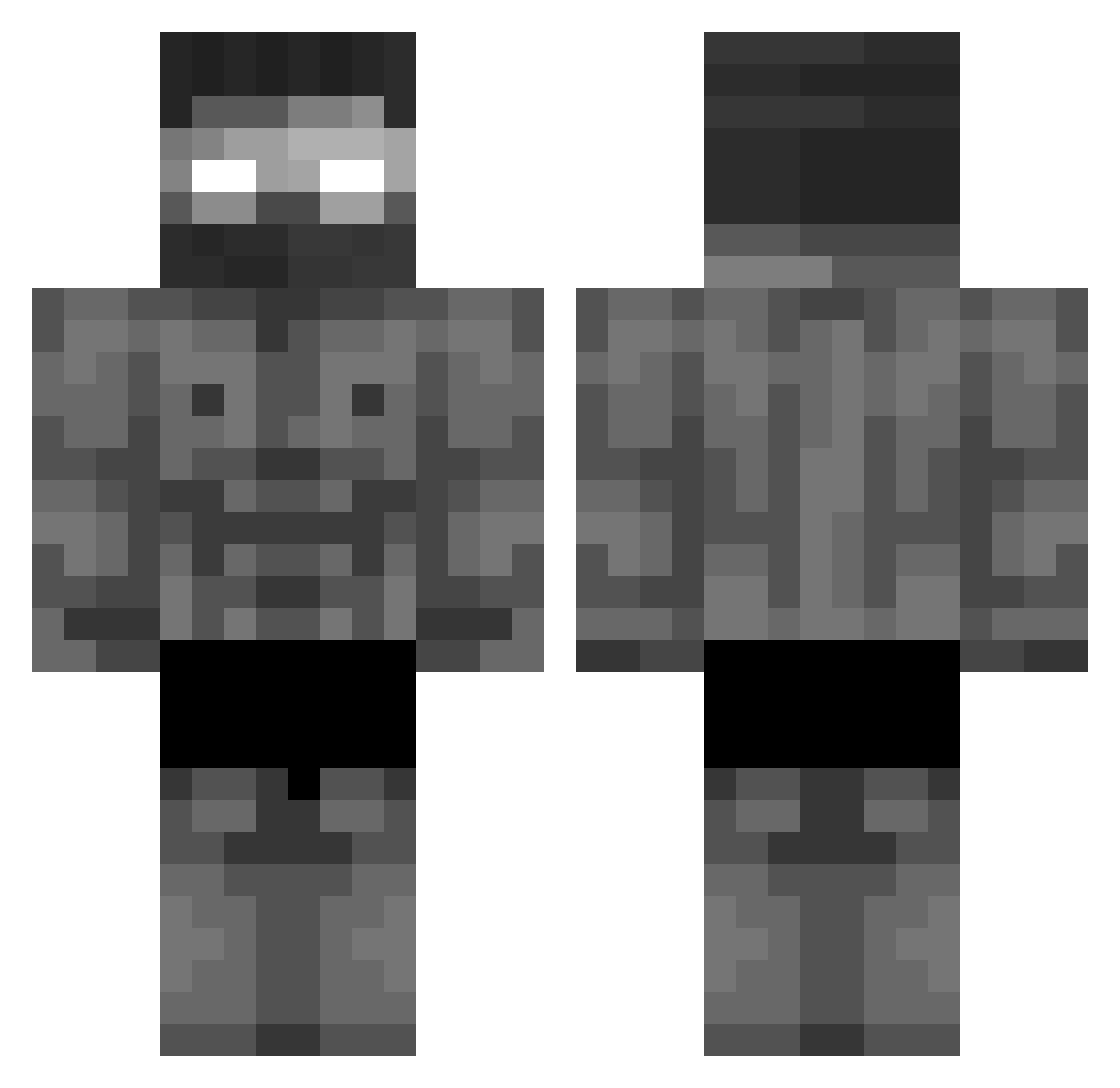
Minecraft skin of Fabian231211. Rotate the 3D model with your mouse or finger to view the skin from every angle, then download it as a PNG file and use it in Minecraft: Bedrock Edition or Java Edition for free. Rate the skin with stars to help other players find the best skins in our collection.
How to install the Fabian231211 skin
- Press the Download button above to save the skin as a PNG file.
- Minecraft: Bedrock Edition (PE): open the Dressing Room from the main menu (or tap your character → Edit Character), go to Classic Skins → Owned, press the + (new skin) button, choose the downloaded PNG and pick the Classic (Steve) model. Works on PC and mobile; consoles cannot import custom skins.
- Minecraft: Java Edition: open the Minecraft Launcher, go to the Skins tab, click New Skin, load the PNG, pick the Classic (Steve) model and press Save & Use. You can also upload it at minecraft.net → Profile → Change Skin.
The skin does not show up after import - what should I do?
Restart Minecraft and open the Dressing Room again - imported skins sometimes appear only after a restart. Also make sure you selected the imported skin and picked the Classic (Steve) model.
Which model should I choose, Classic or Slim?
This skin is designed for the Classic (Steve) model. If you pick the wrong model, the arms of the skin will look stretched or squeezed.
Is this skin free to use?
Yes. Press Download, save the PNG file and use it in Minecraft: Bedrock Edition or Java Edition - no payment or registration needed. The skin also works on multiplayer servers and Realms.
More Buff Minecraft skins
More skins
Looking for more? Go back to all Minecraft skins and check the top skins of the week, month and all time, or find any player's skin by nickname.