
 Nk3itz vaha228123 Stantonow007 MJ_xh Dybala21129 ZenitMan KartoffelSchale Arkadian7333 lauda11 santimuel3 ZenNedz belgachocolate QC_Kusa Owlman65432 Anxyns LACIATY432342 Rogerlover37 Nievita qiivra Ev23 Superman4252 MixtuRo_PL DeusMiguelet TitoSergi lowiqkid0043 Yunaten Atalay7 gvzktk Xleod nimilor SA098W zmeic OfficialMiM enz1749 GentoAoi q200591860 Vinnyvids2516 MojoPiojo dipdark1 Mora_morado DatedMouse wolflee3 theototo58 upurbutt Saadam stevanano10 QeeQee Ib_b fionnuarxd arschkriecher101 Prostochlen22855 rafitcha04 camilooooow JellReena Atlas952 SkinnyB3nis Stevehawk01 Flame_Real Yxshyrx boulvard_depo
Minecraft skin of LACIATY432342. Rotate the 3D model with your mouse or finger to view the skin from every angle, then download it as a PNG file and use it in Minecraft: Bedrock Edition or Java Edition for free. Rate the skin with stars to help other players find the best skins in our collection.
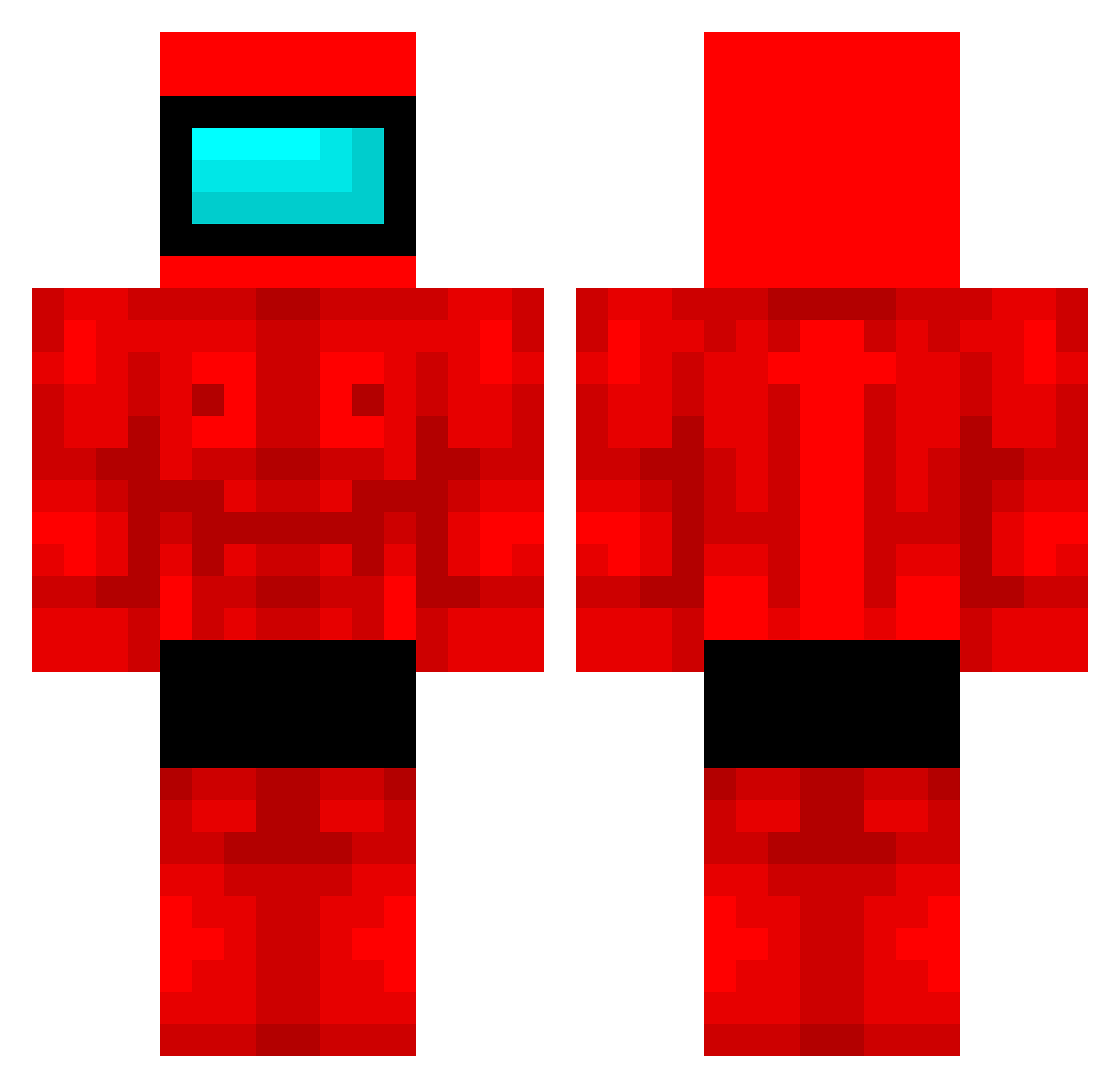
How to install the LACIATY432342 skin
- Press the Download button above to save the skin as a PNG file.
- Minecraft: Bedrock Edition (PE): open the Dressing Room from the main menu (or tap your character → Edit Character), go to Classic Skins → Owned, press the + (new skin) button, choose the downloaded PNG and pick the Classic (Steve) model. Works on PC and mobile; consoles cannot import custom skins.
- Minecraft: Java Edition: open the Minecraft Launcher, go to the Skins tab, click New Skin, load the PNG, pick the Classic (Steve) model and press Save & Use. You can also upload it at minecraft.net → Profile → Change Skin.
The skin does not show up after import - what should I do?
Restart Minecraft and open the Dressing Room again - imported skins sometimes appear only after a restart. Also make sure you selected the imported skin and picked the Classic (Steve) model.
Which model should I choose, Classic or Slim?
This skin is designed for the Classic (Steve) model. If you pick the wrong model, the arms of the skin will look stretched or squeezed.
Is this skin free to use?
Yes. Press Download, save the PNG file and use it in Minecraft: Bedrock Edition or Java Edition - no payment or registration needed. The skin also works on multiplayer servers and Realms.
More Buff Minecraft skins
More skins
Looking for more? Go back to all Minecraft skins and check the top skins of the week, month and all time, or find any player's skin by nickname.